Last Updated: July 2026
A transparent logo maker helps businesses create professional logos without a solid background, making them suitable for websites, business cards, social media, merchandise, packaging, and marketing materials.
Unlike logos with white or colored backgrounds, transparent PNG logos blend naturally into almost any design.
Whether you’re launching a startup or refreshing your brand, having a transparent logo is essential for maintaining a clean and professional visual identity.
If you’re ready to design your own logo, try the AI Logo Generator or start creating your logo now to generate transparent logo concepts in minutes.
Quick Answer
A transparent logo is typically saved as a PNG file with no background.
This allows your logo to be placed on:
- Websites
- Social media posts
- Videos
- Product packaging
- Business cards
- Signage
- Presentation slides
Modern AI logo generators can create transparent PNG logos automatically, eliminating the need for complicated graphic design software.
What Is a Transparent Logo?
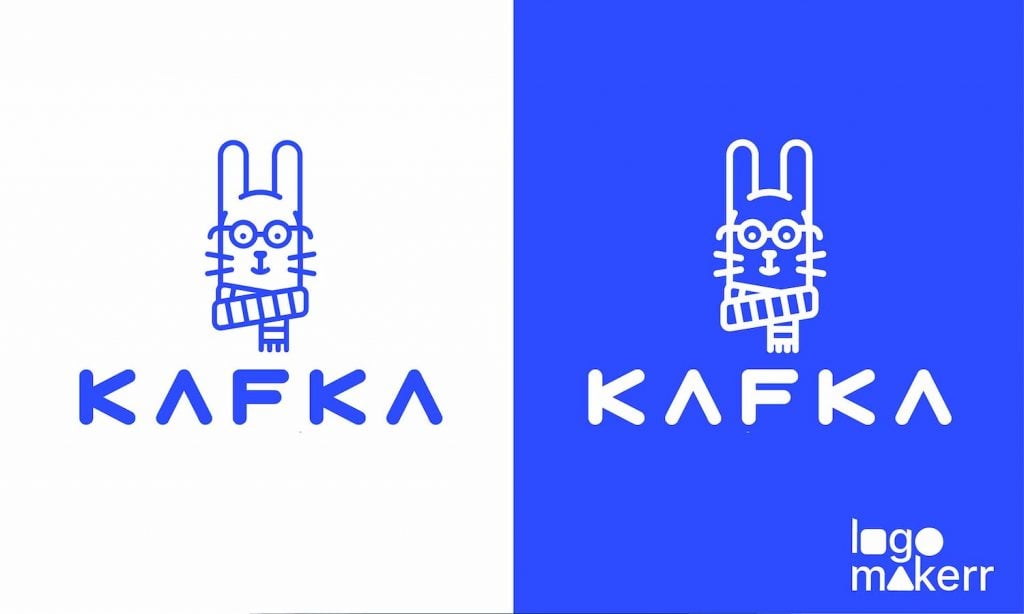
A transparent logo has no visible background.
Instead of appearing inside a white box or colored square, only the logo itself is visible.
This makes the logo much more versatile across digital and printed media.
For example, placing a white-background logo onto a colored website often creates an unprofessional appearance, while a transparent PNG blends seamlessly with the page.
Why Every Business Needs a Transparent Logo
A transparent logo gives you much greater flexibility.
You can place it on:
- Dark backgrounds
- Light backgrounds
- Photos
- Videos
- Marketing materials
- Product packaging
Without worrying about awkward borders or mismatched colors.
Professional brands almost always maintain transparent versions of their logos.
Common Logo File Formats
Understanding logo file formats helps you choose the right version for each project.
PNG
Best for:
- Websites
- Social media
- Presentations
- Digital marketing
PNG supports transparent backgrounds, making it the preferred format for most businesses.
SVG
SVG files are vector graphics that remain sharp at any size.
They’re ideal for:
- Websites
- Responsive design
- Printing
- Large displays
JPG
JPG files do not support transparency.
They’re suitable for photographs but generally not recommended for professional logos.
PDF & EPS
These formats are commonly used for commercial printing.
Design agencies and print shops often request vector files when producing signage, banners, or promotional materials.
Benefits of Transparent Logos

Using a transparent logo offers several advantages.
Professional Appearance
Your logo blends naturally into any design.
Better Branding
Consistent presentation strengthens your brand identity.
Easier Marketing
One logo works across multiple platforms.
Future-Proof Design
Transparent logos adapt to new marketing materials without needing redesigns.
How AI Creates Transparent Logos
Modern AI logo generators simplify the entire process.
Simply enter:
- Business name
- Industry
- Design preferences
The AI generates multiple logo concepts that can be downloaded as transparent PNG files.
Instead of removing backgrounds manually, you can start designing your logo and receive professional logo files ready for immediate use.
Businesses comparing AI platforms may also find our guide to Best Free AI Logo Generators useful.
Common Mistakes
Avoid these mistakes when creating your logo:
- Using JPG instead of PNG
- Exporting low-resolution files
- Forgetting to save a transparent version
- Adding unnecessary background shapes
- Using colors that disappear on dark backgrounds
If you’re planning to register your logo, it’s also worth understanding whether AI-generated logos can be trademarked before finalizing your branding.
Where Should You Use a Transparent Logo?
Once you have a transparent logo, you’ll use it almost everywhere.
Here are the most common applications.
Website Headers
Transparent logos look much cleaner on websites because they blend naturally into the page background.
Whether your navigation bar is white, black, or colored, a transparent PNG maintains a professional appearance.
If you’re creating a new business logo, you can generate your logo with Logomakerr.ai and download files ready for web use.
Social Media
Most social media platforms display profile pictures inside circles or rounded squares.
A transparent logo eliminates unwanted white borders and keeps your branding clean on platforms like:
- X (Twitter)
- TikTok
- YouTube
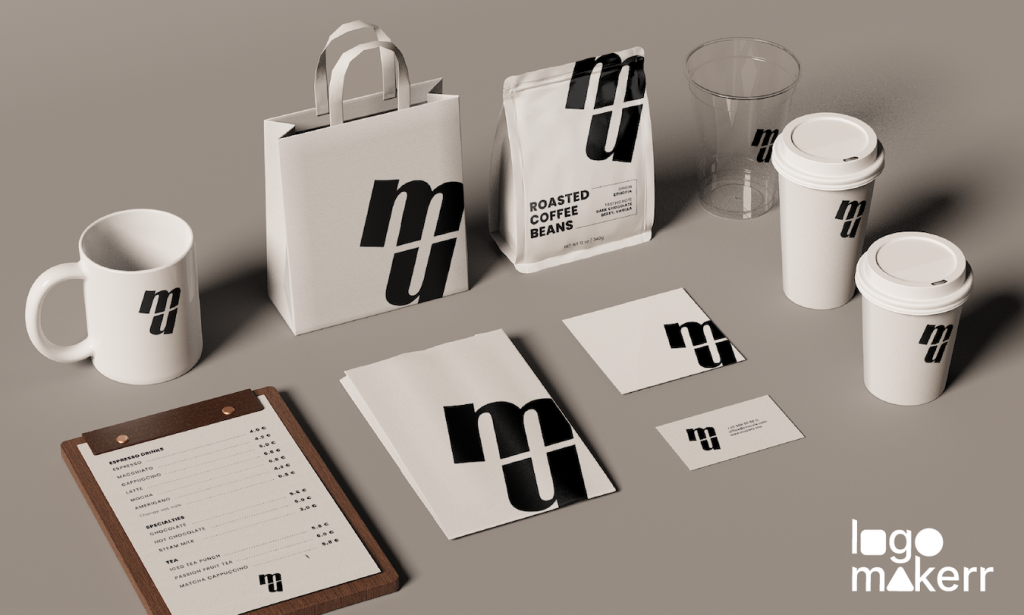
Product Packaging
Transparent logos work well on:
- Labels
- Boxes
- Shopping bags
- Stickers
- Merchandise
Instead of redesigning your logo for every packaging color, a transparent version adapts automatically.
Marketing Materials
Professional businesses typically use transparent logos on:
- Flyers
- Brochures
- Presentations
- Email signatures
- Digital advertisements
- Promotional banners
Using one transparent master logo keeps your branding consistent across every marketing channel.
Can You Make an Existing Logo Transparent?
Yes.
If you already have a logo with a white background, there are tools that can remove the background automatically.
However, the highest-quality result usually comes from exporting the logo with transparency from the original source rather than editing a JPG afterward.
If you’re redesigning your logo anyway, it’s often easier to create a new transparent logo from the beginning.
Transparent PNG vs SVG
Both formats are excellent, but they serve different purposes.
PNG
Best for:
- Websites
- Social media
- Online marketing
- Presentations
Advantages:
- Supports transparency
- Widely compatible
- Easy to use
SVG
Best for:
- Websites
- Printing
- Large displays
- Responsive design
Advantages:
- Infinite scalability
- Small file size
- Crisp at every resolution
Many businesses keep both formats to cover every design scenario.
Frequently Asked Questions
What is a transparent logo?
A transparent logo has no visible background, allowing it to blend naturally with websites, marketing materials, packaging, and social media graphics.
Which file format supports transparency?
PNG and SVG both support transparent backgrounds.
JPG does not support transparency.
Why do businesses use transparent logos?
Transparent logos look more professional because they work on almost any background without leaving unwanted white boxes or colored borders.
Can AI generate transparent logos?
Yes.
Modern AI logo makers automatically generate logo files with transparent backgrounds, making them ready for immediate use across websites, social media, and printed materials.
If you’re looking for a fast solution, try the AI Logo Generator or start creating your logo today.
Do I need both PNG and SVG?
Ideally, yes.
PNG is perfect for everyday digital use, while SVG provides unlimited scalability for websites and printing.
Having both formats gives your business maximum flexibility.
Final Thoughts
A transparent logo is no longer optional.
Whether you’re building a website, launching a startup, creating social media content, or printing marketing materials, a transparent PNG or SVG ensures your logo always looks clean and professional.
Modern AI has made the process incredibly simple.
Instead of spending hours editing backgrounds manually, you can generate professional logo concepts and download transparent files in just a few clicks.
Ready to create your own transparent logo?
👉 Start designing your logo with Logomakerr.ai and generate professional transparent logos in minutes.
Continue Learning
You may also enjoy these guides:
- Best AI Logo Generator for Small Businesses
- Best Free AI Logo Generators
- What Is a Brand Identity?
- Can AI-Generated Logos Be Trademarked?
- Looka Alternatives