Short answer: choose Logomakerr.ai when you want a focused route from a business brief to editable logo directions and a practical logo handoff. Choose Turbologo when you want a logo purchase bundled with a wider set of brand-kit outputs such as social designs, business-card material and other branded assets. The useful decision is not which homepage shows more examples; it is which workflow produces a logo your team can inspect, approve and reuse correctly.
This comparison reflects the public product information available on 27 October 2026. Features, packages and prices can change, so verify the current offer before purchase. It does not assume that either product guarantees trademark clearance, originality or business results.
Start with the real deliverables
Write down every file and placement you need before opening either product. A small business may require a primary horizontal logo, a compact mark for social profiles, a transparent-background image for a website, a print-ready file for packaging and a simple colour reference. Another business may need only a website header and invoice mark.
This list matters because a logo preview is not the same as a usable identity handoff. If you need vector artwork, transparent backgrounds or multiple variations, confirm that the selected package explicitly includes them. If you need social templates or a website, decide whether you truly want those items tied to the same vendor.
Logomakerr.ai is positioned as an AI logo maker focused on generating and refining logo concepts. Turbologo presents a broader bundle around logo creation, including a brand kit and additional business materials. That difference should shape the test.
Compare the brief, not only the first screen
Prepare one short brief containing the business name, industry, audience, personality, prohibited symbols, preferred tone and the places the logo will appear. Use the same brief in both products. Do not add extra detail to one tool after seeing a better first result; that makes the comparison unfair.
Record how each workflow interprets the brief. Does it preserve the exact business name? Does it produce readable typography at small size? Are the symbols relevant without becoming generic? Can you move away from the first style direction without restarting the whole process?
The first generated gallery is only exploration. A strong workflow should let you identify two or three candidates, adjust them deliberately and compare the resulting files. For a deeper method, use the logo testing checklist before selecting a winner.
Evaluate editing control
Choose one candidate in each product and make the same changes: correct letter spacing, simplify the colour palette, test a one-colour version and create a compact alternative. Note whether the editor makes these changes predictable or encourages repeated random regeneration.
Typography deserves special attention. Zoom in on similar characters, punctuation and small counters inside letters. Then shrink the logo to the size used in a mobile header or social avatar. A wordmark that looks polished in a large editor can become muddy when exported small.
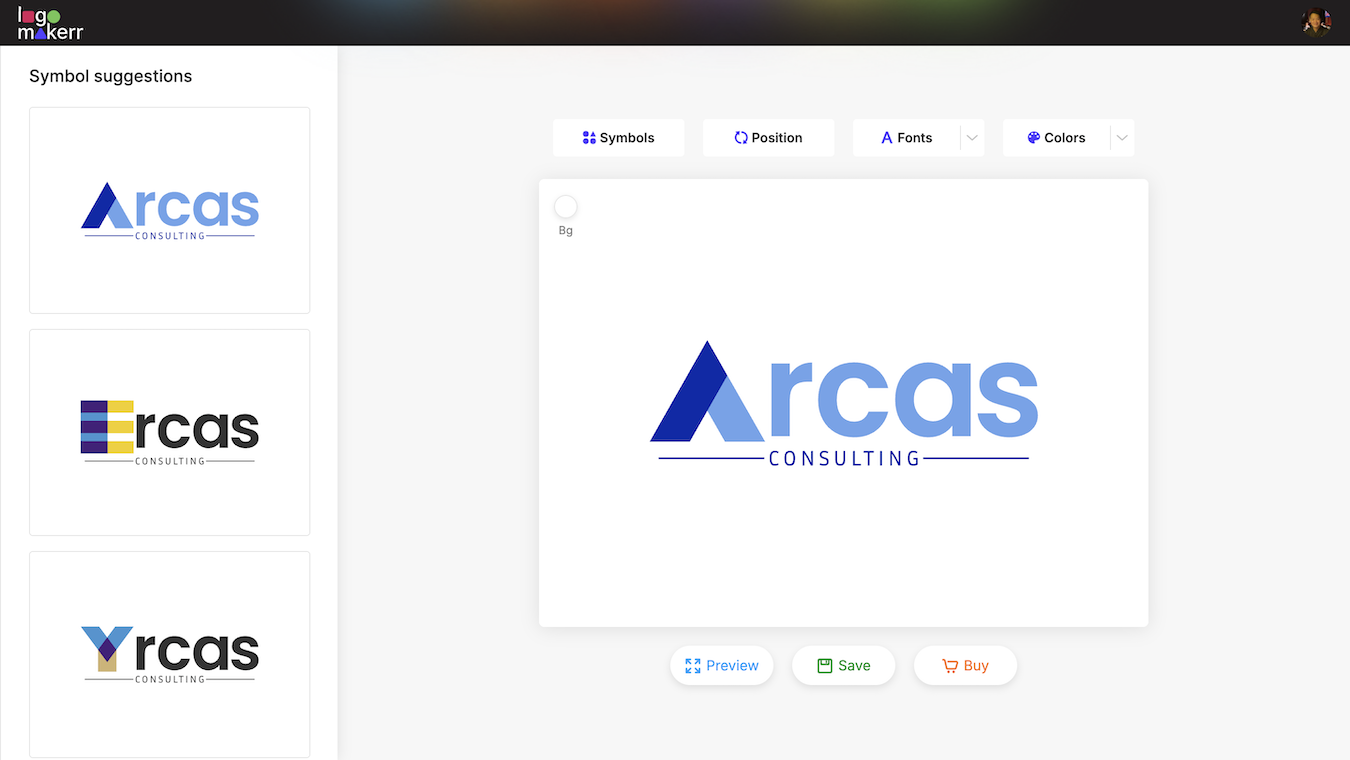
Keep a dated screenshot or exported proof after every meaningful change. It is easy to lose a stronger earlier version when an editor replaces the canvas. A simple approval folder also prevents teammates from downloading different revisions.
Inspect originality and legal risk
AI-assisted logo tools can speed up exploration, but they do not replace clearance work. Search for similar names and visual marks in the markets where you plan to trade. Check relevant trademark databases and obtain professional advice when the brand carries meaningful commercial risk.
Avoid treating a familiar icon with a colour change as a distinctive identity. Compare each candidate with direct competitors and with common symbols in the industry. Ask whether the logo is recognizable because it fits the business or merely because it repeats a category cliché.
Read the current licence and ownership terms for the exact package. Save a copy of the applicable terms and receipt with the approved files. The article on AI-generated logos and trademark questions explains why creation and legal clearance are separate decisions.
Compare files and export quality
Do not decide from the browser preview. Export the files available in the package you are considering, then open them in separate software. Confirm dimensions, transparency, colour behaviour and whether vector files remain editable without missing elements.
Place the logo on a white background, dark background, photograph and plain black-and-white document. Print it at a small size. Test the compact mark in a circular avatar and the horizontal version in a narrow website header. Look for thin lines, gaps and tiny text that disappear.
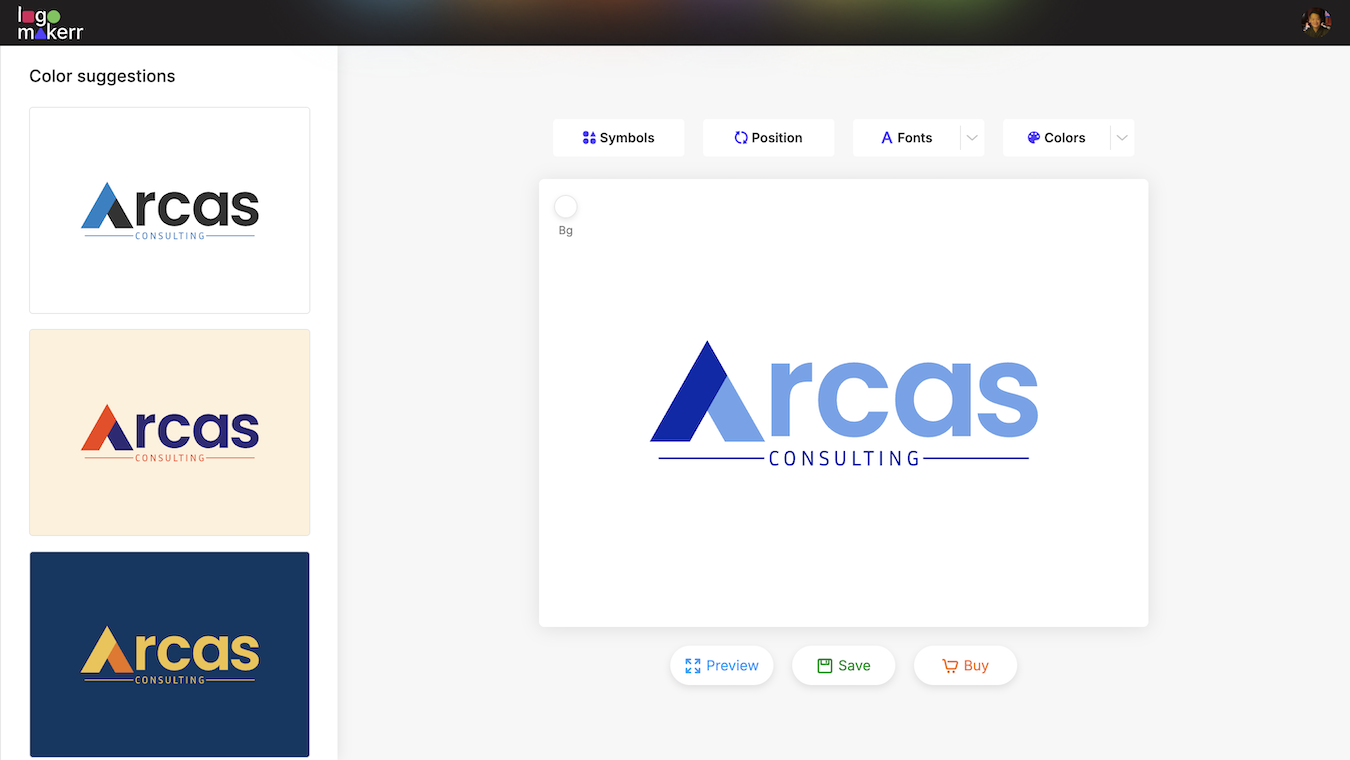
Use consistent filenames such as brand-primary-dark.svg, brand-mark-light.png and brand-wordmark-black.pdf. The logo file-naming guide provides a practical structure for keeping exports organized.
Brand kit breadth versus focused handoff
Turbologo’s public offer emphasizes that a purchased logo can sit inside a broader collection of branded materials. This may help a solo founder who wants several common assets from one service and is willing to maintain them there. Review which assets are included in the chosen package and how long editing access lasts.
Logomakerr.ai may be the cleaner fit when the priority is the logo itself and the team already has tools for layouts, social posts or web publishing. A focused workflow can reduce unused extras, but it also means the business must create or manage supporting templates elsewhere.
Neither model is automatically cheaper. Compare the complete first-year job: package cost, revision time, external templates, print preparation, later changes and the effort of moving files between systems. Avoid publishing a permanent numeric price comparison because offers can change quickly.
Run a 45-minute side-by-side test
- Use the same six-sentence business brief in both tools.
- Generate an initial set and shortlist two candidates from each.
- Apply the same typography, colour and layout changes.
- Create a one-colour version and a compact social mark.
- Export the files included in the package under review.
- Test website header, avatar, invoice and small print use.
- Record missing deliverables, corrections and total time.
Score observed outcomes, not the number of templates. Give extra weight to accurate name rendering, readable typography, controlled revisions, usable exports and a handoff another person can understand.
Which product fits which user?
Logomakerr.ai is the more natural candidate for a founder or small team that wants a focused logo-generation and refinement workflow, then plans to use the approved files in other tools. Turbologo is the more natural candidate for someone who values a broader branded-output bundle alongside the logo.
The choice can change by project. A quick internal event mark and a long-term company identity do not deserve the same review depth. For a permanent brand, slow down at the shortlist, clearance and export stages.
Whichever product you choose, keep the original brief, shortlisted versions, approval note, licence information and final master files together. The durable value comes from a clear, repeatable handoff—not from the size of the first generated gallery.
Frequently asked questions
Is Turbologo the same as Logomakerr.ai?
No. Both support logo creation, but Turbologo publicly emphasizes a broader brand bundle while Logomakerr.ai offers a focused logo-making workflow. Compare the current package details for the deliverables you need.
Can either tool guarantee a unique trademark?
No. Generation and editing do not replace name searches, visual similarity checks or legal clearance in the markets where the brand will operate.
Which tool is better for vector files?
Check the exact current package before paying, then open the exported vector file independently. The right choice is the one that supplies the formats and editing rights your real workflow requires.
Should I buy a brand kit with the logo?
Only if you will use and maintain the included assets. A broad bundle can reduce setup work, while a focused logo handoff may suit teams that already have design and publishing tools.