
Choose Makerr Studio when the main job is focused image transformation and review in an AI image editor. Choose Canva when the team needs a broader design workspace with templates, brand assets, collaboration and multi-format content production. Test both with the same source image, preserve the original, verify critical details, and compare the final exported file rather than the editor preview alone.
Quick answer: focused editor or broader design platform
Makerr Studio and Canva overlap in AI-assisted image editing, but they are not identical product categories. Makerr Studio is a focused AI image editor for transforming and refining images. Canva is a broad visual-communication platform that combines layout design, templates, collaboration, publishing formats and a growing set of AI editing tools.
Choose Makerr Studio when the team primarily needs to work on an image itself and wants a direct source-to-result workflow. Choose Canva when the edited image is one component of a larger design system that includes presentations, social posts, documents, brand templates or coordinated team production.
Neither tool removes the need to review AI output. Generated pixels can alter text, faces, product geometry, colors, logos and small repeating details. The source remains evidence; the edited result is a proposal until someone approves the exported file.
Define the job before opening either product
Write the intended placement, dimensions and acceptance criteria. “Make this better” is not a useful brief. “Remove the distracting background, preserve the product outline and label, then export a 1600-pixel-wide web image” can be tested.
List details that must not change. For a product, that may include shape, included parts, finish, label wording and color. For a portrait, identity, expression and clothing boundaries may matter. For a property photograph, room proportions and permanent features may be commercially significant.
Use the same source file in both tests. Keep it unedited, name it clearly and do not overwrite it. The guide to reviewing AI product photos provides a risk-based checklist for details that buyers may rely on.
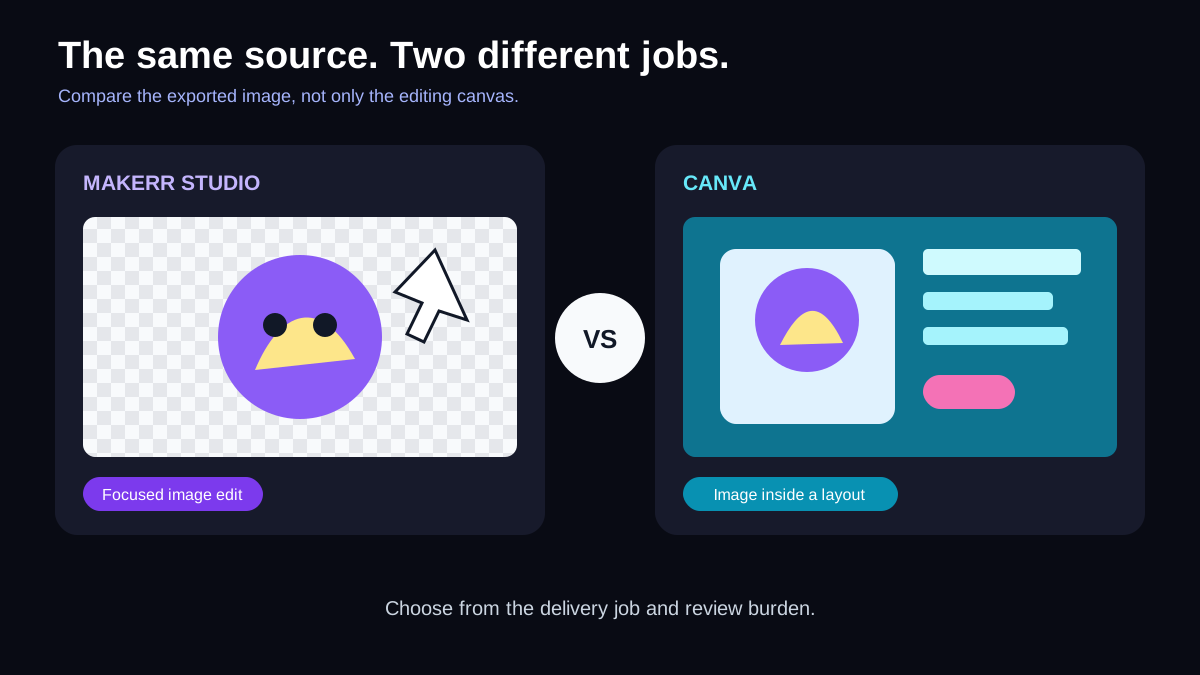
Makerr Studio: fit for a direct image-editing workflow
Makerr Studio is the clearer candidate when the work centers on an existing visual and the desired result can be described as an image-editing task. A focused workflow can reduce the steps between upload, instruction, result, revision and export.
That focus is useful for teams that do not need to build a full campaign layout around every edit. A marketer may prepare a cleaner product image, a creator may adapt a source for a new visual direction, or a small business may need a usable asset before it enters a website or publishing tool.
The team should still write a brief and review the result at full resolution. Speed is valuable only when it does not hide changes that create a false or low-quality representation. Save the accepted version separately from experimental results.
Canva: fit for multi-format design production
Canva's strength is breadth. Its current official product materials combine a photo editor with design templates, layout tools, brand resources, collaboration and outputs for many content formats. Its AI-assisted capabilities include tools for removing or changing image elements, background work and other generated edits that sit inside the wider design workflow.
That breadth can be efficient when several people use the edited image in a social post, presentation, flyer and campaign template. The asset can move directly into the layouts the team maintains. It can also create extra decision paths when the actual job is one focused edit.
Confirm which features are included in the current plan and whether brand, collaboration, export or AI usage limits matter to the team. Do not assume a feature shown in a product announcement is available in every region, account or subscription.
Compare source control and revision quality
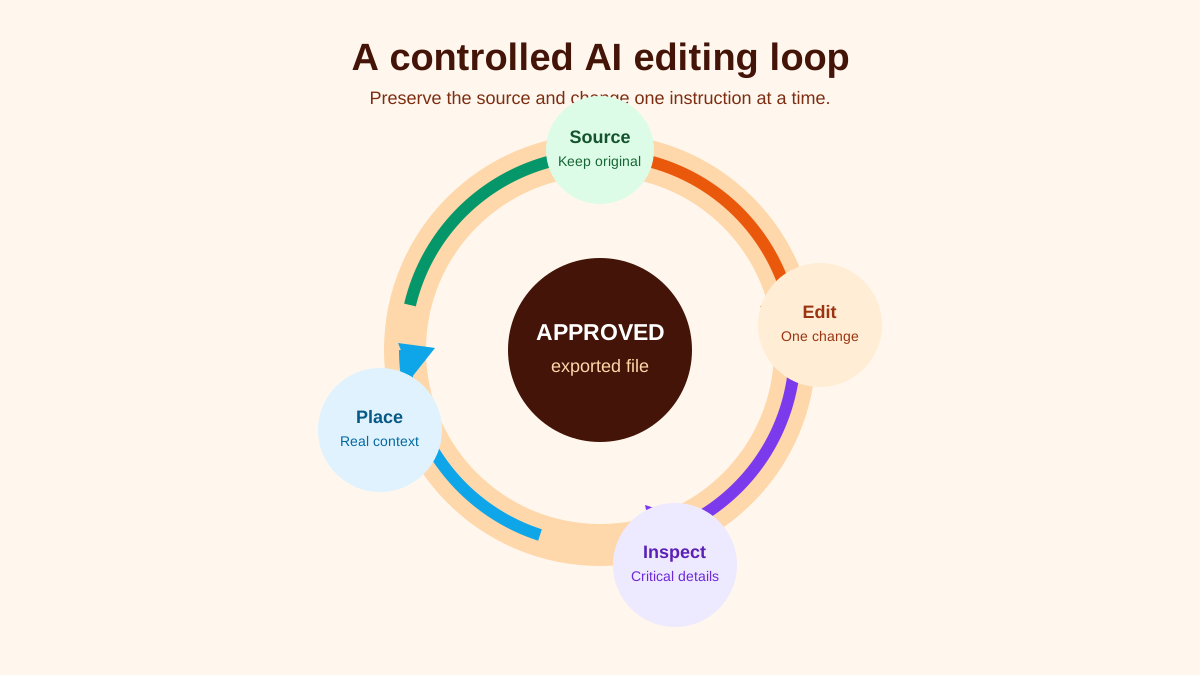
Run one controlled edit in both products. Use a source containing a clear subject, readable text, a fine edge, a repeated texture and a shadow. Ask for one change at a time so you can identify which instruction caused a problem.
Keep the first output even if it is imperfect. For the second attempt, change only the wording necessary to correct the observed issue. This creates a useful revision history and prevents the team from approving a visually pleasing result without understanding what changed.
For background work, use the AI background-removal guide to inspect hair, transparent edges, product cut-outs, reflections and contact shadows. A clean preview on white can still contain a damaged mask that appears on a colored layout.
Review effort is part of the cost
Compare the time required to reach an acceptable result, not the time required to generate the first result. Record setup, upload, instruction, render, inspection, correction, export and placement verification. A faster generation can be slower overall if it produces more subtle defects.
Review at equal display size first, then at full resolution. Equal size shows whether the image is genuinely clearer for the intended use. Full resolution reveals doubled edges, invented texture, malformed text, altered facial features and compression artifacts.
The AI image upscaling checklist uses this two-view method. Apply it even when upscaling is not the main task, because many editors resize or reinterpret detail during an AI transformation.
Collaboration, templates and governance
Canva may have an advantage when the organization depends on shared templates, brand controls and several contributors producing related layouts. Evaluate the permission model, review route, asset organization and the team's ability to prevent outdated templates from spreading.
Makerr Studio may have an advantage when a smaller group needs a direct editing workspace and sends the approved asset into an existing website, commerce or publishing process. In that case, governance can live in the brief, filename, storage location and approval record rather than inside a large design platform.
For either tool, define who may generate drafts, who checks factual details, who approves identity or brand changes and who confirms the final placement. Keep the approved master separate from platform-specific working files.
Exports and downstream use
Test the exact file that leaves the product. Record pixel dimensions, color behavior, transparency, compression and filename. Open it in a separate viewer and place it in the destination layout. Do not approve only the editor canvas.
Choose a format based on the destination. The practical guide to media file formats explains how raster and vector files, transparency and compression affect later use. An AI-edited photograph is usually raster; a logo or icon may need a different master format outside the photo-editing workflow.
If the team needs several crops, start from the approved high-quality result and derive the placements deliberately. Re-running the AI edit for every aspect ratio can introduce inconsistent details across campaign assets.
A fair 45-minute test
Select two sources: a product or object with important fine detail, and a portrait or lifestyle image with complex edges. Write the same change request and acceptance criteria for each. Run the first edit in both tools without adding unrelated design work.
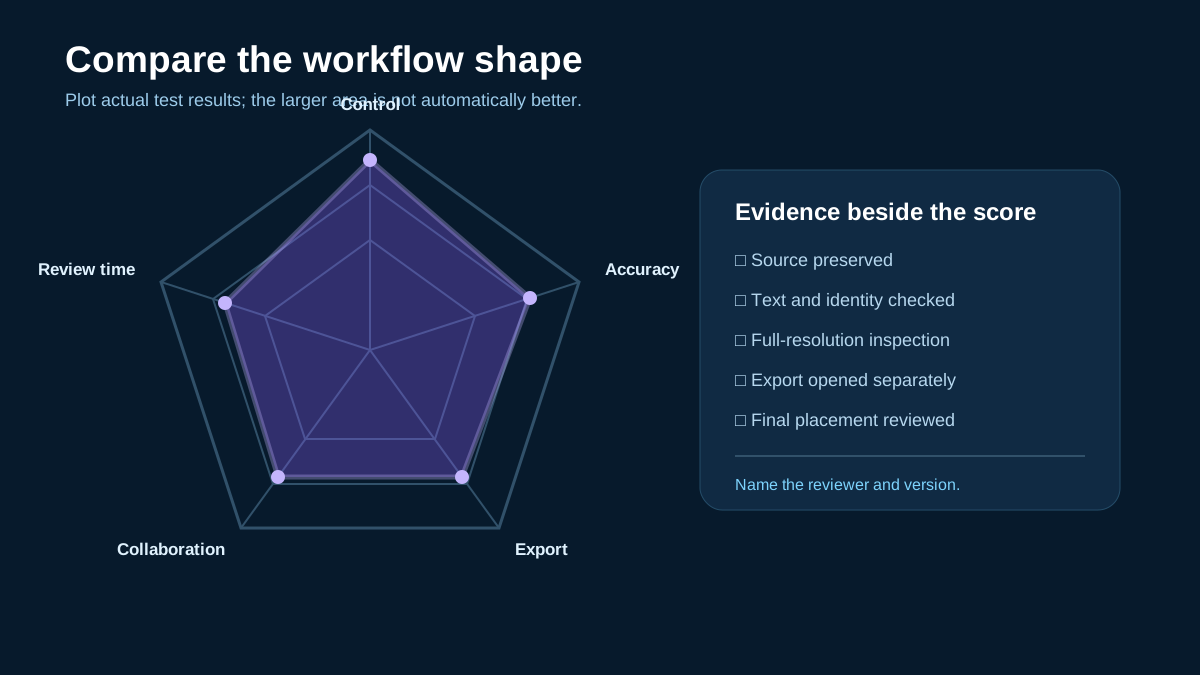
Score instruction control, source preservation, edge quality, critical-detail accuracy, revision clarity, export quality, required plan, collaboration fit and total review time. Add comments beside every score so the team can explain the tradeoff later.
Place each approved export in its real destination at the final display size. Ask a reviewer who did not perform the edit to compare it with the source and brief. Record any issue that appears only after layout, compression or mobile display.
Final recommendation
Makerr Studio is the stronger candidate for teams that want a focused image-editing route and already have a separate publishing or layout process. Canva is the stronger candidate when image editing must live inside a broader collaborative design and multi-format content system.
The correct choice can vary by task. A team may use a focused editor for difficult image transformations and a design platform for layout, but it should avoid uncontrolled round trips that compress files, lose transparency or make version ownership unclear.
Test both with the same source, preserve originals, document approvals and verify the exported asset in context. The best AI editor is the one that helps your team deliver an accurate result it can explain and maintain.
People also ask
Frequently asked questions
Is Makerr Studio a Canva alternative?
It can be an alternative for focused AI image-editing tasks. Canva covers a broader design, template and collaboration workflow, so the products are not equivalent in every use case.
Which tool is better for a small team?
Choose based on the work. Makerr Studio fits a direct image-editing workflow; Canva may fit a team producing many coordinated formats and shared templates.
Should AI-edited images be reviewed against the original?
Yes. Compare important text, identity, product shape, color, edges and repeated details, then inspect the exported file in its final placement.
Can the same edited image be used everywhere?
Use one approved master, then prepare deliberate crops and exports for each destination. Check dimensions, compression, transparency and mobile display rather than assuming one file fits all placements.