
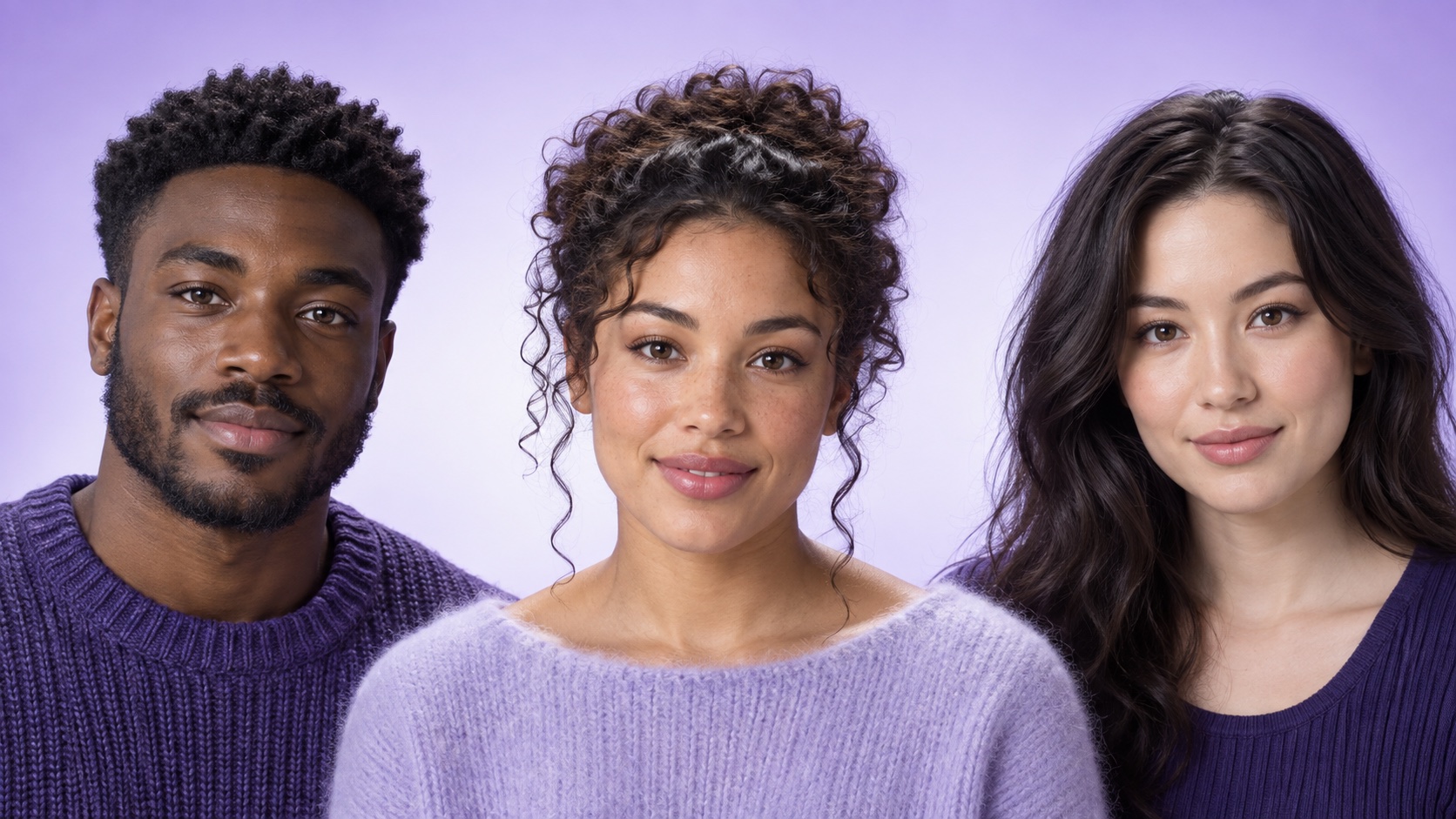
To create a natural AI face morph, use two clear, consenting adult portraits with similar angles, crops, expressions, and lighting. Upload the highest-quality originals, generate one balanced blend, then compare the result with both sources at the same size. Check the eyes, hairline, ears, jaw, teeth, skin texture, and background for artifacts. Treat the output as a new fictional portrait—not proof of identity, family relationship, genetics, or future appearance—and label it as AI-generated when you share it.
What an AI face morph creates
An AI face morph combines visible characteristics from two portrait inputs into a newly generated face. A balanced result may borrow broad cues such as face shape, eye spacing, brow weight, coloring, hair texture, or smile structure without copying either person exactly. The output is best understood as a creative composite. It does not identify a real person, prove that two people are related, or predict what a child, relative, or future version of anyone would look like.
Start with the AI face morph workflow in Makerr Studio, then open the dedicated face morph tool. Use a narrow goal such as creating one balanced fictional portrait from two permitted adult photos. A clear goal gives you something concrete to review: the result should feel visually coherent, preserve useful cues from both inputs, and avoid quietly changing the scene into an unrelated portrait.
Choose two compatible source portraits
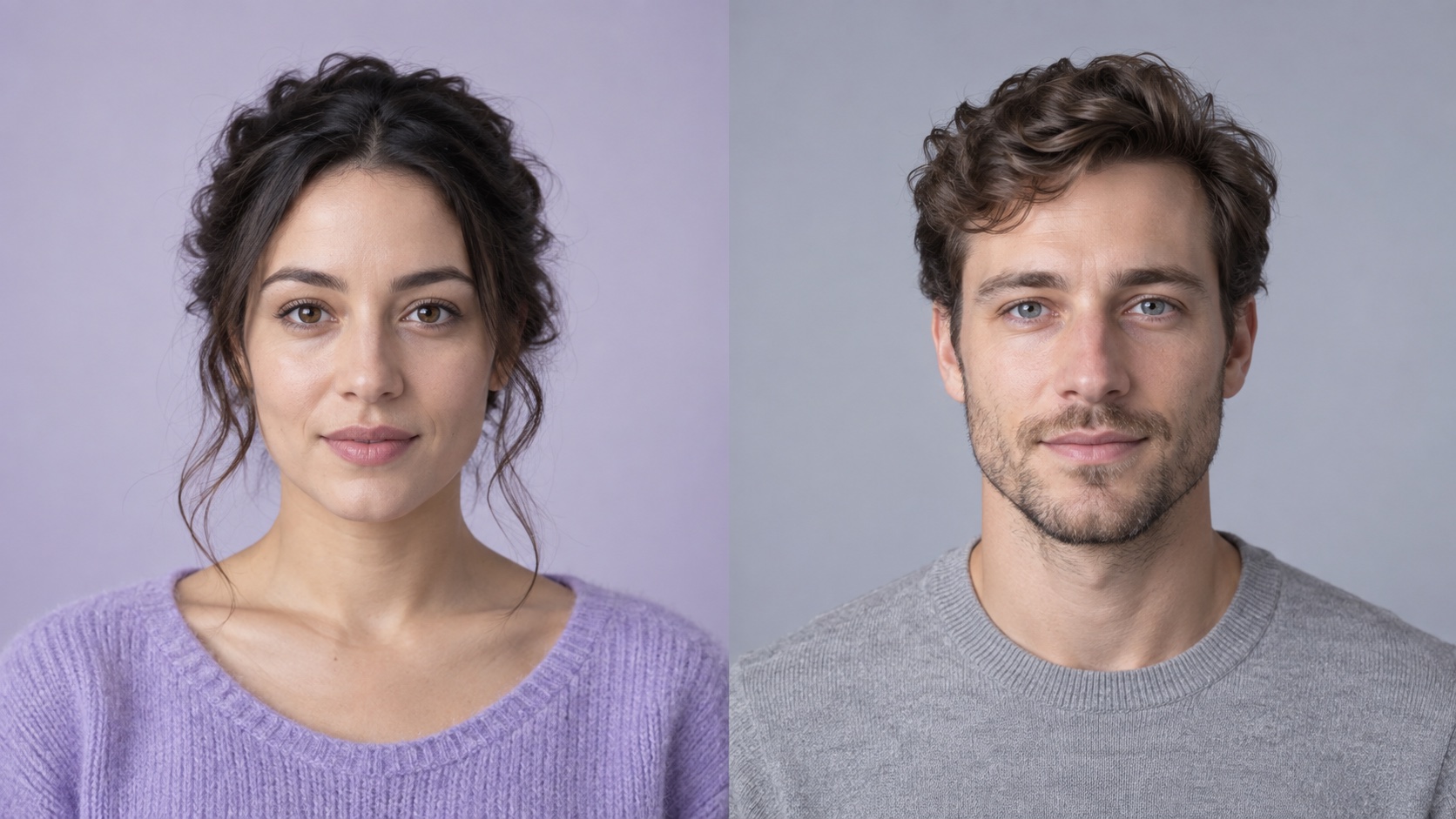
Source compatibility matters more than elaborate prompting. Choose sharp head-and-shoulders photographs taken near eye level, with both faces fully visible and approximately the same size in the frame. Similar expressions make comparison easier: two relaxed neutral looks or two gentle smiles provide a more stable starting point than pairing a wide grin with a serious side profile. Remove sunglasses, masks, hands, heavy hair, or deep shadow that hides important facial structure.
Match lighting direction as closely as practical. If one face is lit softly from the front and the other has hard light from one side, the blend must invent how the shadows fit together. Backgrounds do not need to be identical, but simple scenes reduce unrelated details that can leak into the result. The earlier portrait preparation checklist explains how focus, framing, light, and expression improve portrait-based AI edits before any transformation begins.
Prepare the files with consent and privacy in mind
Use your own portrait or obtain clear permission from every adult whose face appears in an input. Permission should cover the transformation and the intended use, especially if the result will be posted publicly, used in a campaign, or shown outside a private experiment. Do not assume that access to a photo means permission to alter it. Avoid private images, workplace identification photos, intimate contexts, and portraits copied from someone else's account.
Keep the originals at full quality, but upload only what the task requires. Crop away addresses, badges, screens, documents, or bystanders that do not belong in the edit. Do not use a minor's portrait for face-morph experiments. If a person changes their mind about sharing, respect that decision and remove the result from places you control. A creative effect is not a reason to weaken ordinary privacy standards.
Step by step: make a balanced face morph
Upload the two prepared portraits and begin with a balanced blend rather than asking for extra styling at the same time. Generate one result, save the source pair, and compare all three images at the same crop and size. First check whether the new face carries recognizable visual influence from both inputs. Then inspect technical details. Keeping those judgments separate prevents a flattering overall image from hiding a warped ear, doubled hairline, or mismatched eye direction.
If the first result favors one source too strongly, do not immediately stack many corrective requests. Confirm that the less visible source is equally sharp, similarly cropped, and not obscured. Try one targeted adjustment, such as asking for a more even balance in face shape and coloring while preserving the same pose and lighting. Small controlled changes are easier to evaluate than a prompt that simultaneously changes age, expression, hairstyle, clothing, and background.
- Choose two permitted adult portraits with compatible framing and light.
- Crop both images to a similar head-and-shoulders scale.
- Generate one balanced fictional blend without extra style changes.
- Compare the blend with both sources at the same display size.
- Inspect facial structure, texture, hair, ears, neck, clothing, and background.
- Make one targeted adjustment, then label the final image as AI-generated when sharing.
Decide which identity cues should stay balanced
A natural morph does not need to average every feature mathematically. Human faces are perceived as coordinated wholes, so the relationship between features matters more than an exact halfway point. Look at face length, forehead width, eye spacing, nose-to-mouth distance, jaw shape, skin tone, and hairline together. If the blend borrows the eyes from one source but changes their direction or spacing to fit a different head shape, it may feel unfamiliar even when each detail looks polished alone.
Avoid treating skin tone or ethnicity as a slider. Describe the desired balance in observable visual terms and review the outcome respectfully. The result should not exaggerate, stereotype, lighten, darken, age, or sexualize the people without explicit intent and permission. A good composite feels internally consistent and remains clearly presented as a fictional creation rather than a statement about either source person's identity.
Inspect the result for common face-morph artifacts
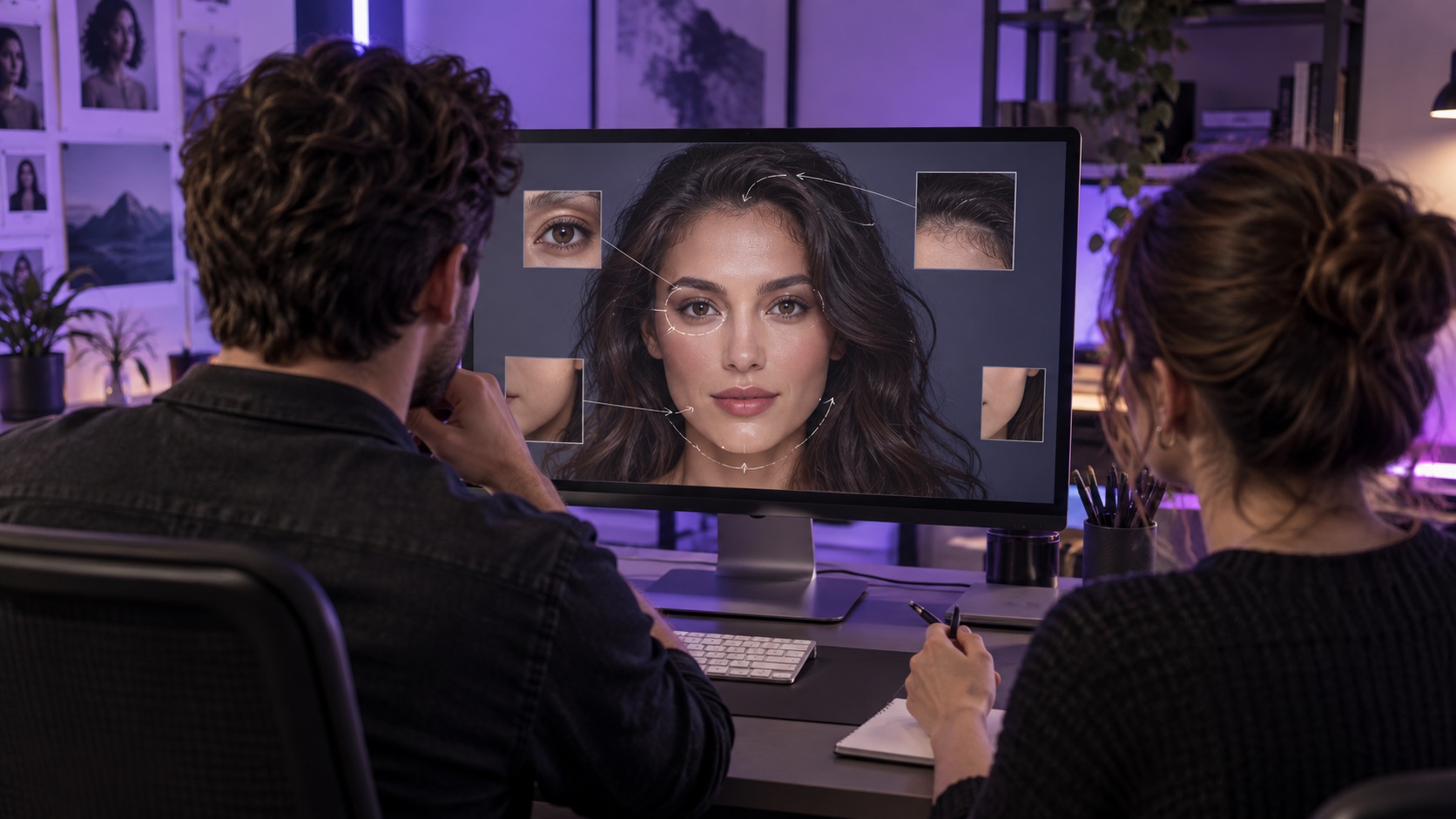
Zoom in after the broad identity check. Eyes should point in the same direction, pupils should be similar in size, and eyelids should follow believable curves. Check for duplicated brows, asymmetrical catchlights, broken glasses, or eyelashes that merge into hair. Around the mouth, look for uneven teeth, blurred lip edges, or a smile that does not match the cheeks. Ears, earrings, and hairlines often reveal blending mistakes because they sit near transitions between face and background.
Continue below the face. The neck should connect naturally to the jaw, shoulders should not bend unexpectedly, and clothing seams should remain continuous. Skin texture should change gradually across the forehead, cheeks, and chin instead of switching between smooth and grainy patches. Lighting on the blended face should agree with the shadows on hair, neck, and background. If a result fails one of these structural checks, generate or refine again rather than hiding the problem with stronger smoothing.
Fix mismatched inputs before adding more instructions
When a morph looks uneven, return to the sources. A low-resolution face may contribute vague color while a sharper face controls most of the structure. A side angle can pull the nose and jaw away from the front-facing source. Strong beauty filters may erase the texture that helps the two portraits blend. Replacing the weaker source with a clearer photo is often more effective than describing the same correction repeatedly.
If you cannot replace a source, reduce the goal. A stylized editorial portrait may handle imperfect inputs more honestly than a highly realistic composite. Keep the style consistent across the entire image, and do not use grain, blur, or dramatic lighting merely to conceal errors. The AI image editor guide provides broader context for choosing an editing workflow; for this task, the dedicated morph tool keeps the transformation focused on one clearly defined change.
Share a face morph without misleading people
Label the result as AI-generated or as a fictional face blend when the context could otherwise be confusing. Do not use it as a profile photo for a real person, evidence of a relationship, an identification image, or a before-and-after claim. Avoid pairing the portrait with a real name unless the subject has approved the exact use. If the image is part of a game, design exercise, or creative post, a short disclosure keeps the playful intent clear.
Never use a morph to impersonate, harass, embarrass, or evade identity checks. Do not imply that the output reveals ancestry, genetics, compatibility, health, personality, or how a hypothetical child would look. Those claims are not supported by a creative image blend. Keep the final file separate from the originals, preserve the permission context, and choose a sharing setting appropriate to the people represented in the inputs.
Good uses and realistic limits
Face morphs can support fictional character development, casting concepts made with participants' permission, playful adult portrait experiments, visual storytelling, and studies of how shape or styling affects recognition. They can also help a creative team compare a tightly controlled portrait direction before commissioning a final shoot or illustration. In each case, the useful output is a visual idea to discuss—not proof about a person.
The model may produce a compelling image without combining the inputs in a stable or measurable ratio. A second generation from the same pair can differ, and small changes in crop or lighting can shift the apparent balance. Judge the result against the creative goal, consent agreement, and technical quality checklist. If accuracy about identity or biological relationship matters, a generated portrait is the wrong tool.
People also ask
Frequently asked questions
What is an AI face morph?
An AI face morph is a newly generated fictional portrait that combines visible cues from two source faces. It is a creative composite, not identity evidence or a genetic prediction.
What photos work best for an AI face morph?
Use two sharp adult head-and-shoulders portraits with similar camera angles, face scale, expressions, and soft lighting. Keep both faces unobstructed and fully inside the frame.
How do I make a face morph look more natural?
Match the source conditions, generate one balanced blend, and inspect eyes, hairline, ears, mouth, jaw, skin texture, neck, clothing, and lighting before making one targeted adjustment.
Can a face morph predict what a child will look like?
No. A face morph is a fictional visual blend and cannot predict genetics, biological relationships, development, health, or a future person's appearance.
Do I need permission to morph someone else's face?
Yes. Obtain clear permission from every adult whose portrait you upload and confirm the intended use, especially before publishing or using the result commercially.
Should I label an AI face morph?
Label it as AI-generated or as a fictional face blend whenever viewers could mistake it for a real person, real event, or factual identity claim.