PAIR
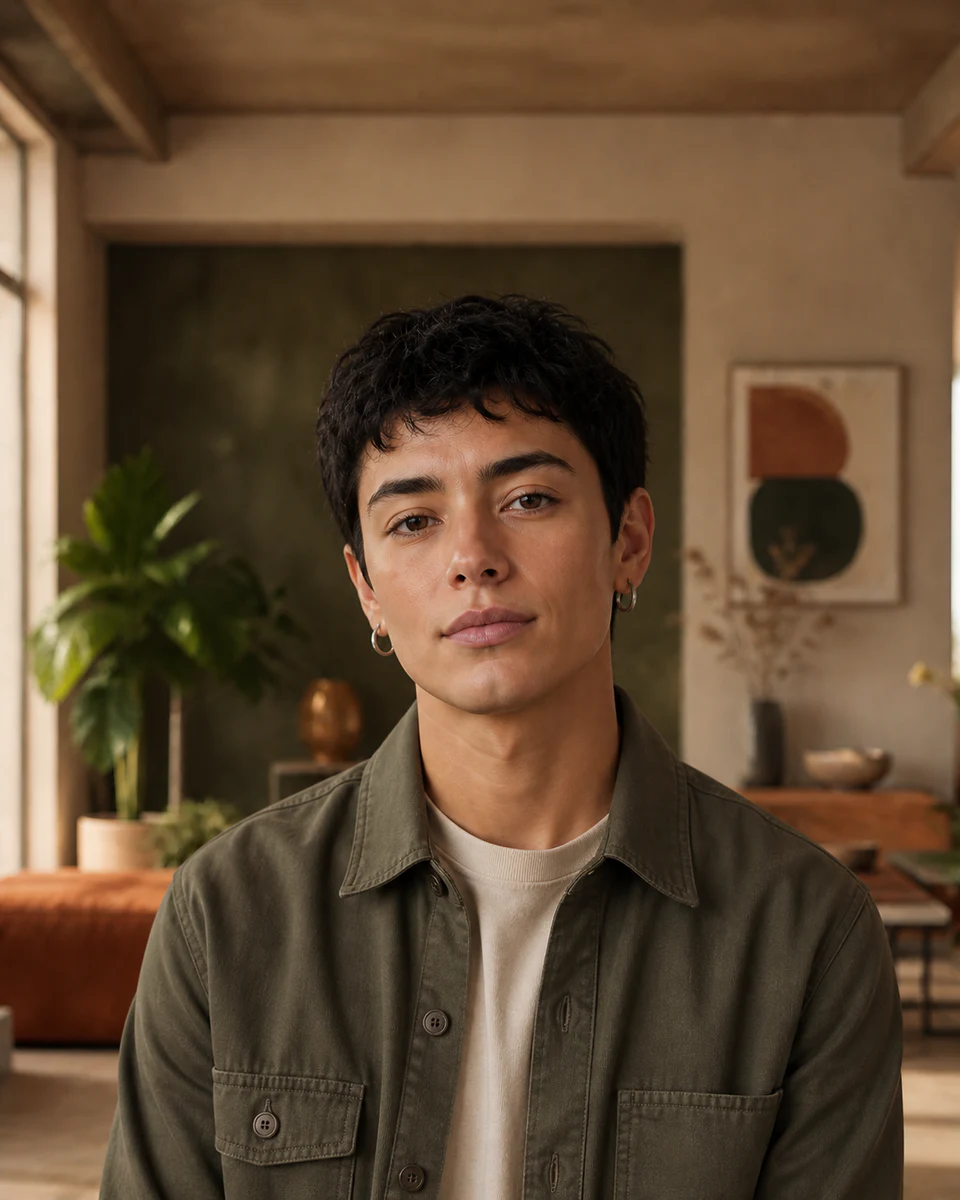
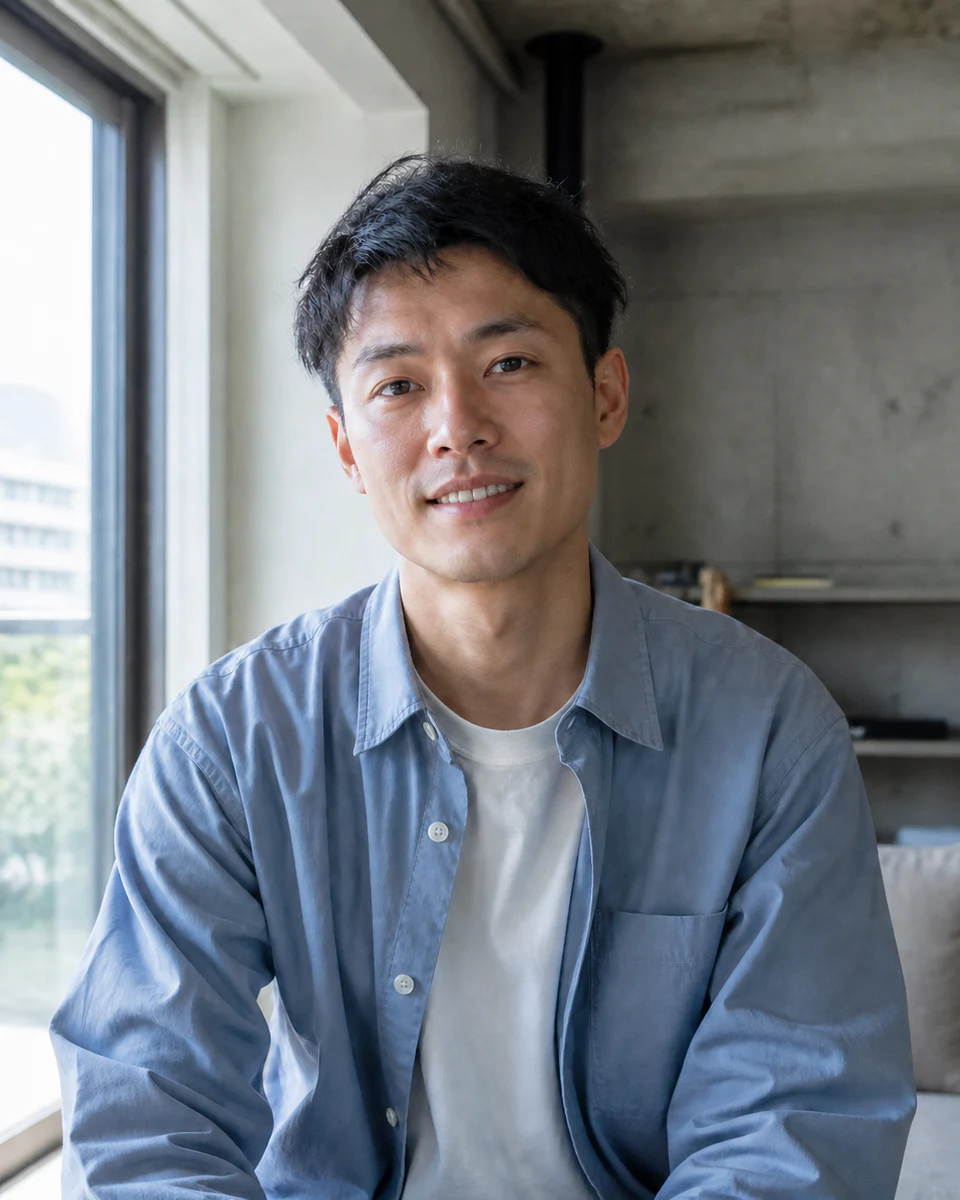
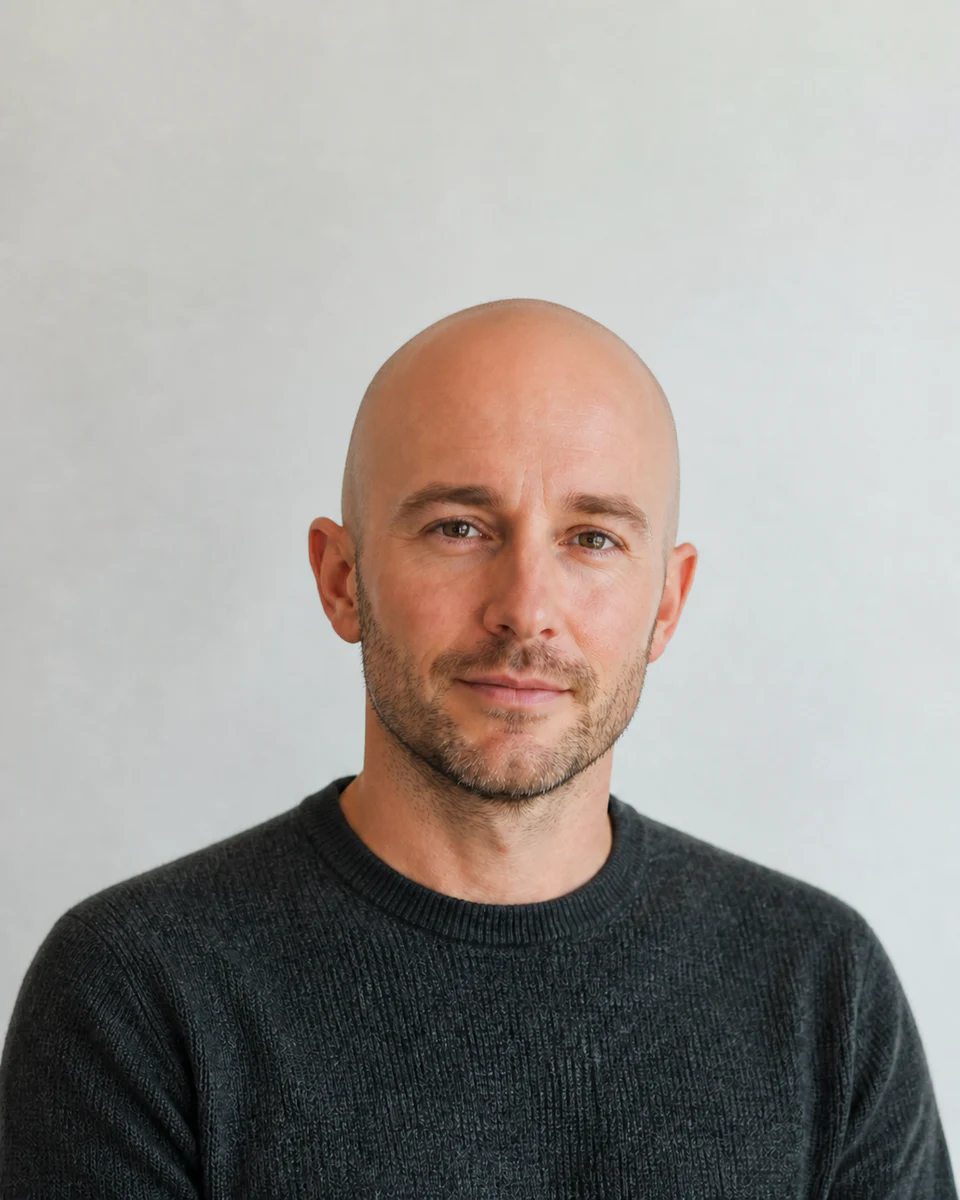
Choose two compatible portraits
Similar angle, expression, crop, and lighting help produce a more balanced blend.
 Makerr Studio
Blend two consenting portraits into a balanced new face.
Create now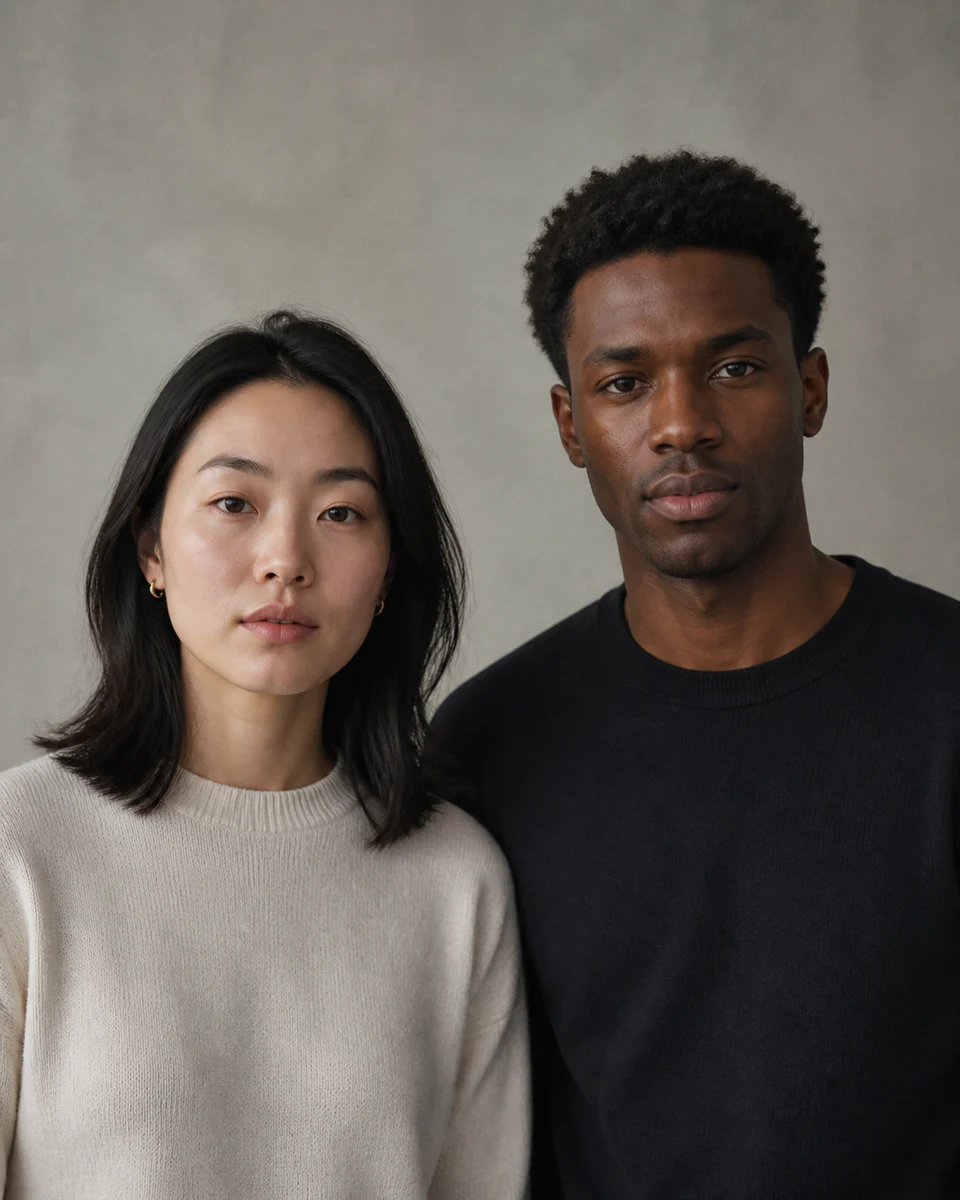
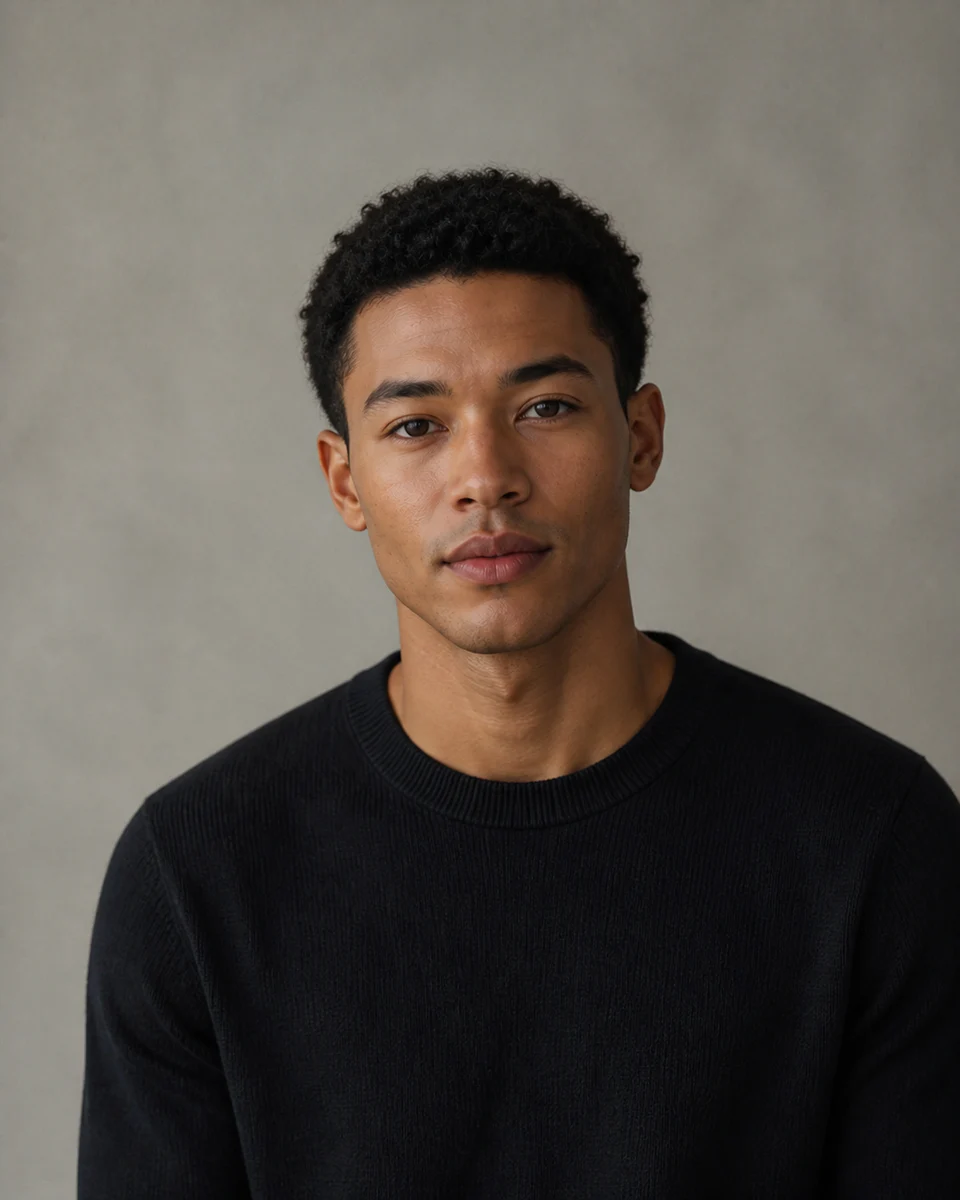
Use a clear, well-lit image for the most natural result. Your original stays untouched.
Photo privacy: previews stay in your browser until you press Generate. Source photos are then sent securely for your requested AI edit; Makerr Studio does not save them on its server.
Best results: front-facing subject, even light, and no heavy filters.
The tool balances visible characteristics from both sources while creating an original, fictional portrait.
Similar angle, expression, crop, and lighting help produce a more balanced blend.
Proportion, features, tone, hair, and texture are reconciled as one new portrait.
Check facial detail and artifacts, and never use the image to deceive or impersonate someone.
Each direction starts with a specific outcome, so you can choose a source image and result that fit the job.
01Blend permitted character references into a new visual starting point for illustration or storytelling.
Try this direction02Explore how two fictional facial directions can inform one original concept.
Try this direction03Create experimental artwork only from portraits you own or have clear permission to use.
Try this directionA creative blending workflow with permission, disclosure, and responsible use built into the experience.
No. It creates a fictional blend and is not an identity-verification service.
Use two clear portraits with similar camera angle, expression, and lighting.
Only upload images you have the right and permission to process, and do not use results for impersonation or deception.