PORTRAIT
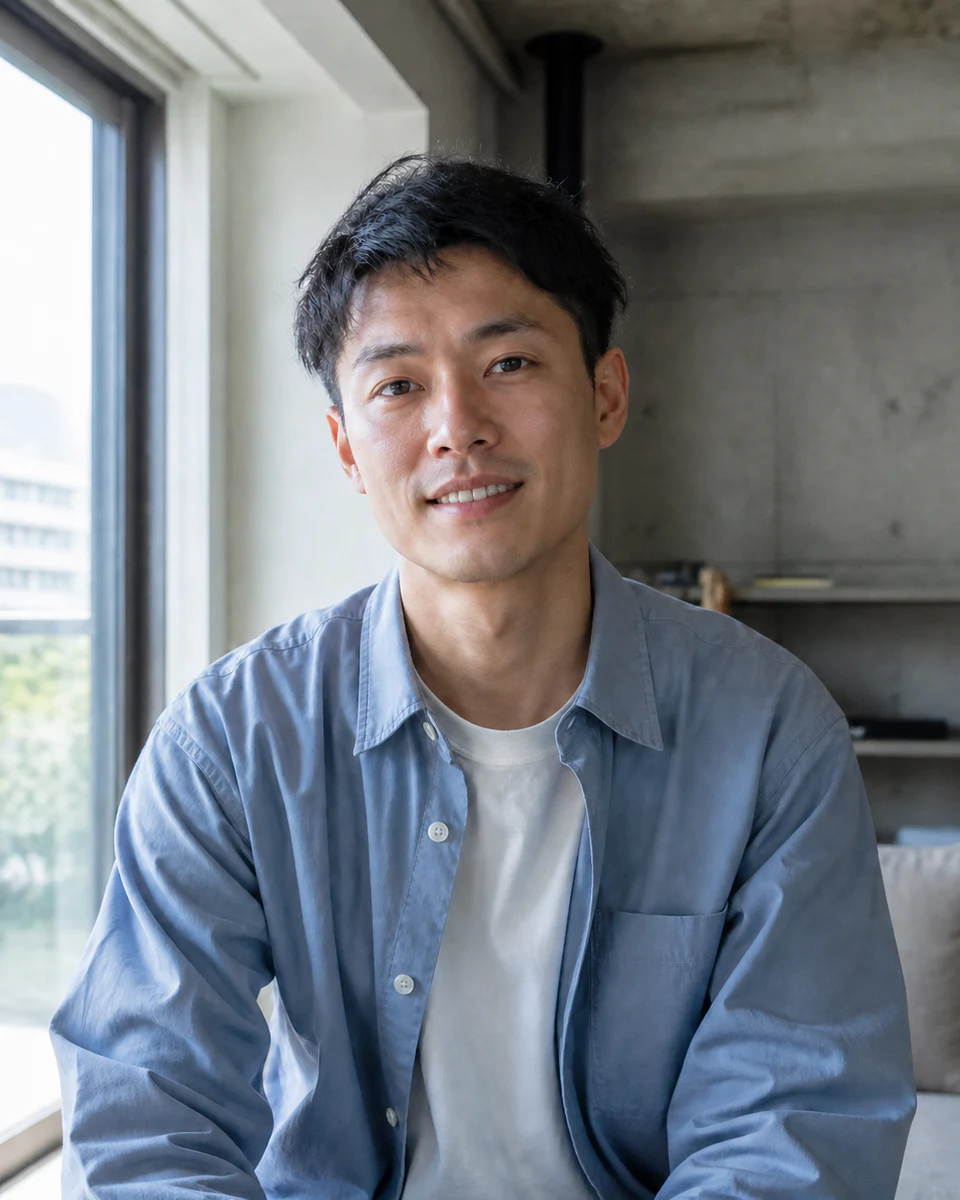
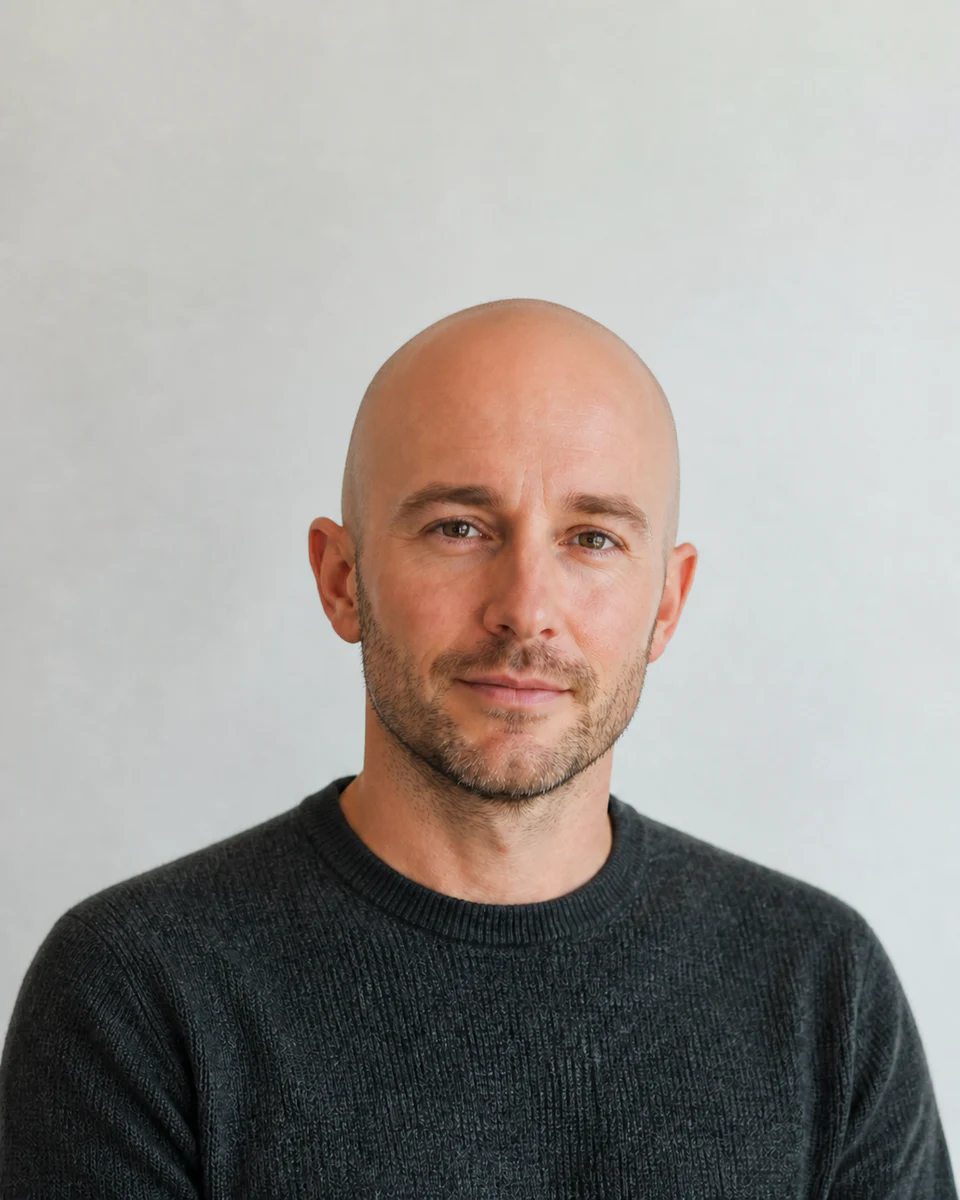
Begin with a clear, natural face
Use a sharp, front-facing portrait in soft, even light. Keep the face unobstructed and avoid heavy filters.
 Makerr Studio
Create a respectful portrait variation while preserving the scene.
Create now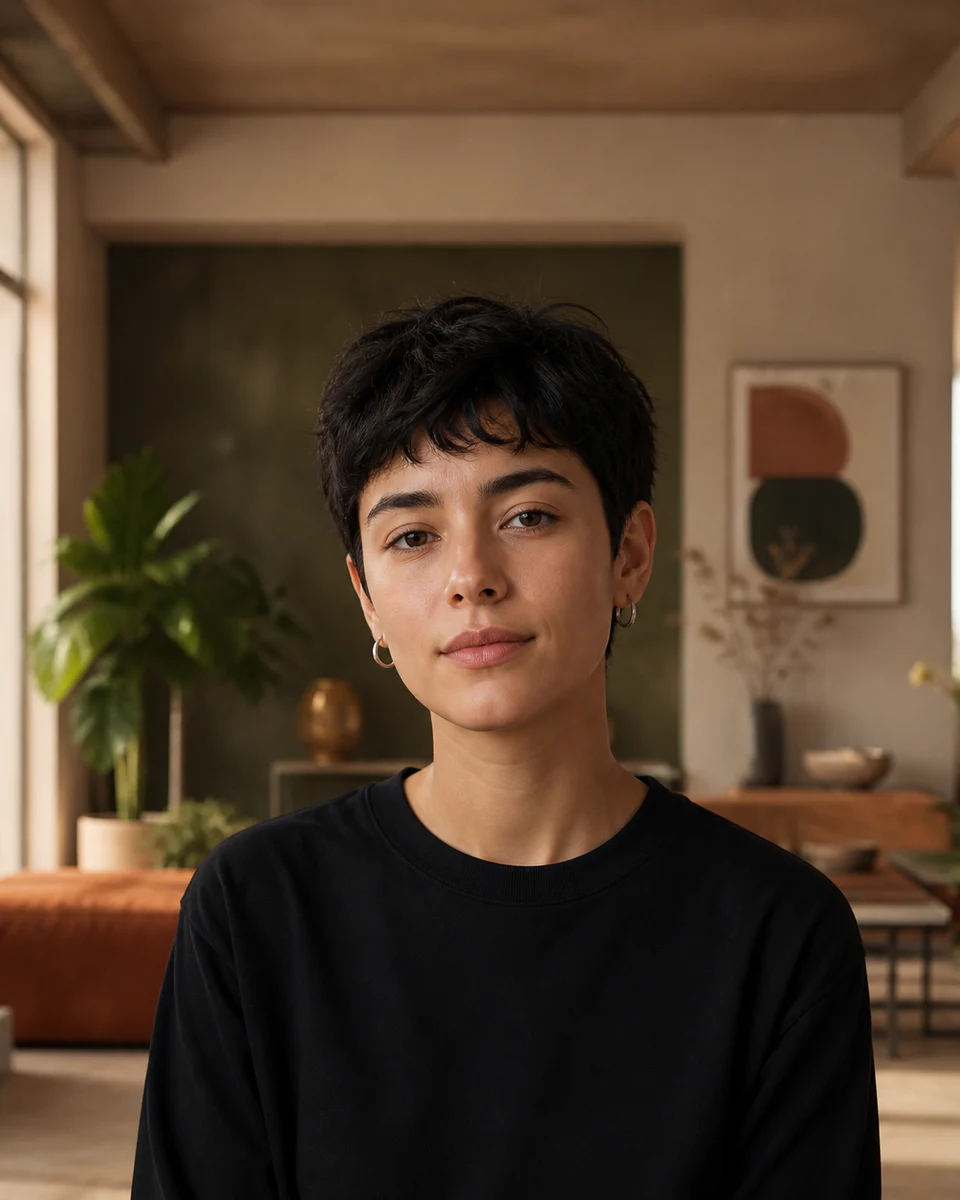
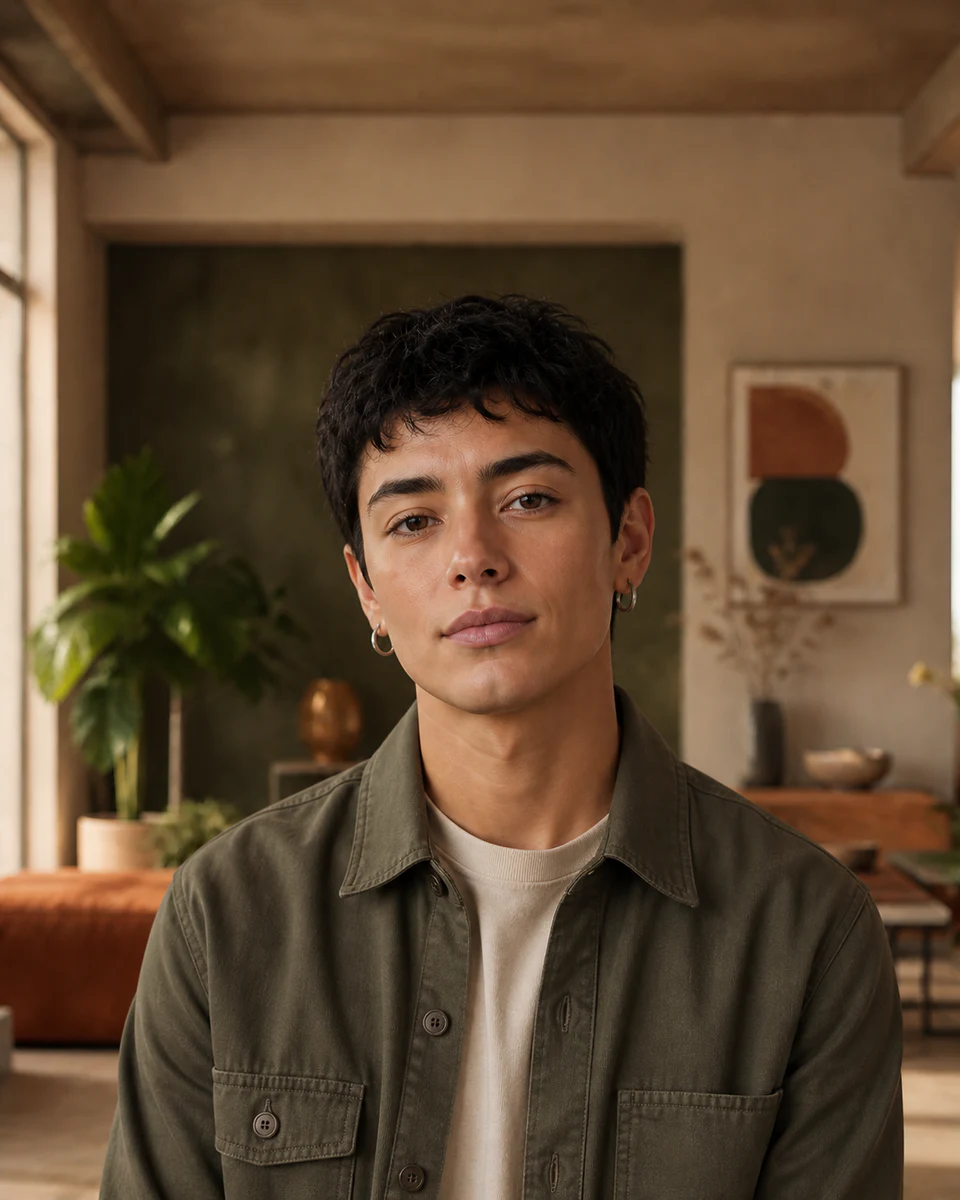
Use a clear, well-lit image for the most natural result. Your original stays untouched.
Photo privacy: previews stay in your browser until you press Generate. Source photos are then sent securely for your requested AI edit; Makerr Studio does not save them on its server.
Best results: front-facing subject, even light, and no heavy filters.
Rather than replacing the whole image, the tool interprets facial structure, styling cues, and lighting together to create a coherent variation.
Use a sharp, front-facing portrait in soft, even light. Keep the face unobstructed and avoid heavy filters.
The transformation considers hair, facial cues, skin detail, expression, and scene lighting as one portrait.
Review realism, identity, and small details before downloading or sharing the result.
Each direction starts with a specific outcome, so you can choose a source image and result that fit the job.
01Explore a clearly fictional variation of a portrait while preserving the original expression, light, and scene.
Try this direction02Test an alternate character direction for a story, mood board, or personal creative project.
Try this direction03Create an entertaining comparison that is framed respectfully and reviewed before it is shared.
Try this directionMade for respectful creative exploration, with the original portrait preserved for easy comparison.
The workflow is designed to focus on the portrait and preserve the surrounding scene where possible.
Use a sharp, front-facing portrait in soft, even light. Keep the face unobstructed and avoid heavy filters.
No. It creates a fictional visual variation for creative exploration and does not define or infer a person’s identity.