SELECT
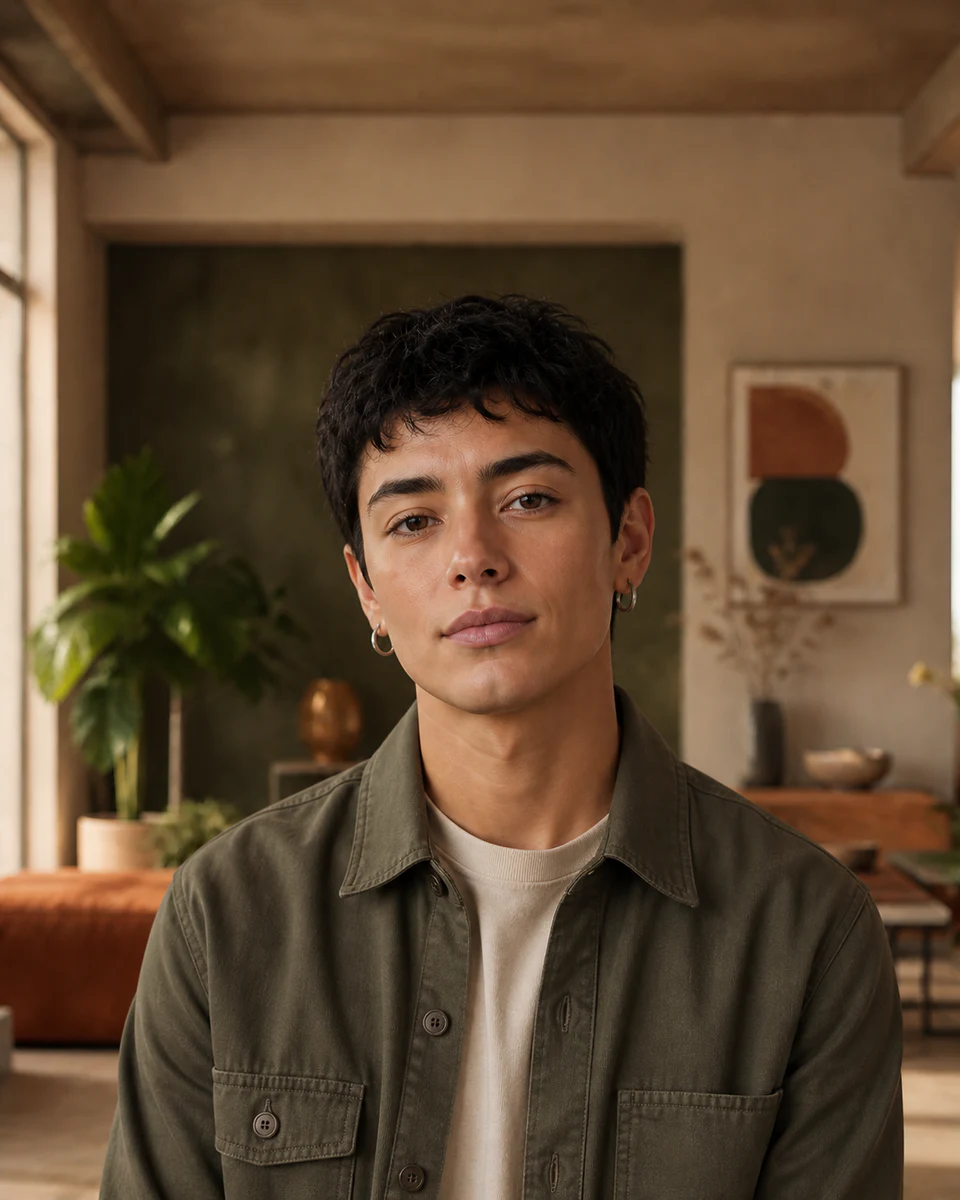
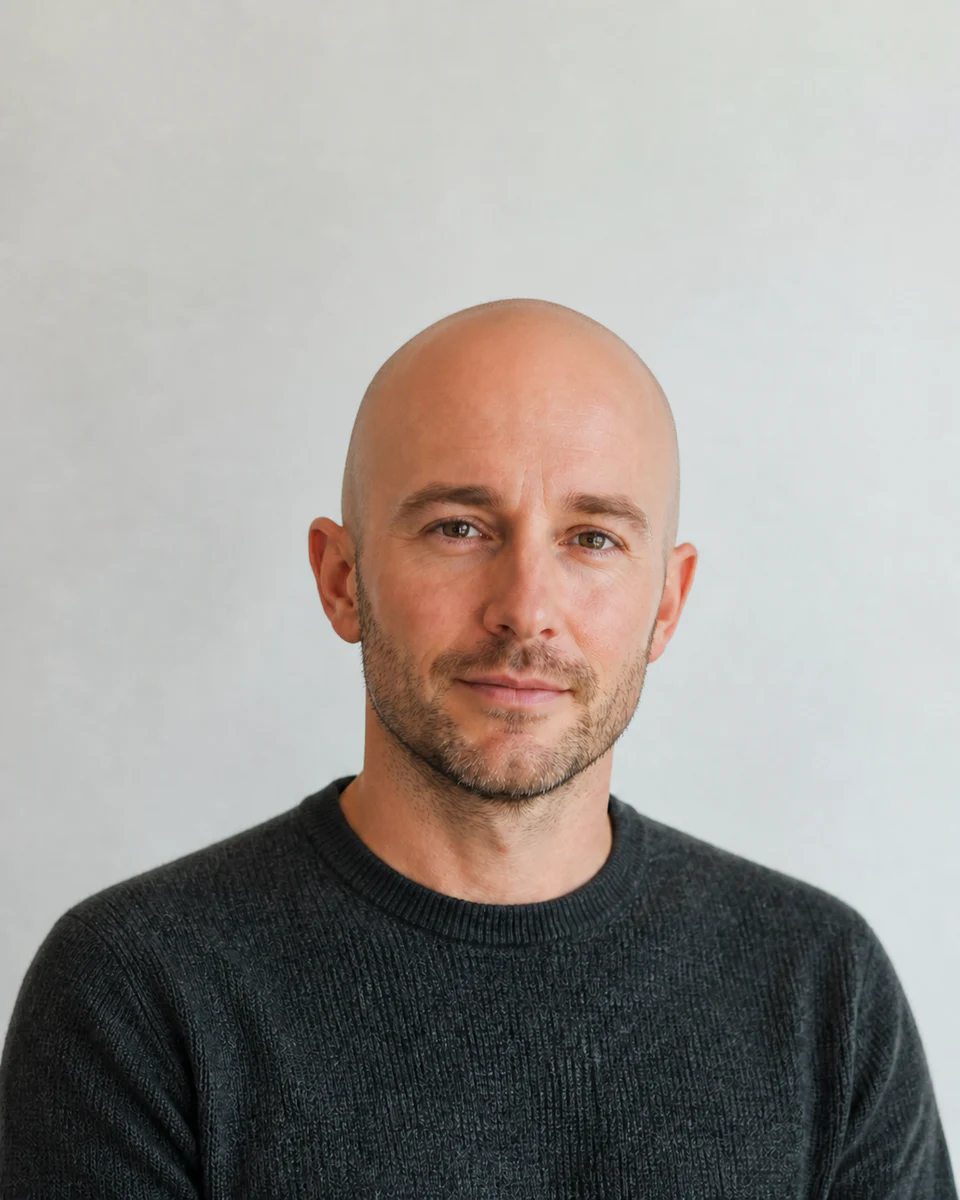
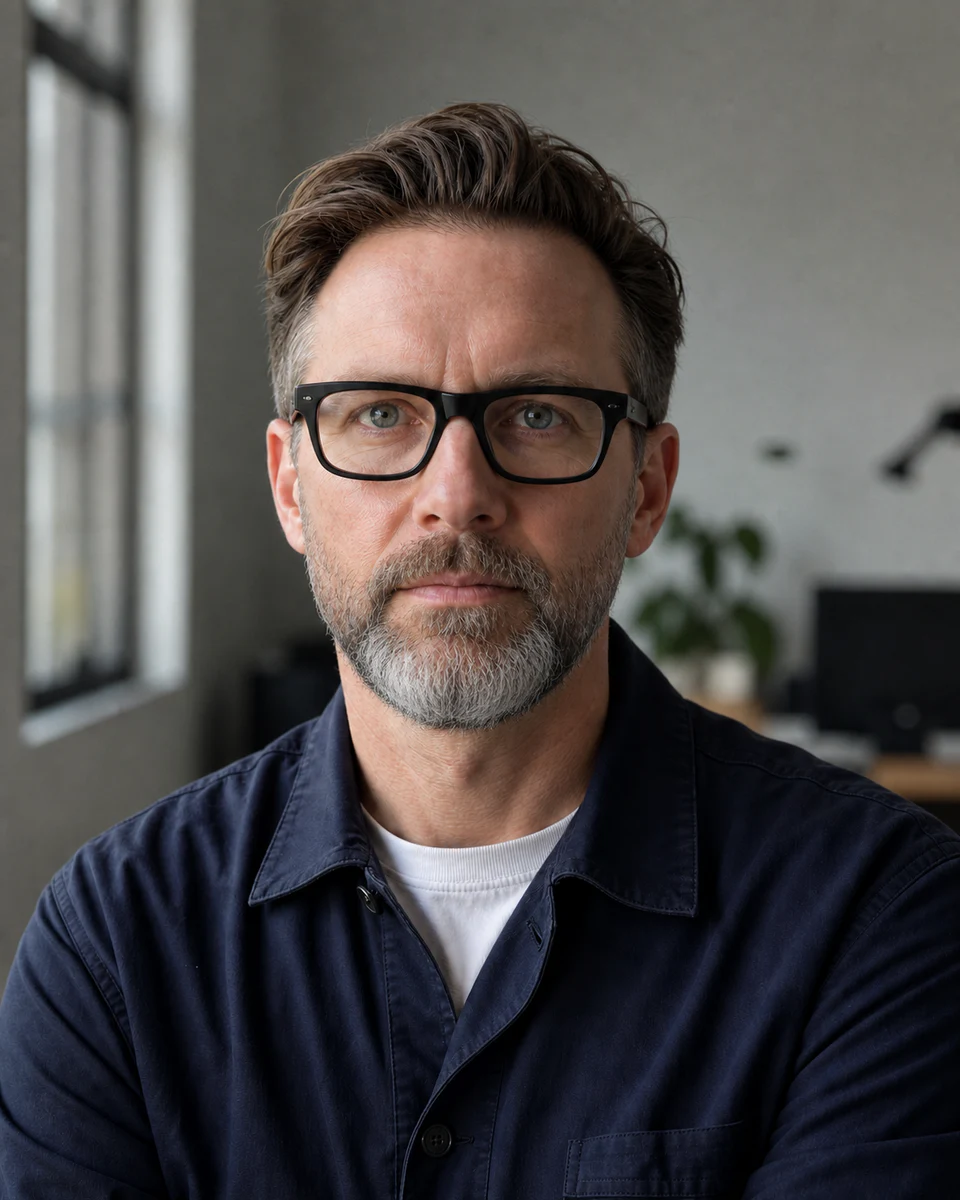
Choose a relaxed portrait
Use a clear face with visible lips, eyes, and cheeks for the most natural expression.
 Makerr Studio
Add a natural smile while keeping the person recognizable.
Create now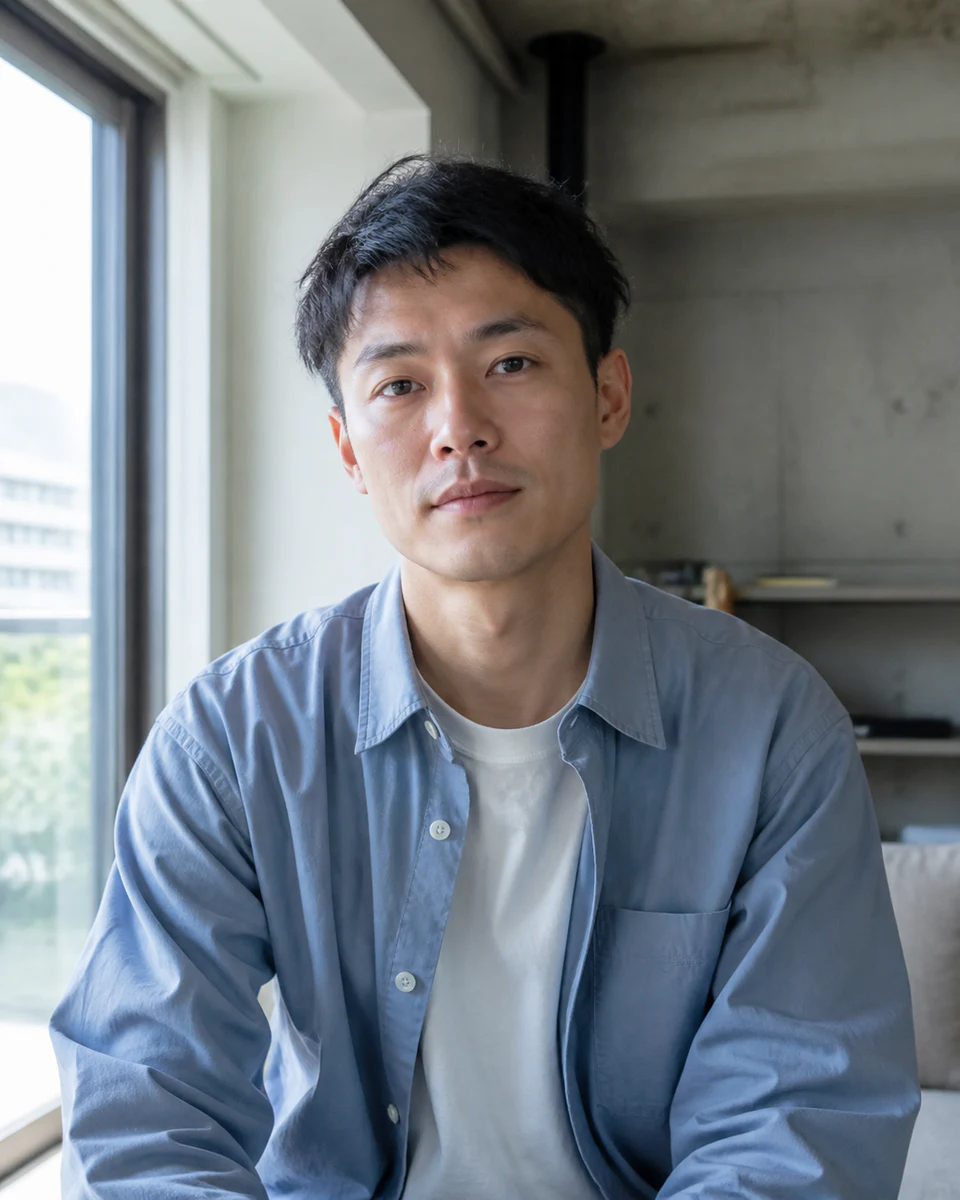
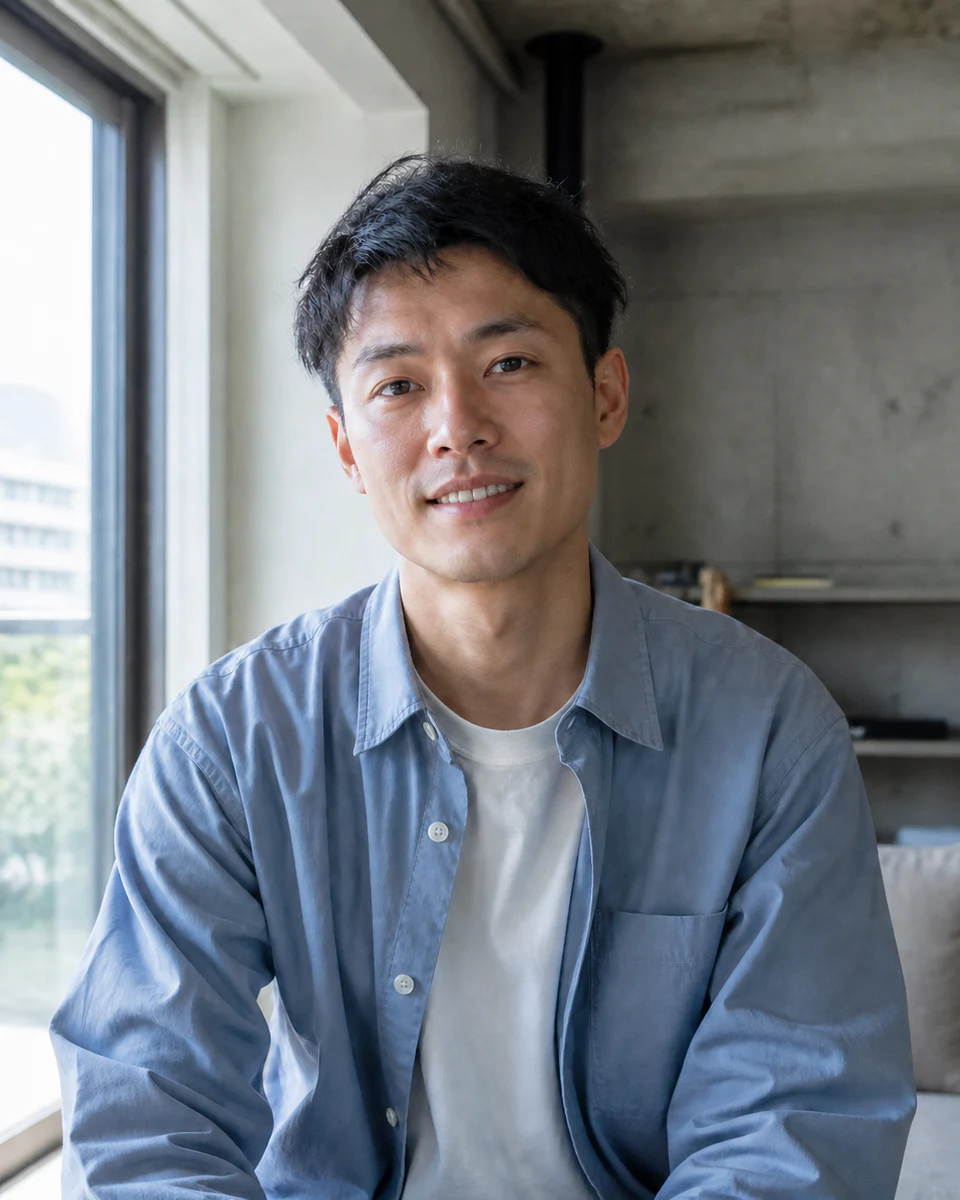
Use a clear, well-lit image for the most natural result. Your original stays untouched.
Photo privacy: previews stay in your browser until you press Generate. Source photos are then sent securely for your requested AI edit; Makerr Studio does not save them on its server.
Best results: front-facing subject, even light, and no heavy filters.
A convincing smile depends on more than the mouth. The tool considers cheeks, eyes, expression, and local lighting together.
Use a clear face with visible lips, eyes, and cheeks for the most natural expression.
The mouth, cheek lift, eye expression, and skin texture are adjusted as one expression.
Compare the result at full size and keep the smile that looks believable for the person.
Each direction starts with a specific outcome, so you can choose a source image and result that fit the job.
01Add a warmer expression to a clear individual portrait without rebuilding the entire image.
Try this direction02Refine one otherwise-successful group photo when a subject’s expression feels slightly out of step.
Try this direction03Make a portrait feel more welcoming for a campaign, profile, or customer-facing introduction.
Try this directionUseful when the photograph is strong but the expression does not match the moment.
The result aims for a natural expression rather than an exaggerated grin.
Use another image. Visible lips and surrounding facial detail are important for a coherent result.
The tool is focused on expression. For broader corrections, use AI Photo Retouch.