CAPTURE
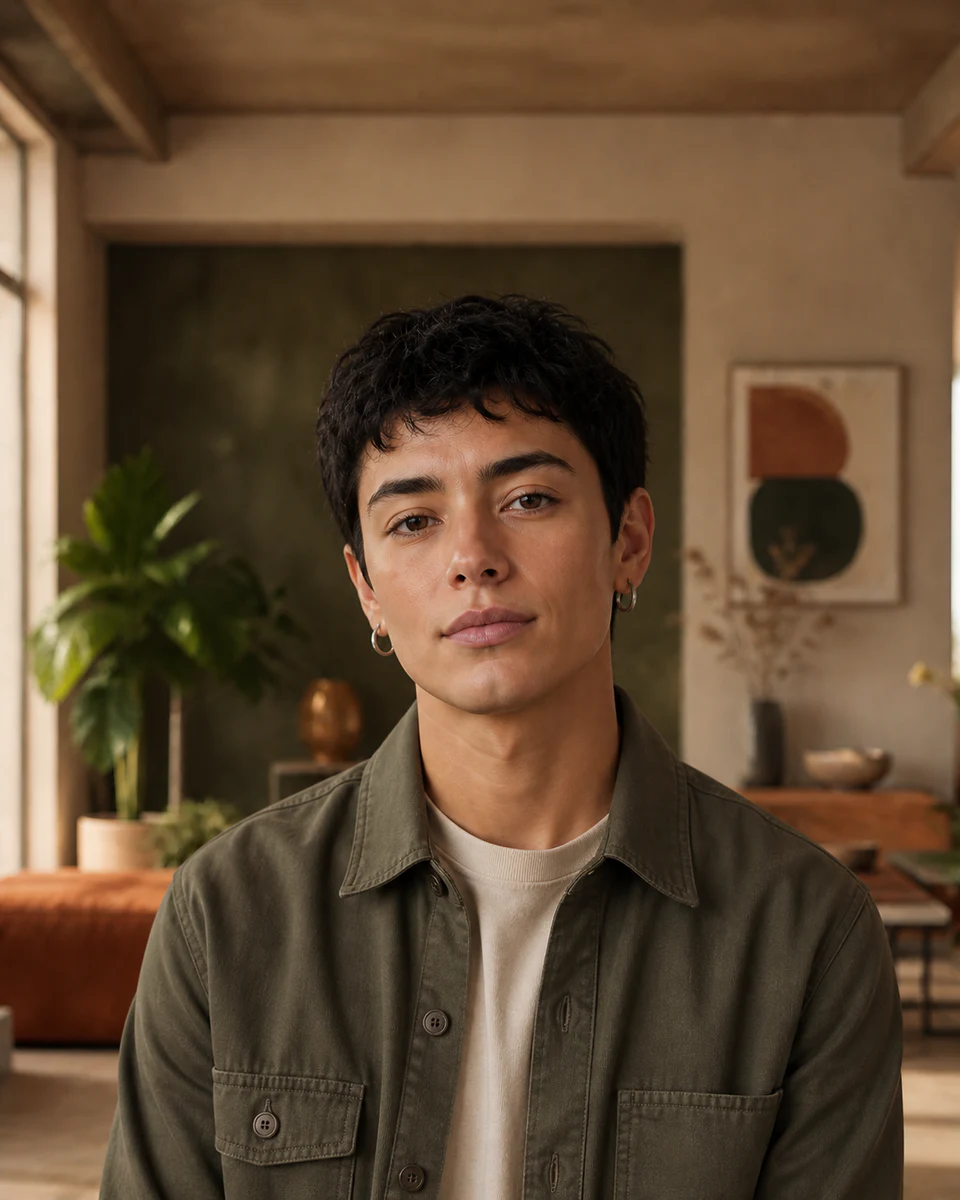
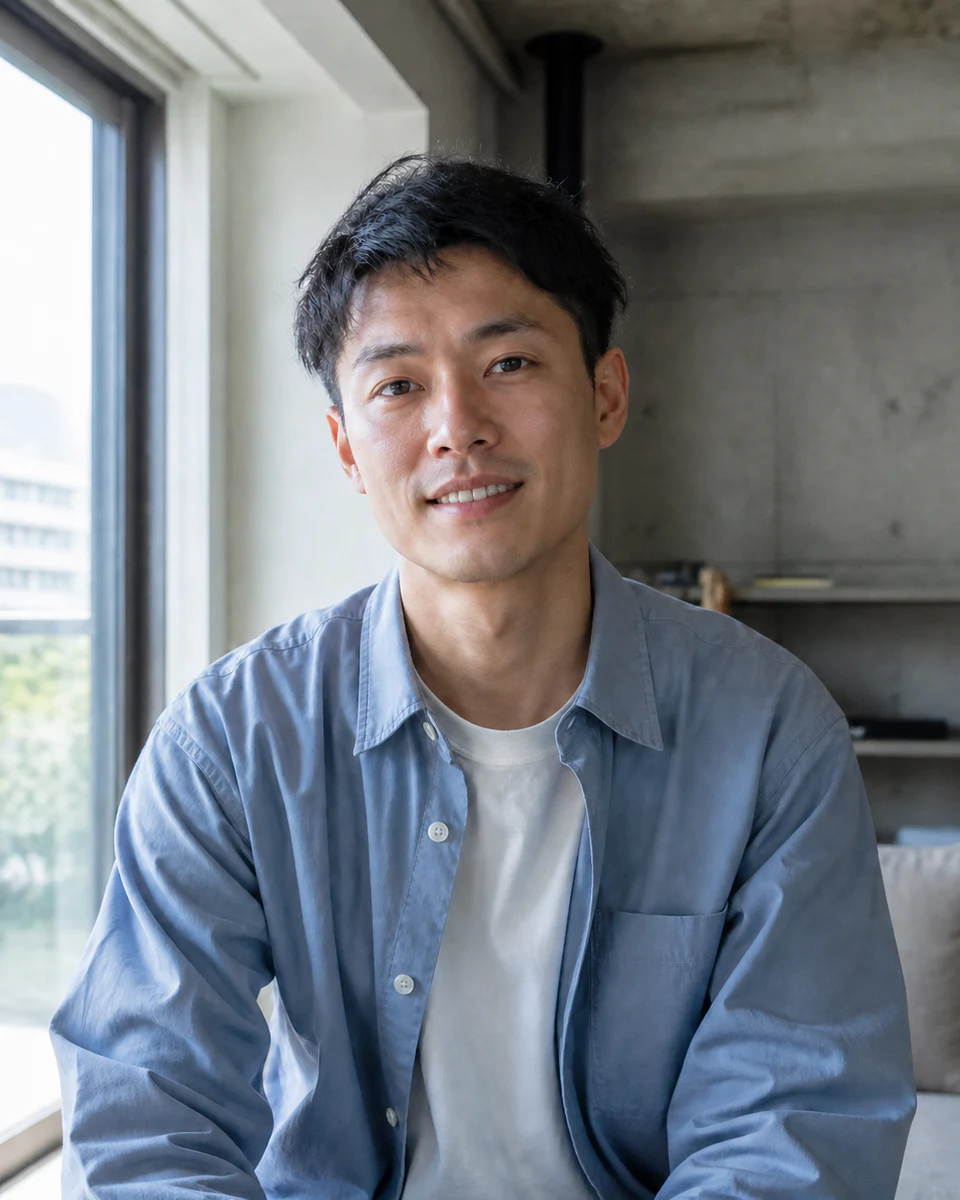
Use a portrait with a visible hairline
Front-facing or slight-angle photos with clean lighting produce the most useful preview.
 Makerr Studio
Preview a realistic bald look with consistent lighting.
Create now

Use a clear, well-lit image for the most natural result. Your original stays untouched.
Photo privacy: previews stay in your browser until you press Generate. Source photos are then sent securely for your requested AI edit; Makerr Studio does not save them on its server.
Best results: front-facing subject, even light, and no heavy filters.
The transformation reconstructs the visible scalp while respecting head shape, skin tone, lighting, and the original background.
Front-facing or slight-angle photos with clean lighting produce the most useful preview.
Hair is removed while head shape, skin texture, shadow, and background are considered together.
Compare proportions and overall balance before using the image as a grooming concept.
Each direction starts with a specific outcome, so you can choose a source image and result that fit the job.
01Preview a shaved-head direction before making a real grooming decision.
Try this direction02Place two grooming options side by side using the same portrait, lighting, and framing.
Try this direction03Develop a believable fictional character while keeping the surrounding scene consistent.
Try this directionA practical, low-commitment way to explore a closely shaved or bald appearance.
The tool focuses on scalp hair and generally preserves facial hair and the rest of the portrait.
No. Choose a photo without hats, large headwear, or objects covering the hairline.
No. It is a fictional style visualization, not a health or hair-loss assessment.