Quick answer: Looka and Logomakerr.ai both help non-designers generate and edit logo concepts, but they package the work differently. Looka is a broad AI branding platform with logo-only purchases and annual Brand Kit subscriptions. Logomakerr.ai is a focused logo workflow where you can generate and customize ideas before deciding which files to download. The better choice depends on whether you need a logo package alone or a continuing library of branded marketing assets.
Before comparing templates, write down the files, variations, editing control, support, and recurring services you actually need. Test both products with the same company name and brand brief. An AI logo maker can accelerate exploration, but your business must still review spelling, distinctiveness, legibility, and suitability for its intended markets.
Start with the deliverable, not the gallery
A logo-maker comparison becomes useful when it begins with the finished handoff. List where the mark will appear during the next year: website header, profile image, invoices, proposals, storefront, packaging, embroidery, signage, or print. Each use changes the file and variation requirements.
For ordinary digital use, a high-resolution PNG with transparency is often practical. Printing and large-format work may require a scalable vector file. Dark and light backgrounds usually need separate colour treatments. A small social avatar may need a simplified symbol rather than the complete horizontal lockup.
Looka’s current official materials describe high-resolution PNG and JPG files, vector formats, colour variations, and—in its Brand Kit—business cards, social templates, brand information, and other assets. Logomakerr.ai’s live category pages describe JPG, transparent PNG, PDF, and SVG downloads. Confirm the exact package shown at checkout because product bundles and prices can change.
How the two creation workflows differ
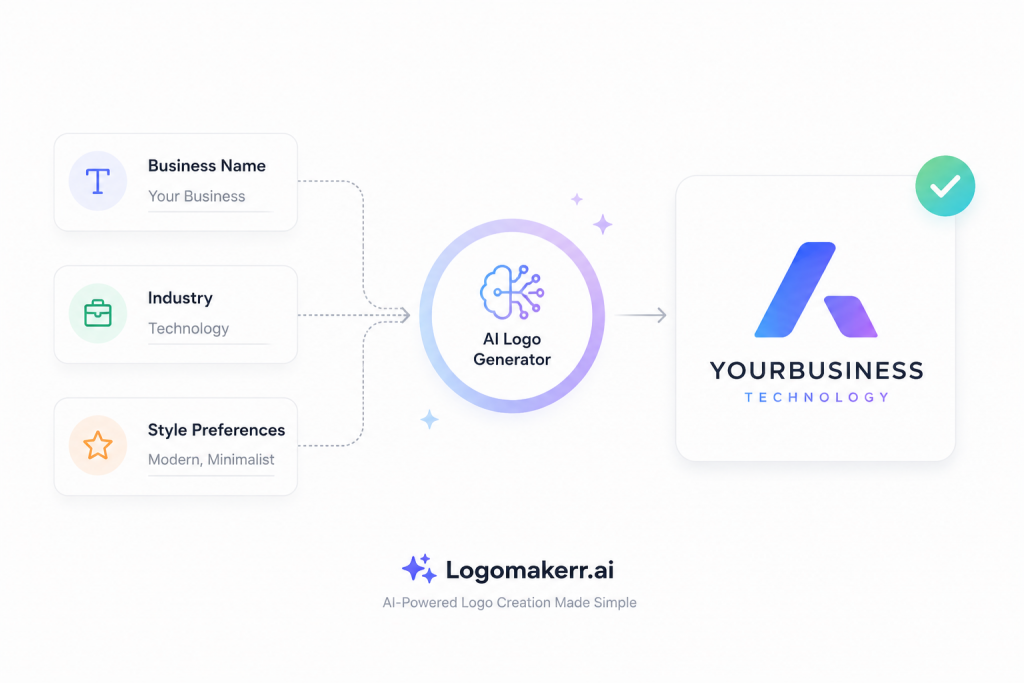
Looka begins with your company name and industry, then asks for preferred styles, colours, and symbols. Its system generates options from those preferences, and the editor lets you change colours, fonts, layouts, and symbols. That guided preference stage can suit a founder who wants the tool to narrow a broad visual field.
Logomakerr.ai also supports generated logo exploration and editing. Its workflow is oriented around creating options, selecting a promising direction, and customizing the wording, symbol, typography, colours, and layout before downloading. This can suit a user who wants to concentrate on the logo itself before deciding whether wider brand material is necessary.
Neither approach guarantees a distinctive result. Similar industries often produce similar visual cues: houses for property, leaves for wellness, shields for security, and utensils for food. Use those cues consciously. If the first results look generic, change the underlying concept instead of only changing the colour.
Compare editing with real stress tests
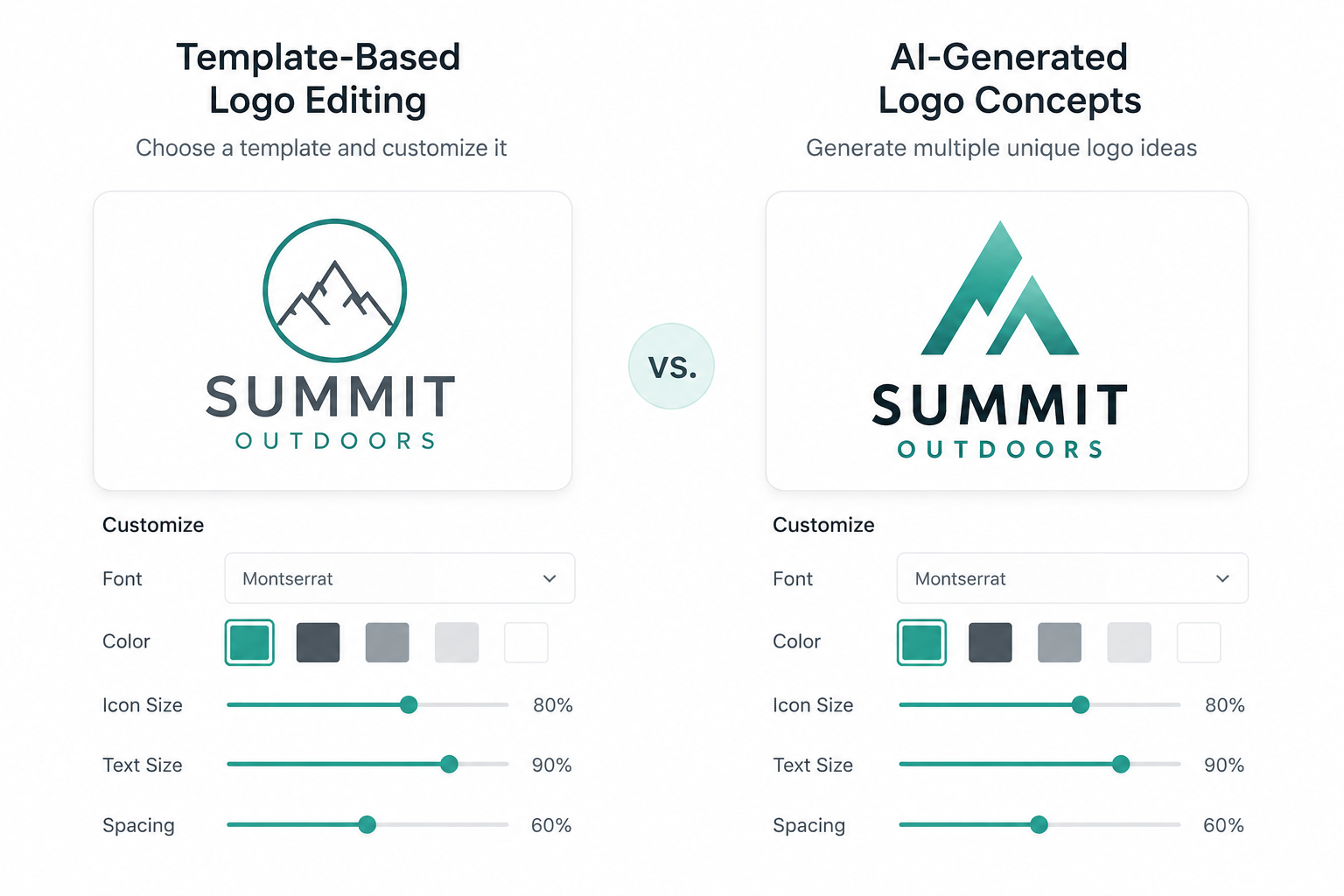
Build the same candidate in both tools, then perform five edits. Replace a short company name with a longer one. Remove the slogan. Create a one-colour version. Make a square avatar. Reduce the mark until it resembles a small browser or social icon.
Watch what happens to spacing and hierarchy. A good editor should let you correct problems rather than forcing you to accept an attractive preview that fails in production. Check whether the symbol and wordmark can be repositioned, whether the type remains readable, and whether colour controls support an exact brand value when you already have one.
Do not assume every preview is an included file. Record which variations you can export from the specific package being considered. If you need post-purchase changes, check the current rules before paying. Looka’s pricing page states that its Premium Logo Package includes post-purchase changes while its annual Brand Kit includes ongoing access and branded assets. Review the current Logomakerr.ai offer at checkout in the same way.
Logo-only purchase or continuing brand system?
This is the most important structural difference to evaluate. Looka currently presents two purchasing paths: one-time logo packages and annual Brand Kit subscriptions. The subscription extends the logo into social profiles, posts, business cards, email signatures, letterheads, invoices, guidelines, and other branded assets.
That breadth is useful when the business will maintain those items inside the platform. It is unnecessary if the team already uses another design system or only needs approved logo files. A large asset count is not valuable by itself; each item needs a real owner and publishing purpose.
Logomakerr.ai is a strong candidate when the immediate job is logo generation, customization, and file delivery. Start with the smallest complete handoff that supports known uses. You can build a broader brand system later using approved colours, fonts, imagery, tone, and layout rules.
Our guide to organizing logo files in a brand folder explains how to make the final exports usable by colleagues and suppliers. A clean handoff can matter more than the number of previews shown during creation.
Pricing: compare the maintained year
Compare the amount payable now, any annual renewal, the included file formats, the right to re-download, post-purchase editing, and the assets you expect to use. Do not compare a basic logo-only package with a full brand subscription as though they are the same deliverable.
Looka’s current pricing page separates a low-resolution Basic Logo Package, a multi-format Premium Logo Package, and annually billed Brand Kit options. It does not display every final price in the page text available to all visitors, so check the live offer in your account and market.
For Logomakerr.ai, review the current download package and any optional assistance visible during your purchase. Keep a screenshot or note of the package, date, and included formats. This avoids relying on an old comparison after either company changes its offer.
Ownership, symbols, and trademark checks
File delivery and legal exclusivity are different questions. Looka’s official FAQ says purchasers own the logo design as a whole but not necessarily individual elements such as symbols. Shared library elements can also appear in logo-maker ecosystems.
Before launch, search for confusingly similar marks in your category and region. Check business names, domains, app stores, social handles, and the trademark databases relevant to your market. For an important commercial brand, obtain qualified legal advice; a generator cannot issue a universal trademark clearance.
Also keep the source brief and selection record. Note why the final symbol, type, and colours were chosen and who approved them. This is useful when the business later refreshes the identity or answers a supplier’s question.
Run a fair 30-minute comparison
- Write a three-line brief covering audience, personality, industry, and uses.
- Use the identical company name and slogan in both products.
- Generate several directions, then shortlist by concept rather than colour.
- Edit one candidate into horizontal, stacked, one-colour, and avatar versions.
- Check the exact download formats and package terms.
- Preview the logo at small size, on light and dark backgrounds, and in one realistic mockup.
- Record corrections, missing files, purchase type, and who will maintain future assets.
Use our clear-space and minimum-size testing guide for the production check. If the mark becomes unreadable or its parts merge at the required size, revise it before purchase rather than expecting a larger file to solve the design problem.
Which one should you choose?
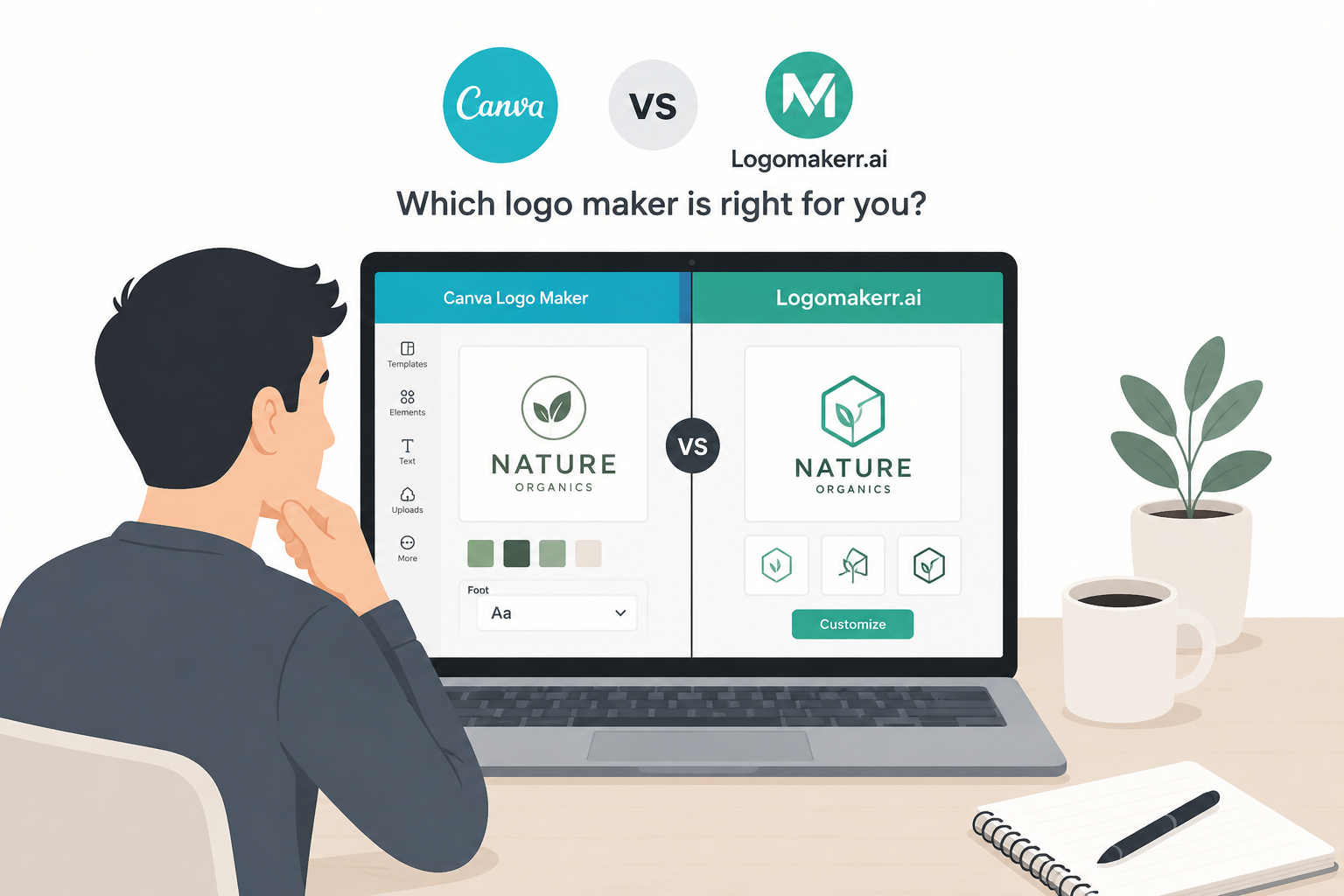
Choose Looka when you want its guided preference workflow and specifically plan to use the logo-only packages or the wider Brand Kit ecosystem. Choose Logomakerr.ai when you want a focused path for generating, customizing, and downloading a logo, with the option to organize the resulting files inside your own brand workflow.
There is no universal winner. The better product is the one that produces an approved concept, gives you the files you need, fits your actual maintenance model, and remains understandable to the next person who uses the logo. Complete the same brief in both tools and compare the finished handoff—not the most flattering gallery screen.
Frequently asked questions
Is Looka free to use?
Looka lets users create and preview logo ideas without paying, then charges for the selected logo package or Brand Kit subscription. Check the current checkout for exact pricing and inclusions.
Can I use either logo for commercial purposes?
Review the current licence and ownership terms attached to the package you buy. Commercial usage rights do not automatically mean the individual symbol is exclusive or trademarkable.
Which product is better for a small business?
Logomakerr.ai is well suited to a focused logo workflow. Looka can be attractive when the business wants its broader subscription-based Brand Kit. Test both with the same brief and required formats.
Should I choose the cheapest package?
Choose the least expensive package that includes every file, variation, editing right, and support requirement you have identified. A low price is poor value if a needed vector or transparent file is missing.