Wixel and Logomakerr.ai can both help a small business create a logo, but they fit different working styles. Wixel is part of a broader visual-creation environment with templates, AI-assisted design, brand themes and tools for producing other content. Logomakerr.ai is a more focused route from logo generation and editing to the files needed for launch.
The better choice depends on the job after the first concept. Choose Wixel when the logo will immediately become part of social posts, documents, video or a wider Wix/Wixel workflow. Choose Logomakerr.ai when you want to concentrate on creating, editing, testing and downloading a logo without making a broader design suite the centre of the process.
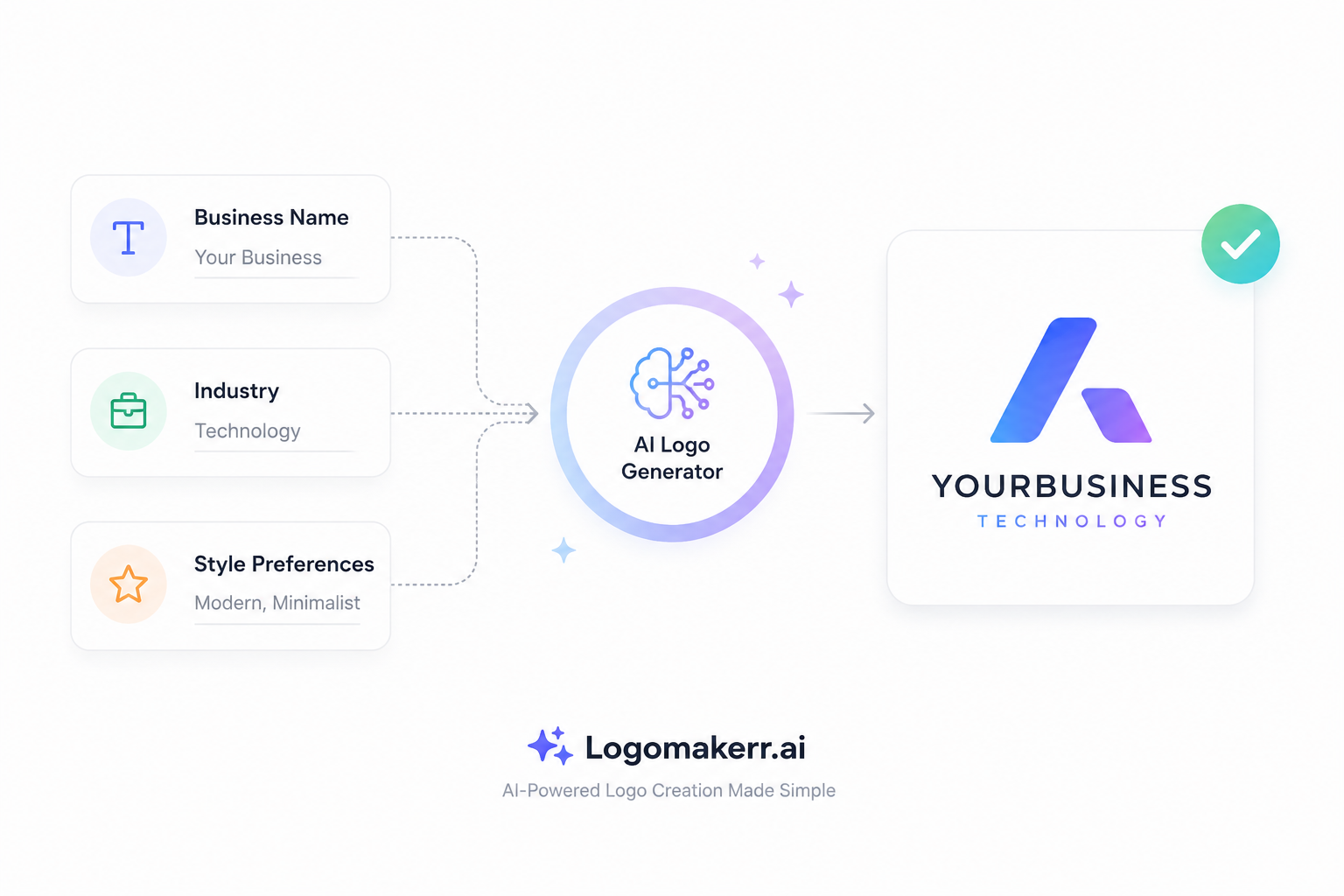
Generate → edit → test → download → hand off
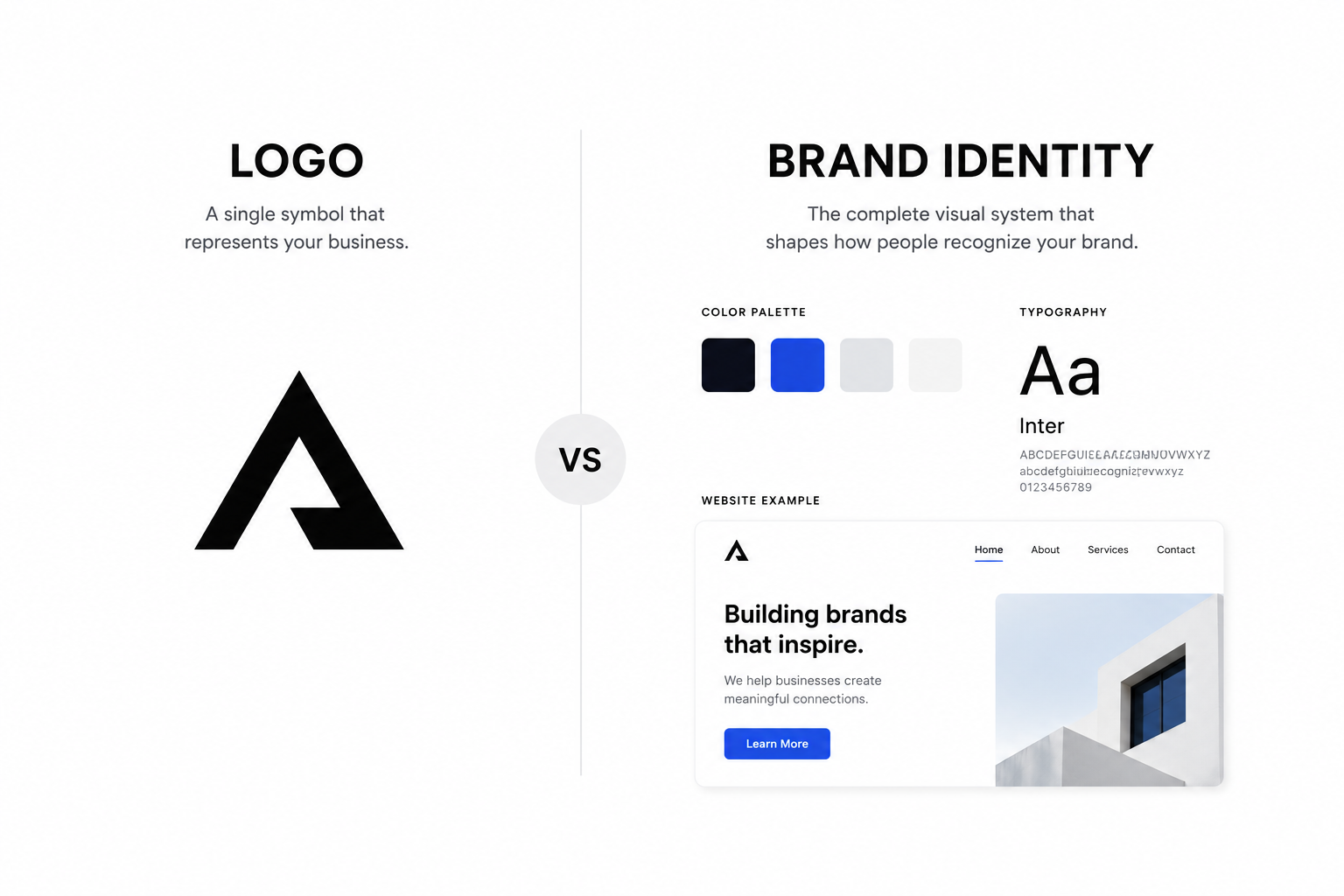
Logo → brand theme → templates → posts, documents and video
Quick comparison
| Decision area | Logomakerr.ai | Wixel |
|---|---|---|
| Primary workflow | Focused logo generation, editing and download | Logo creation inside a broader visual-content platform |
| Starting point | Generate logo directions, then refine | Use AI guidance or start from a template |
| Editing focus | Logo-specific selection and adjustment | Fonts, colors, icons and layout within a general design environment |
| After the logo | Move approved files into the tools your business already uses | Apply a brand theme across other Wixel designs |
| Best test | Build the same brief, export comparable files and test them at real sizes | |
This comparison describes the public product workflows available on 13 October 2026. Features, free allowances and plan boundaries can change, so verify the current offer before relying on a specific export or AI-credit allowance.
How the starting experience differs
Wixel’s official logo-maker page currently offers two main starting points: customize a professionally designed template or answer questions and use AI-generated directions. That makes it useful for someone who already thinks in terms of layouts, templates and a family of content assets.
Logomakerr.ai begins with the logo problem. A user can explore generated directions, edit the selected concept and prepare the files needed for real use. The narrower scope can be valuable when a business already has separate tools for its website, social publishing, documents and campaign production.
Neither starting point removes the need for a brief. Before opening either product, write down the business name, audience, personality, preferred and forbidden symbols, likely applications and any practical constraints. A vague prompt usually produces generic directions regardless of the platform.
Compare concept range, not the first attractive result
A fast first concept can feel convincing because it is new, not because it is distinctive or useful. Generate several directions that solve the brief differently: a wordmark, a simple symbol, a combined mark and perhaps a more expressive option. Eliminate concepts that depend on fashionable effects or complicated detail.
With an AI logo maker, the productive approach is to treat generation as exploration. The owner still needs to compare concepts, check similarity risks, review legibility and decide which visual idea deserves refinement.
Wixel’s template-and-AI combination may appeal to users who want structured starting points and the option to expand the visual language across other designs. Logomakerr.ai may appeal to users who want the logo task to stay separate from the rest of the content stack.
→
3 viable concepts
→
1 tested system
Editing control should support the idea
For each finalist, test the edits that matter: typeface, letter spacing, color, symbol scale, alignment and the relationship between name and icon. A logo editor is useful when it lets you correct hierarchy without encouraging endless decoration.
Wixel states that users can adjust fonts, colors, icons and layout, and can use manual controls without spending AI credits for every change. Its broader editor can be convenient when the logo must become part of other layouts.
Logomakerr.ai keeps the work centred on the mark. That can reduce context switching, particularly when the next step is a clean handoff to a website builder, print supplier or marketing team. The correct choice is not the editor with the longest feature list; it is the one that makes the approved design reproducible.
Exports decide whether the logo is operational
A preview is not a brand asset. Test what you can export and whether the files match the intended uses. Wixel’s current public page describes free high-resolution PNG, JPG and SVG downloads, including transparent-background options. Confirm the active plan and account allowance before your deadline.
For any platform, keep a vector master for scalable use, a transparent PNG for common digital placements and an appropriately compressed version for websites. Record the approved colors and store both full-color and one-color versions.
Use the practical naming system in Logo File Naming: Build a Brand Folder Your Team Can Use. Clear names prevent an outdated draft or low-resolution screenshot from becoming the version used by a printer or partner.
Brand system versus portable master files
Wixel’s broader proposition is brand continuity inside its environment. Its official materials describe building a brand theme from the logo’s colors and style, then applying it to social posts, documents, videos and other designs. That can be efficient when the same person produces those assets and wants one connected workspace.
A focused logo workflow creates a different advantage: portability. Once approved master files and rules exist, teams can use them in whichever systems already support the business. That avoids moving established website, document or campaign processes merely to accommodate the logo tool.
Choose consolidation when it replaces real work. Choose portability when existing tools are already stable. Do not count a feature as valuable unless someone will own and use it.
Run the same five-placement test
Export the strongest candidate from each platform and test it in five places: a 32-pixel browser icon, a social avatar, a website header, a black-and-white document and a large sign or presentation cover. Use the same brand name, tagline and placement sizes for a fair comparison.
- At small size, check whether the symbol remains recognizable and the name remains readable.
- On light and dark backgrounds, check contrast and whether a transparent export behaves correctly.
- In one color, check whether the concept still works without gradients or effects.
- On a horizontal header, check whether the logo wastes space or becomes too small.
- At large size, inspect spacing, curves and alignment rather than trusting the editor preview.
The logo launch testing checklist gives a fuller approval process for screens, print and handoff.
favicon
header
document
sign
Ownership, originality and review
Using a logo maker does not guarantee trademark availability. Search relevant business names and marks, keep records of the design process and obtain professional legal advice when the brand carries material risk. Avoid copying a competitor’s symbol, distinctive layout or typography simply because the result looks familiar.
Also review generated or template-based icons carefully. Common visual ideas can appear across many businesses. Customization, simplification and a clear connection to the brand improve distinctiveness, but legal clearance is a separate task.
If the logo will represent a funded business, regulated service or broad product line, consider whether a professional designer should refine or validate the selected direction. The comparison in AI Logo Maker vs Professional Designer explains when speed is sufficient and when deeper strategy is worth the investment.
Which should you choose?
Choose Logomakerr.ai when you want a focused logo workflow and intend to move approved files into an existing business stack. Choose Wixel when you want the logo to become the basis of a wider set of templates and visual content in the same environment.
Before deciding, create the same brief in both products, export comparable files and complete the five-placement test. The best choice is not the one that produces the most previews; it is the one that produces a logo system your team can recognize, reproduce and use correctly.
Frequently asked questions
Is Wixel the same as the older Wix Logo Maker?
Wix currently presents the logo tool within Wixel, its wider visual-creation product. Check the live Wix/Wixel page because naming, account integration and features can change.
Can I download a Wixel logo for free?
Its official page currently describes free high-resolution downloads including PNG and SVG, subject to the active account and AI-credit allowances. Verify the live offer before beginning deadline-sensitive work.
Which option is better for a small business?
Logomakerr.ai is a strong candidate for a focused logo-to-files workflow. Wixel is a strong candidate when the same user also wants to build social posts, documents, videos and other branded content in one environment.
Should I trademark an AI-generated logo immediately?
Do not assume generation establishes availability. First review distinctiveness, search relevant names and marks, and obtain qualified legal advice when the brand is important enough to justify formal protection.