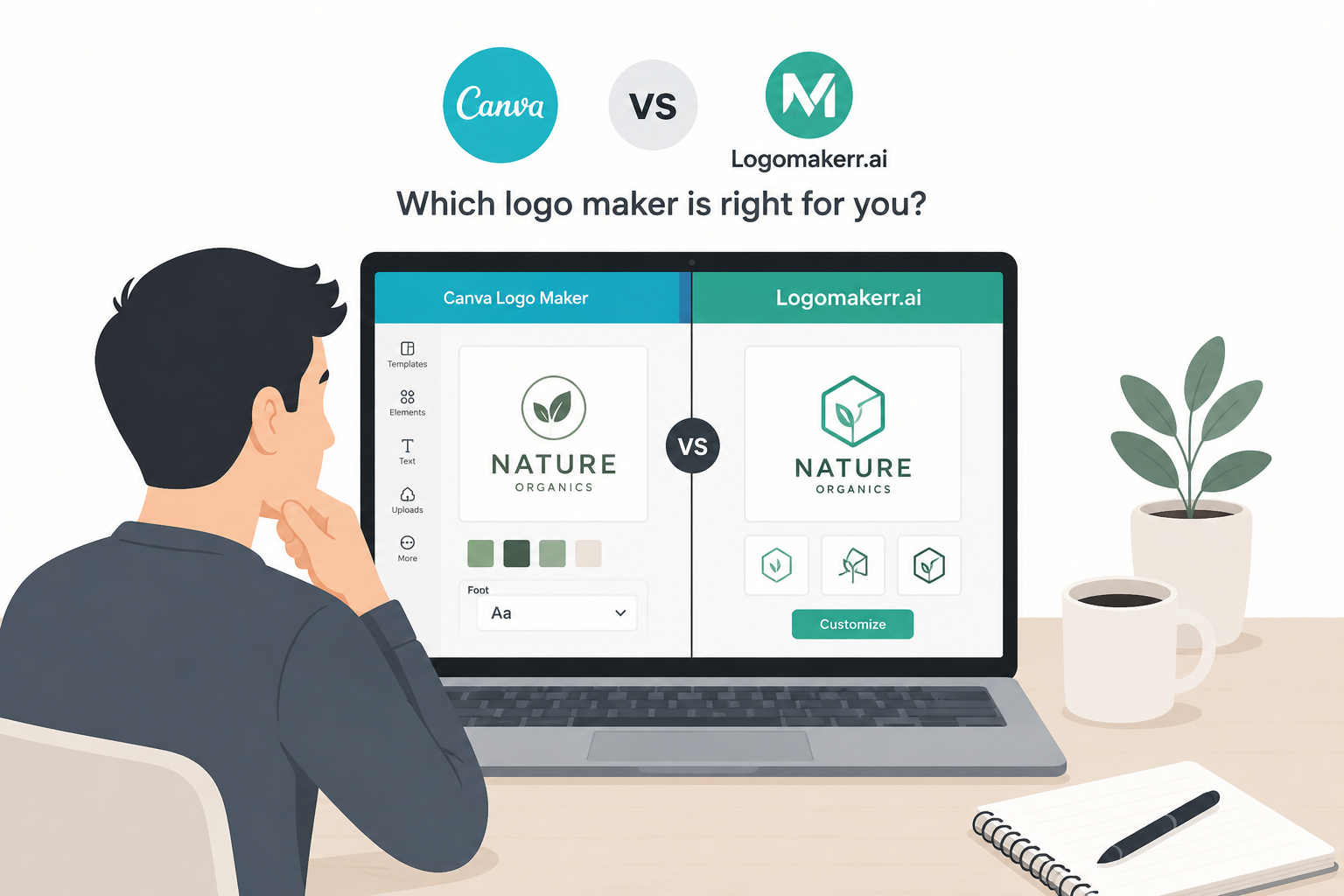
Quick answer: choose Logomakerr.ai when you want an AI-led route that begins with your business description and turns those inputs into logo directions you can refine. Choose DesignEvo when you prefer a template-led editor with a large icon and font library and want to assemble or customize the design more directly. Test both with the same brief, review current pricing and license terms, and approve the files you will actually use.
Logomakerr.ai and DesignEvo can both help a small business create a logo without starting in professional vector software, but they emphasize different starting points. The better choice depends on how you generate ideas, how much manual layout control you want, which file formats you need, and how carefully your team can check originality and trademark risk.
An AI logo maker can shorten early exploration, but it cannot decide whether a mark is legally available, distinctive in your market, or suitable for every application. Treat every generated or template-based result as a candidate until you review it at small sizes, in one color, on real materials, and against relevant trademark resources.
Where the workflows differ
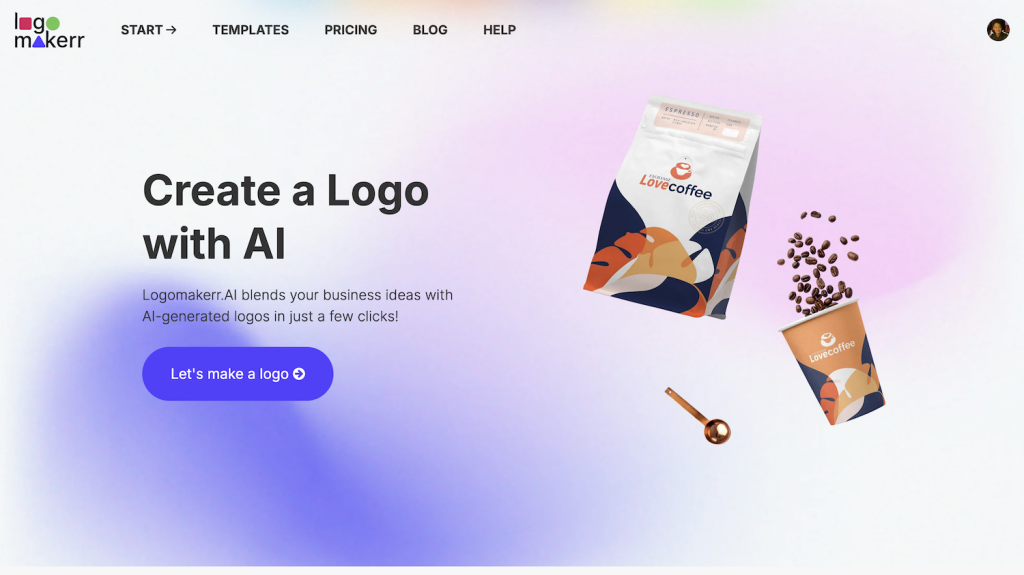
Logomakerr.ai begins from business information and design preferences, then uses AI to generate directions for refinement. This approach can help a founder who knows the brand idea but does not yet know which symbol, type treatment, or composition to try. The useful output is not the first attractive preview; it is a candidate that survives editing and real-world testing.
DesignEvo describes itself as a web-based logo maker built around templates, icons, fonts, colors, backgrounds, and a visual editor. Its official materials say users can choose a template or begin from scratch, then move, resize, layer, preview, save, and download the logo. That is a more hands-on assembly route.
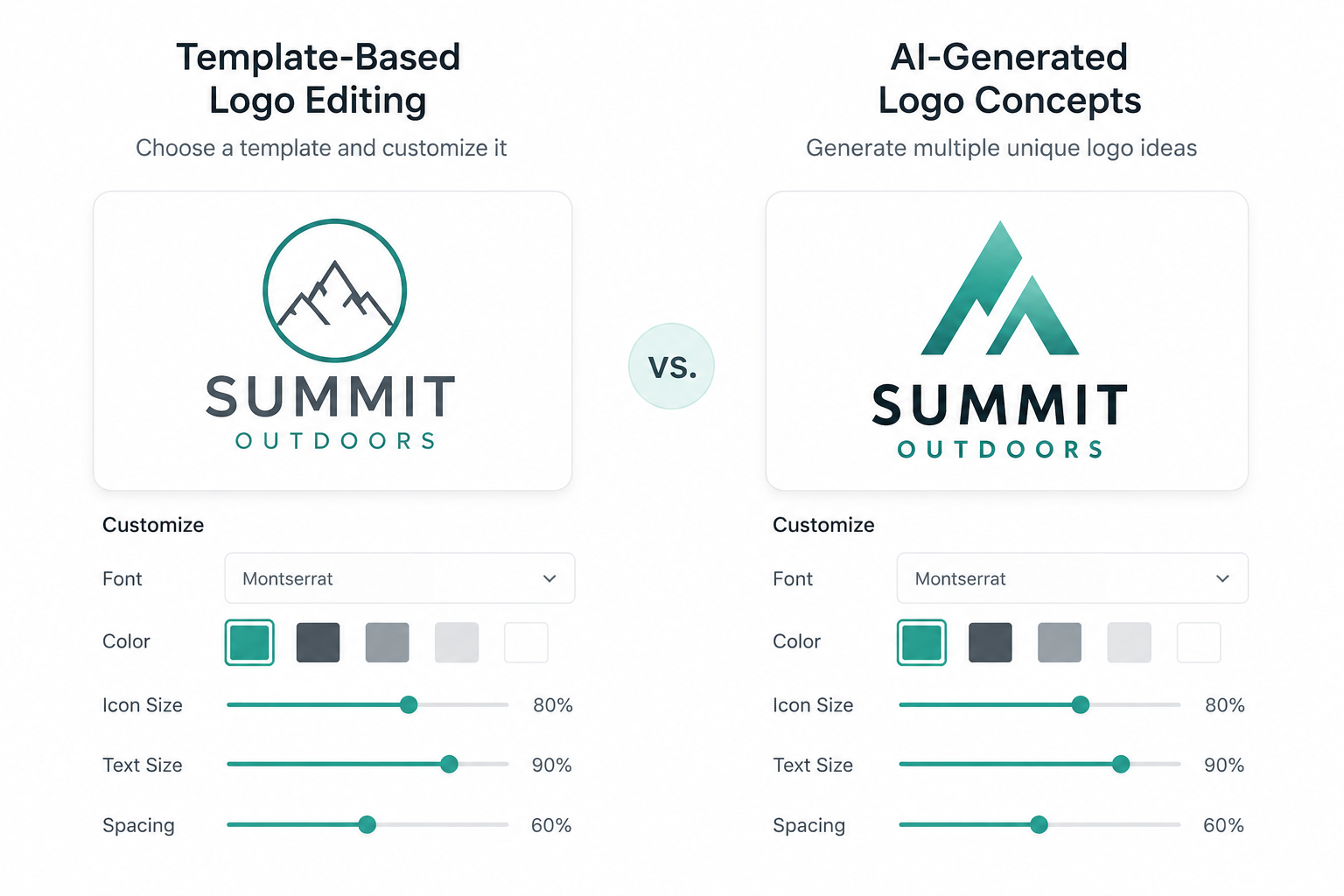
Neither starting method is universally better. AI-led exploration can produce varied directions quickly. A template-led editor can make component choices more visible. The decision depends on whether your biggest obstacle is generating concepts or arranging known elements.
Use one written brief for both tests
Write the business name exactly as it should appear, industry, audience, brand personality, required wording, preferred and excluded colors, symbols to avoid, and likely placements. Add three adjectives you want the mark to express and three you do not.
Keep the brief short enough to guide decisions. “Modern” alone is vague. “Calm, precise, and approachable for independent financial planning; avoid shields, coins, and aggressive gradients” gives both workflows useful boundaries.
Record the initial inputs and preserve screenshots or files from each promising stage. You should be able to explain why the team preferred one direction rather than relying on the memory of a long browsing session.
AI generation versus template customization
In Logomakerr.ai, evaluate whether the generated directions connect to the brief and provide enough variation in symbol, typography, and structure. Reject options that are attractive but unrelated. Refinement should improve a chosen idea, not conceal a weak concept with more effects.
In DesignEvo, inspect how much of the result comes from a widely available template or icon. Customizing type, spacing, layout, colors, and supporting shapes can make the design more appropriate, but it does not automatically make the underlying symbol exclusive.
The guide to logo versus brand identity is a useful reminder that the mark is only one part of the system. Choose an idea that can support consistent color, type, imagery, and voice rather than trying to make the logo communicate every benefit.
Editor control and revision discipline
Run the same revision tasks in both products: change the font category, adjust the relationship between symbol and name, create a horizontal alternative, test a one-color version, and make the smallest wording readable. Record which changes are precise and which require workarounds.
Do not keep editing simply because controls are available. Set acceptance criteria before the session. Check alignment, spacing, letterforms, visual balance, contrast, and whether the symbol remains recognizable without decorative effects.
Save distinct milestones instead of overwriting one file. Name them with the concept, version, and date. The later guide to logo file naming and brand folders shows how to preserve an approved master and prevent an early draft from reaching print.
Export files: test the deliverable, not the preview
Open the current download page for each product and list the formats included in the exact offer you are considering. DesignEvo’s official pricing page currently distinguishes free, Basic, and Plus packages; high-resolution raster files, transparent backgrounds, vector files, font downloads, credit requirements, and editing rights vary by package. Verify those terms again at purchase because offers change.
For Logomakerr.ai, review the current checkout and export description for the selected logo. Confirm resolution, transparency, vector availability, color variations, and any conditions relevant to your intended use. Do not assume that two products use the same meaning for a “logo package.”
Download the sample or purchased files permitted by the offer and inspect them outside the browser. Check pixel dimensions, transparent edges, color appearance, font handling, and whether the vector opens correctly in an appropriate application.
Licensing, icons, fonts, and trademark checks
Read the current license and FAQ pages rather than relying on a comparison article alone. DesignEvo’s FAQ notes that users should review relevant icon terms and consult appropriate trademark authorities when trademark protection matters. A paid download and a registered trademark are different questions.
The same caution applies to an AI-generated direction. Search for confusingly similar marks in the relevant countries and business categories. Review symbols, wordmarks, and combinations, not only exact text matches. When the brand investment is significant, obtain advice from a qualified trademark professional.
Check font and icon rights for the ways you plan to reproduce or modify the logo. Preserve receipts, license pages, terms, and the date they were reviewed with the approved brand files.
Real-world logo tests
Place the candidate on a website header, square profile image, invoice, email signature, small product label, and one-color document. Use the actual sizes. A detailed mark can look impressive at 1,000 pixels and disappear at 32 pixels.
Test clear space and the smallest acceptable reproduction. The logo clear-space and minimum-size guide provides a repeatable method. Create alternate lockups only when the placements genuinely require them; too many unofficial versions make the brand harder to manage.
Ask reviewers specific questions: Can you read the name? Which business category do you infer? What shape do you remember after one minute? Does any symbol feel misleading or overly familiar? General votes for a favorite are less useful than observations tied to the brief.
Pricing comparison: calculate one approved logo
DesignEvo currently publishes one-time, per-logo package pricing on its official site, with different file and usage provisions by tier. Logomakerr.ai’s current commercial offer should be checked at the live checkout. Capture the date, currency, taxes, package, included files, editing terms, and any promotional price.
Add the team’s time for briefing, generation, editing, rights checks, revisions, exports, and brand-folder setup. A lower download price can cost more if the result requires extensive correction. A faster initial concept can also cost more if it fails the trademark or small-size test.
Do not compare a free low-resolution preview with a complete production package. Compare the deliverable your business actually needs.
A fair 60-minute comparison test
- Spend ten minutes finalizing one written brief and list of required files.
- Spend fifteen minutes creating directions in Logomakerr.ai and preserve the three most relevant candidates.
- Spend fifteen minutes exploring and customizing DesignEvo templates or a from-scratch composition using the same brief.
- Spend ten minutes applying the same font, layout, color, and small-size tests.
- Spend ten minutes reviewing current package terms, export formats, license information, and the work still required.
Score relevance to the brief, concept variety, editor control, small-size clarity, one-color performance, export fit, rights documentation, total cost, and confidence that another team member can maintain the files. Add evidence beside every score.
Final recommendation
Choose Logomakerr.ai when AI-led concept exploration is the useful starting point and you want to refine generated directions around a clear business brief. Choose DesignEvo when a template-and-icon workflow with direct visual assembly matches how you prefer to design.
Before paying, compare the current official packages, inspect license terms, and verify the exact production files. Before launching, search for confusingly similar marks, test real placements, and store one approved master set. The stronger logo maker is the one that helps you reach a distinctive, usable, documented result—not the one that produces the fastest first preview.
Frequently asked questions
Is DesignEvo an AI logo maker?
DesignEvo primarily presents a template, icon, font, and visual-editor workflow. Logomakerr.ai emphasizes AI-led concept generation from business inputs.
Which product is better for vector logo files?
Check the exact current package before purchasing. File formats and vector availability can vary by product and package tier.
Can I trademark a logo made with either tool?
A logo-maker download does not itself establish trademark availability. Search relevant registers and obtain qualified advice when protection matters.
How should I compare logo-maker prices?
Compare the package that includes the resolution, transparency, vector formats, editing rights, and usage terms you need, plus the time required to reach an approved logo.