UPLOAD
Start with the highest-quality original
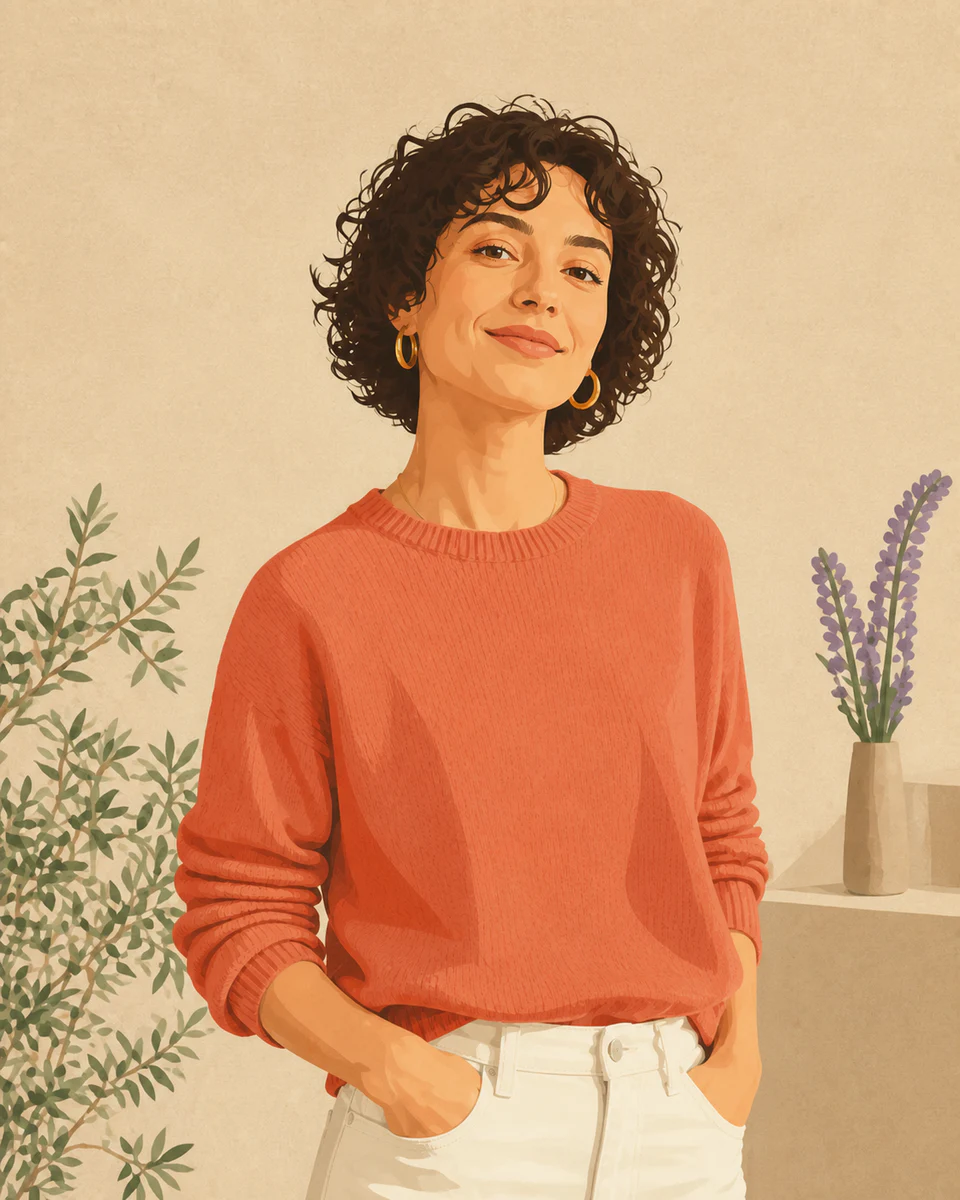
Choose a well-lit product, person, or object with visible edges.
 Makerr Studio
Remove a background and export a clean transparent PNG.
Create now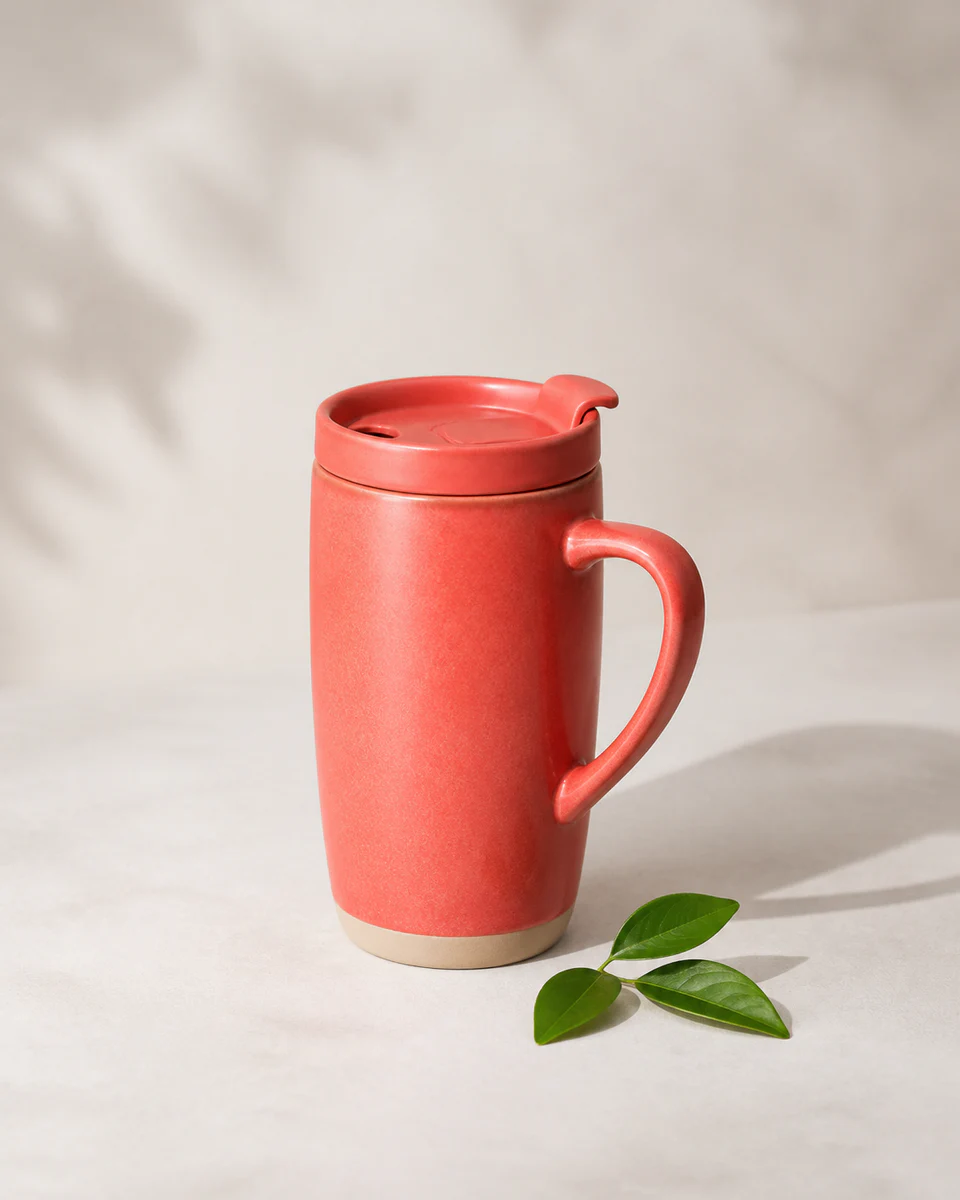

Use a clear, well-lit image for the most natural result. Your original stays untouched.
Photo privacy: previews stay in your browser until you press Generate. Source photos are then sent securely for your requested AI edit; Makerr Studio does not save them on its server.
Best results: front-facing subject, even light, and no heavy filters.
The tool finds the subject, refines difficult edges, and prepares a transparent asset you can place anywhere.
Choose a well-lit product, person, or object with visible edges.
Hair, curved objects, and soft edges are examined independently for a cleaner mask.
Inspect the edge preview and save a background-free file ready for your layout.
Each direction starts with a specific outcome, so you can choose a source image and result that fit the job.
01Isolate a product for clean catalog listings, consistent thumbnails, and distraction-free marketplace pages.
Try this direction02Lift a person or object from its background so it can drop neatly into decks, documents, and proposals.
Try this direction03Create a reusable transparent subject that can move across campaign colors, layouts, and social formats.
Try this directionBuilt for everyday production work, from marketplace listings to campaign graphics.
Clear contrast and good resolution help the tool preserve fine edges such as hair, fur, and fabric.
The subject keeps the source resolution where possible; export quality depends on the uploaded original.
The transparent PNG can be placed over any color, image, or layout in your preferred editor.