FRAME
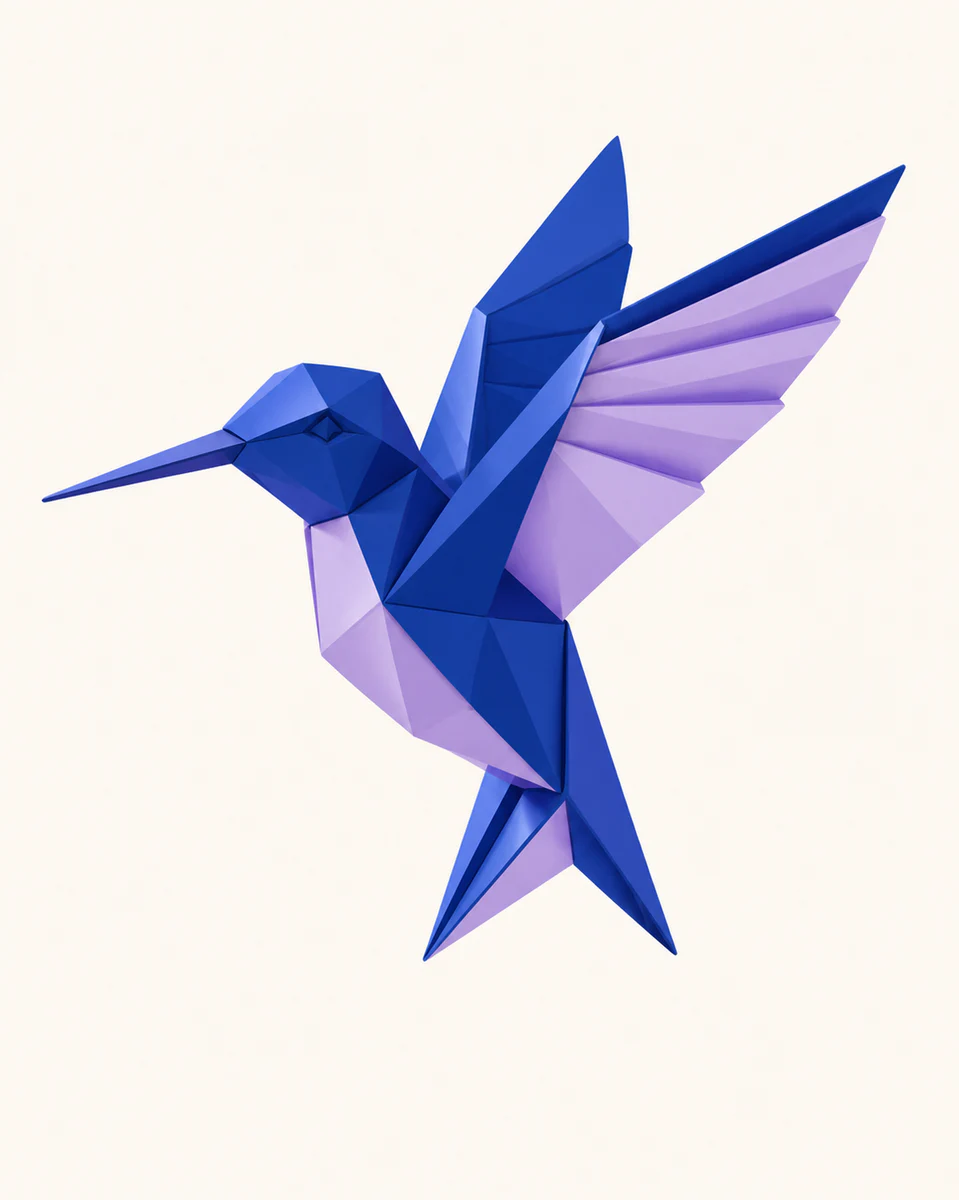
Pick a photograph with a strong silhouette
Simple scenes and clear subjects give the illustration a confident composition.
 Makerr Studio
Reimagine a photo as polished flat editorial artwork.
Create now
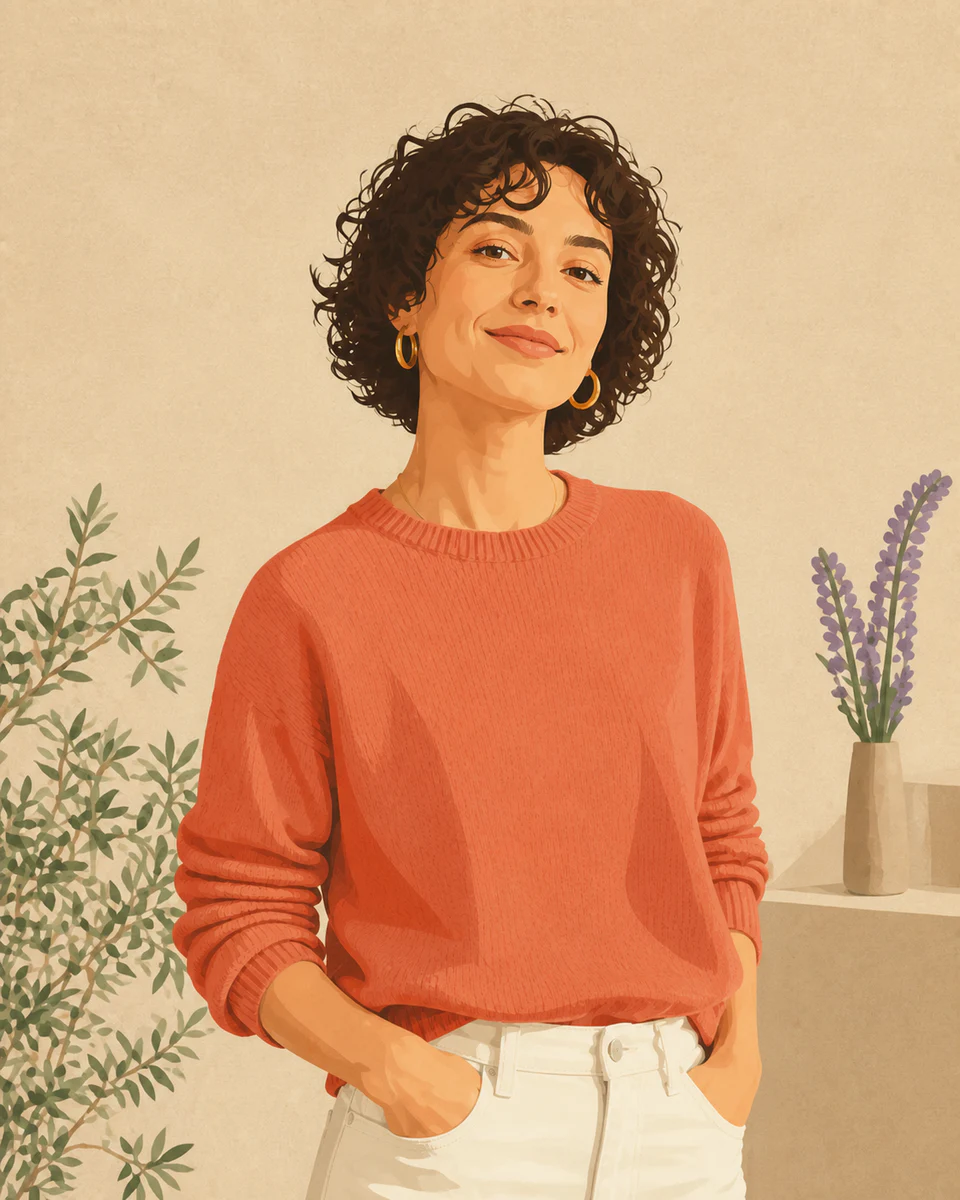
Use a clear, well-lit image for the most natural result. Your original stays untouched.
Photo privacy: previews stay in your browser until you press Generate. Source photos are then sent securely for your requested AI edit; Makerr Studio does not save them on its server.
Best results: front-facing subject, even light, and no heavy filters.
The scene is reduced to deliberate shapes, controlled color, and expressive detail without losing the original idea.
Simple scenes and clear subjects give the illustration a confident composition.
Texture becomes shape, lighting becomes color blocks, and distractions are simplified.
Create an editorial image for social content, presentations, covers, and campaign concepts.
Each direction starts with a specific outcome, so you can choose a source image and result that fit the job.
01Translate a strong photo into composed editorial artwork for an article, newsletter, or report.
Try this direction02Give campaign photography a consistent illustrated treatment that feels intentionally branded.
Try this direction03Create a bold cover image with simplified shapes that remains readable behind presentation titles.
Try this directionThe transformation prioritizes composition and readable form, so the output feels intentionally illustrated.
Clear facial features and a strong source composition help preserve the subject while simplifying the style.
They can, but a simpler background usually produces a cleaner and more graphic result.
Yes. Products with distinct silhouettes translate especially well into flat illustrative artwork.