ORIGINAL
Upload the strongest available file
A sharp source gives the tool more room to improve tone and detail without creating artifacts.
 Makerr Studio
Balance light, color, texture, and distracting details.
Create now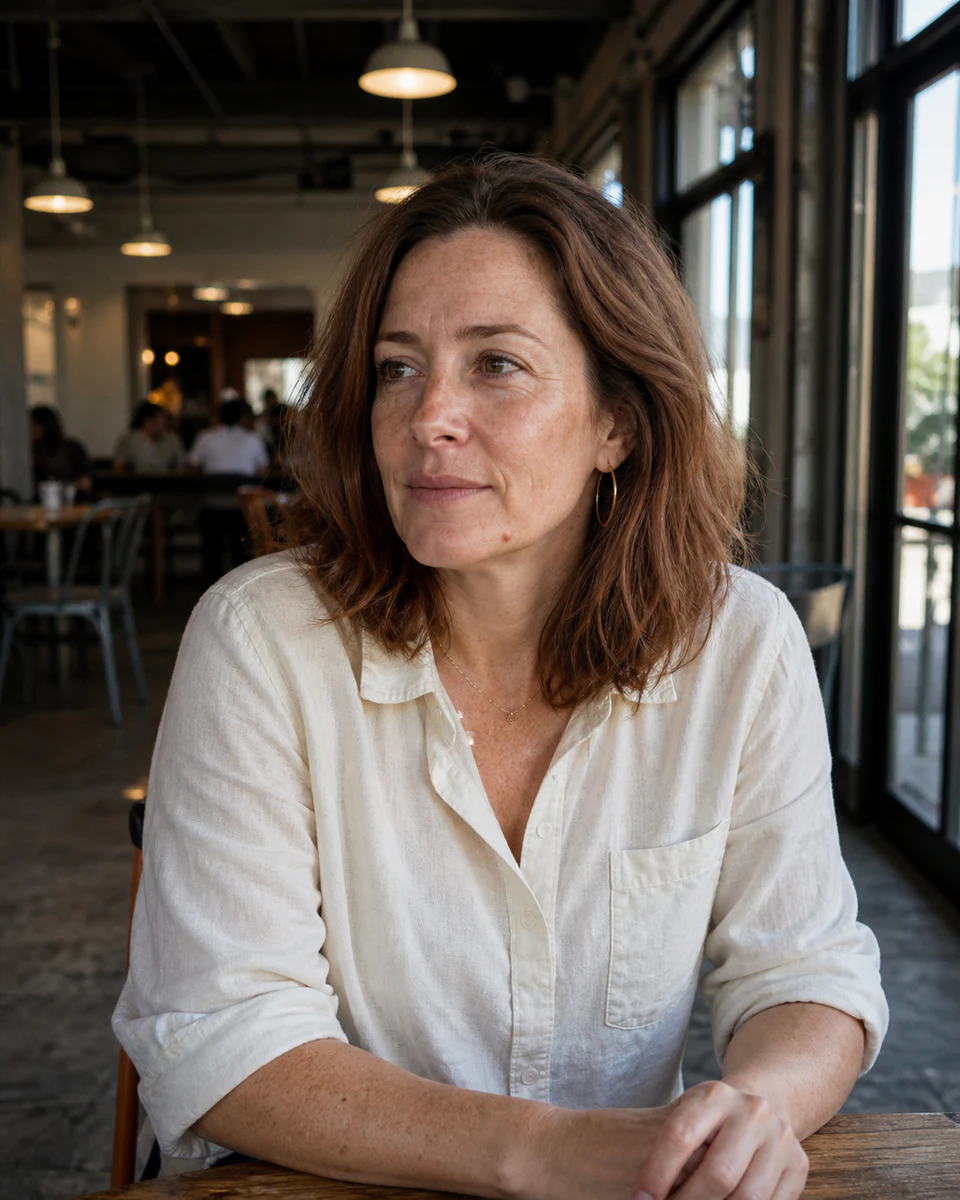
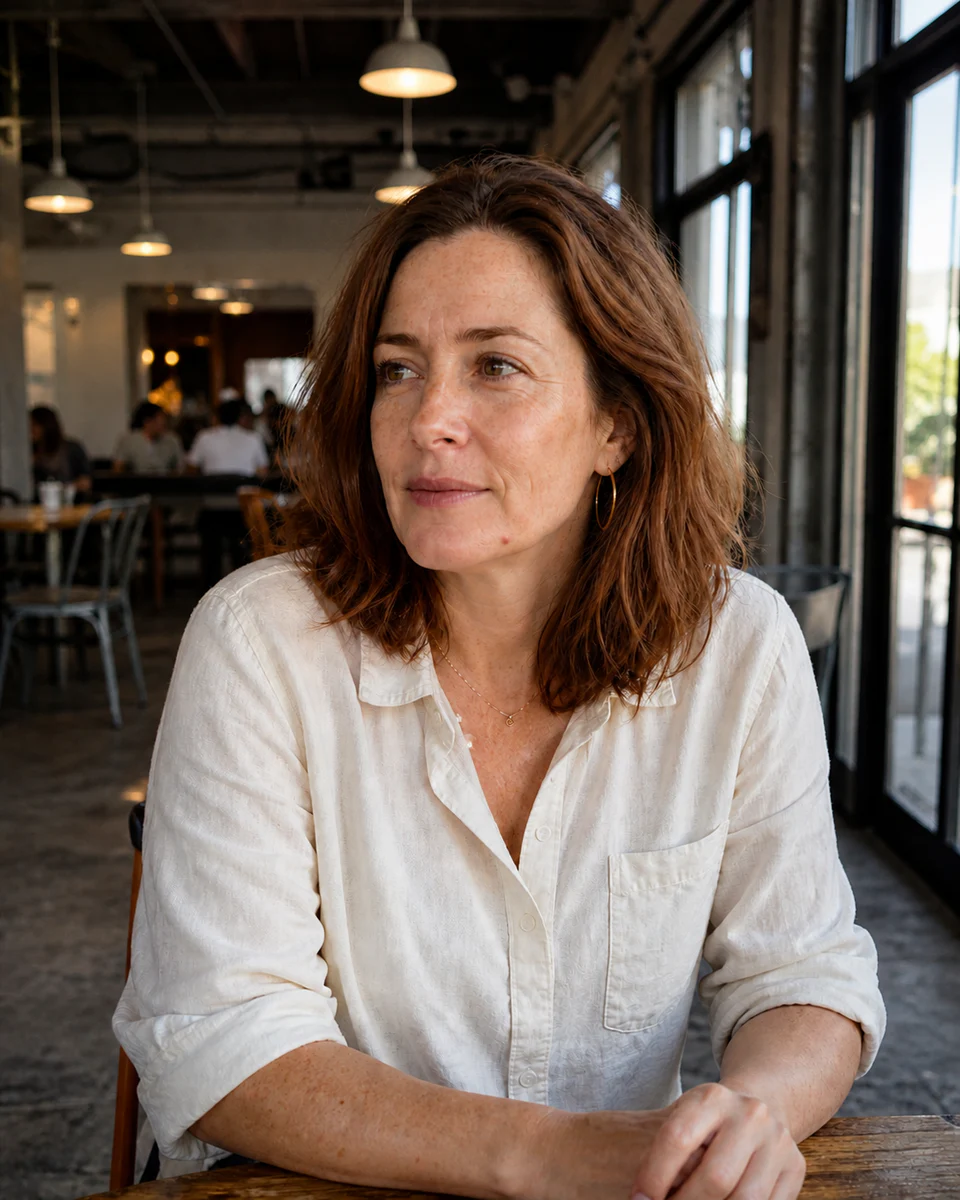
Use a clear, well-lit image for the most natural result. Your original stays untouched.
Photo privacy: previews stay in your browser until you press Generate. Source photos are then sent securely for your requested AI edit; Makerr Studio does not save them on its server.
Best results: front-facing subject, even light, and no heavy filters.
Light, color, texture, and small distractions are balanced together for a cleaner but believable finish.
A sharp source gives the tool more room to improve tone and detail without creating artifacts.
Exposure, color cast, local contrast, skin texture, and distractions are treated in context.
Inspect skin, hair, eyes, edges, and background detail before downloading the polished version.
Each direction starts with a specific outcome, so you can choose a source image and result that fit the job.
01Balance exposure, color, and small distractions while keeping a professional portrait recognizable.
Try this direction02Clean up a product image so the object, material, and color read more clearly.
Try this direction03Give an everyday photo a polished finish before posting it to a feed or story.
Try this directionA fast finishing pass for portraits, products, and everyday content.
The workflow is designed for correction and polish, not identity-changing reshaping.
It may improve perceived clarity, but severe blur or missing detail cannot be fully recovered.
Yes. Product images can benefit from light, color, and background cleanup.