CHOOSE
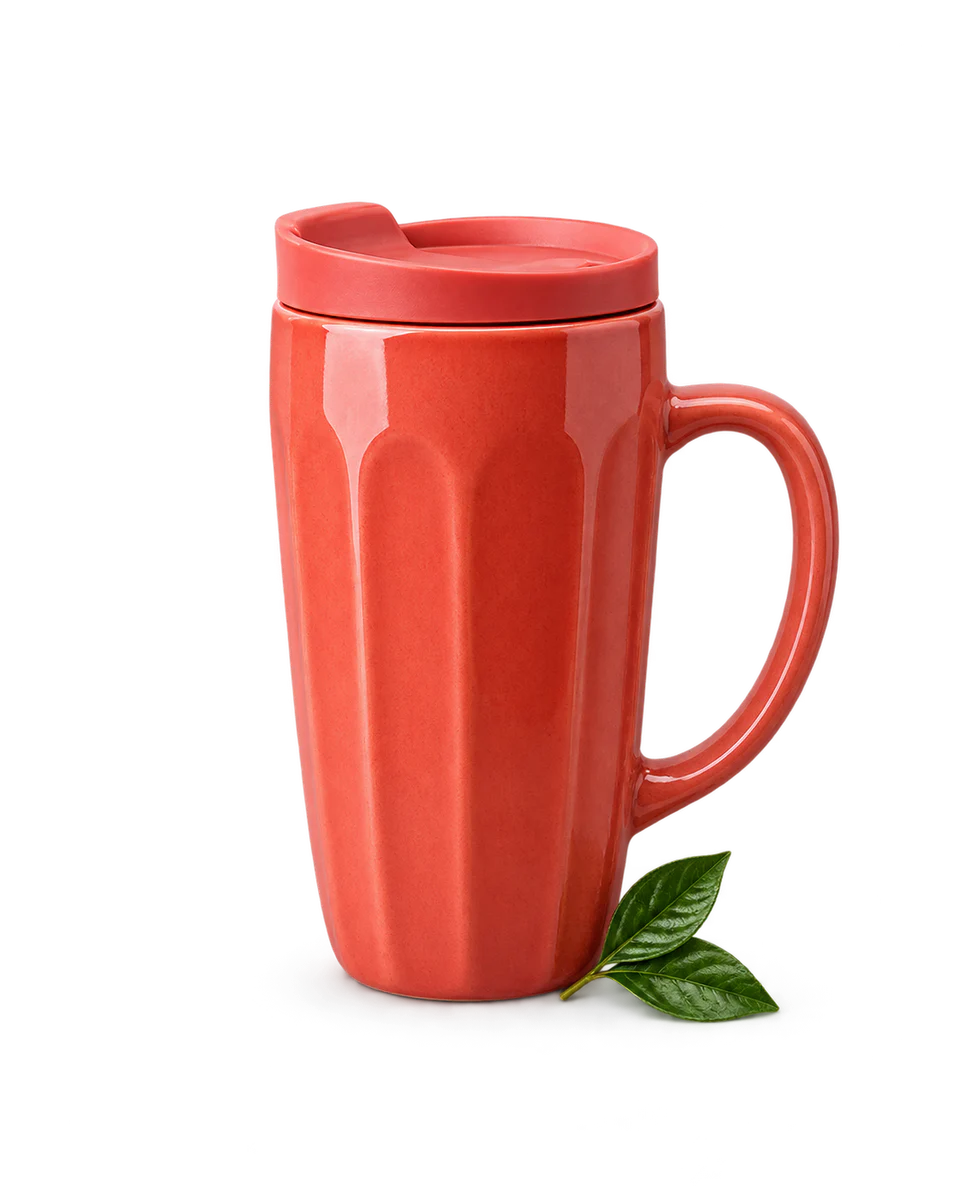
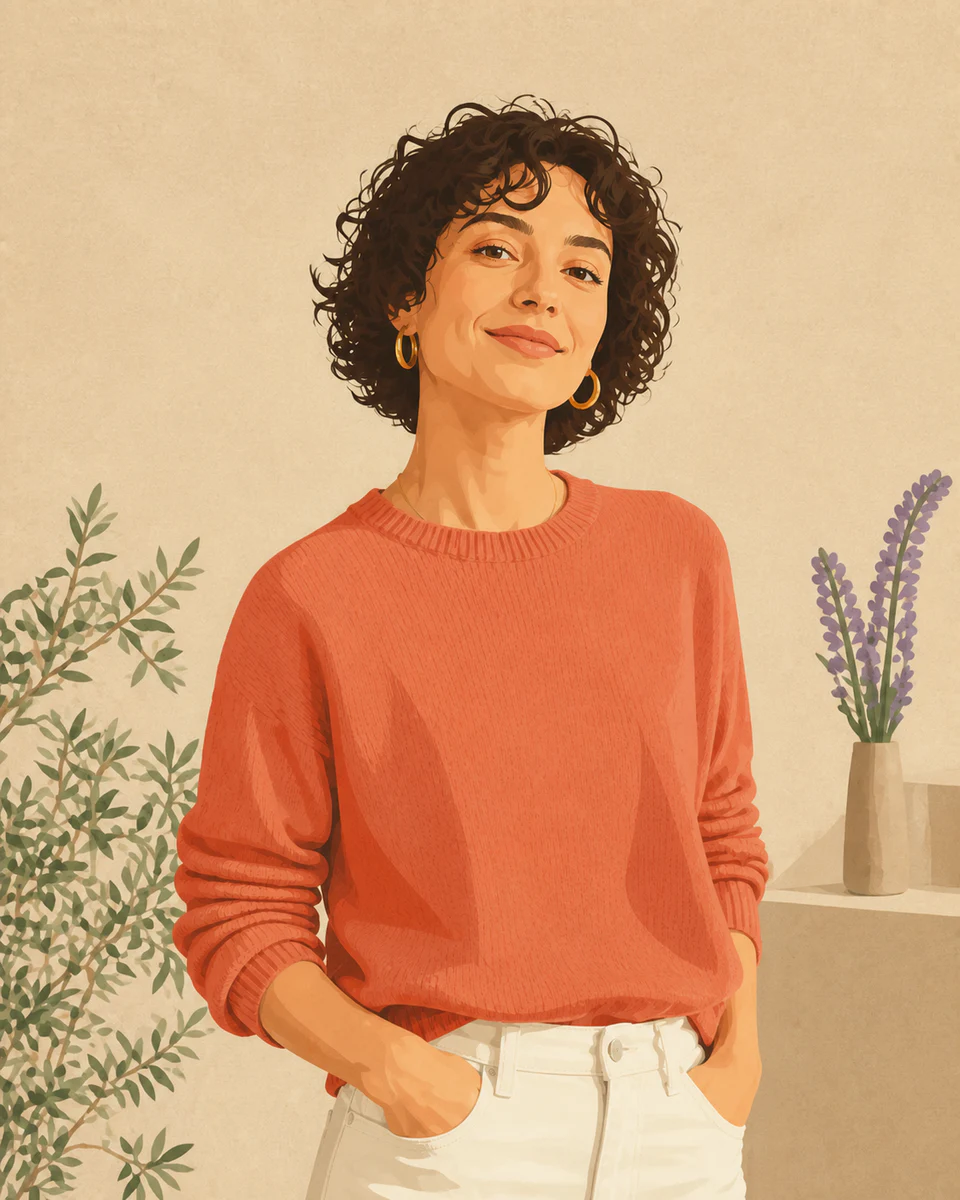
Pick one clearly defined subject
Strong separation between subject and background produces the cleanest sticker shape.
 Makerr Studio
Add a crisp outline and export a sticker-ready image.
Create now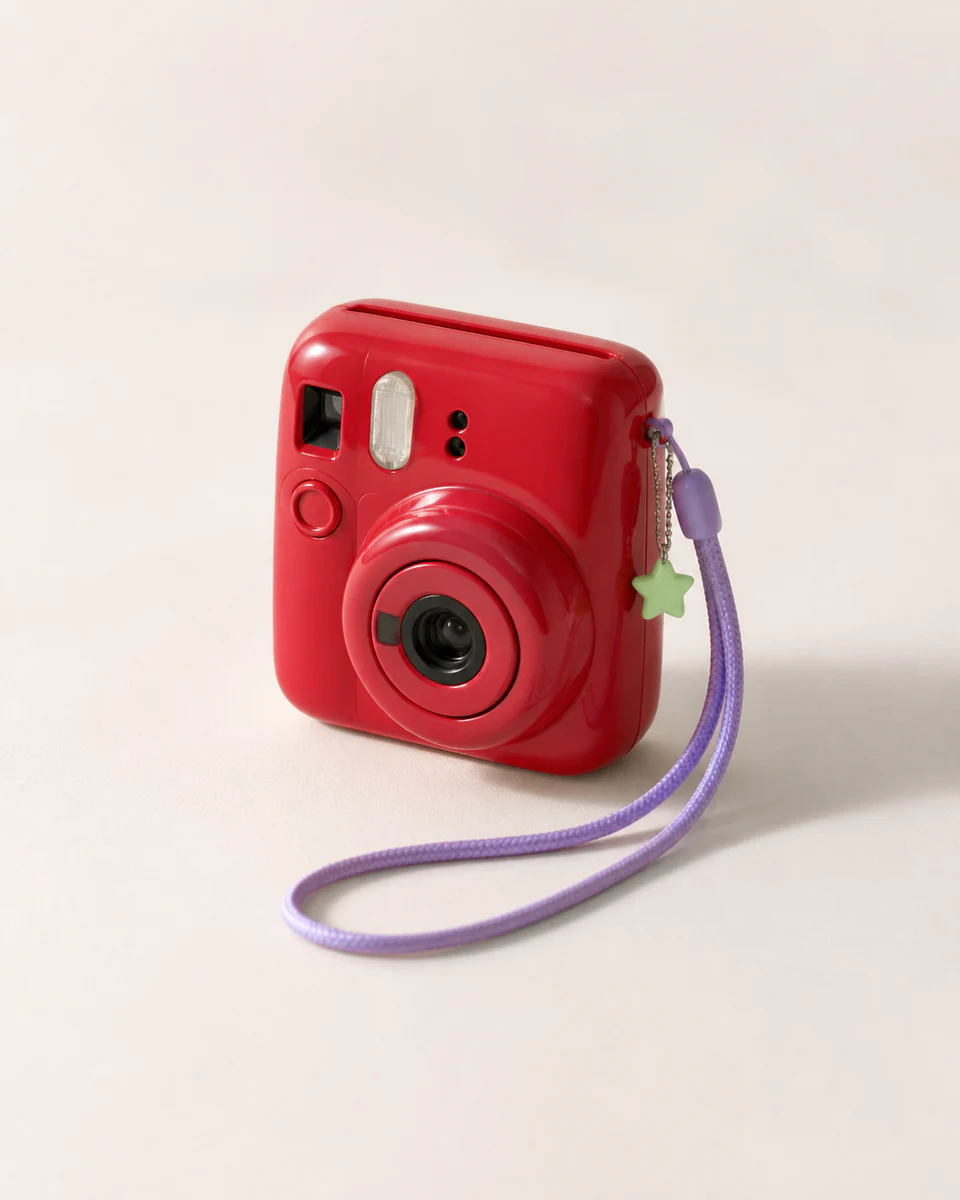
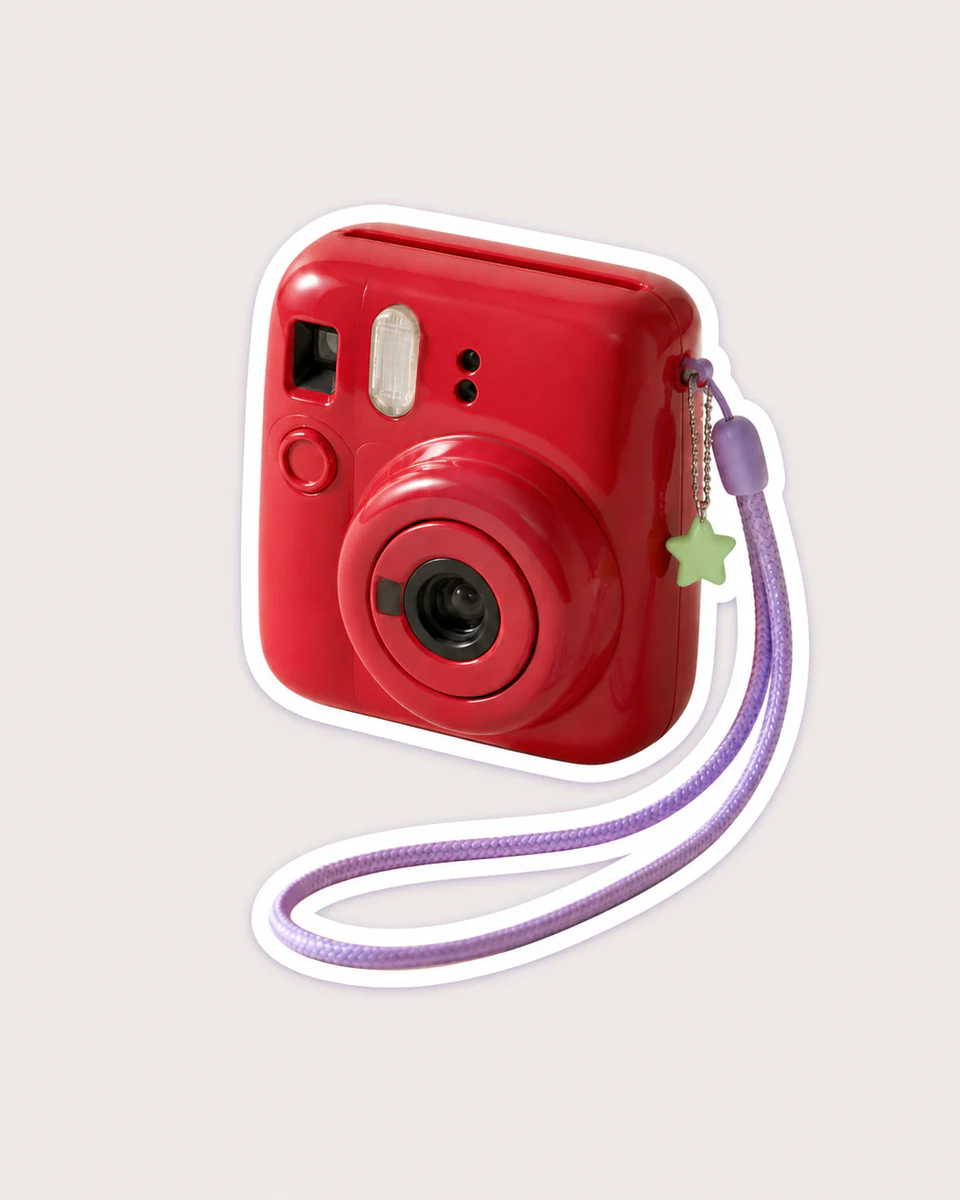
Use a clear, well-lit image for the most natural result. Your original stays untouched.
Photo privacy: previews stay in your browser until you press Generate. Source photos are then sent securely for your requested AI edit; Makerr Studio does not save them on its server.
Best results: front-facing subject, even light, and no heavy filters.
The tool isolates the main subject, builds a clean perimeter, and adds a consistent outline that reads at small sizes.
Strong separation between subject and background produces the cleanest sticker shape.
Small gaps and difficult curves are simplified into a bold, readable border.
Review the crop and download an outlined image ready for your sticker workflow.
Each direction starts with a specific outcome, so you can choose a source image and result that fit the job.
01Add a crisp border around a subject so it reads clearly as a chat, stream, or community sticker.
Try this direction02Turn a product cutout into a bold label element for packaging concepts and promotional graphics.
Try this direction03Create high-contrast outlined subjects that remain legible on busy social backgrounds.
Try this directionGive portraits, pets, products, and illustrations the visual edge they need to stand apart.
A background that contrasts with the subject makes edge detection more reliable.
Yes. Clear fur edges and good lighting help create a more convincing outline.
The workflow isolates the subject as part of creating the outlined sticker-style result.