

Responsible AI photo editing starts with permission, a legitimate purpose, and a transformation that respects the subject. Use images you own or are authorized to edit, minimize the private data you upload, avoid changes that misrepresent identity or real events, and disclose significant generation when viewers could reasonably be confused. Review the finished image for dignity, bias, factual implications, and unintended background details before downloading or sharing it.
Begin with permission and a clear purpose
Owning a file is not always the same as having permission to transform the people shown in it. A photographer, family member, employer, or customer may control one part of the image while the recognizable subject still has a reasonable interest in how their likeness is used. Explain the intended transformation, where the result may appear, and whether it will be public, commercial, or private. Permission should match the real use rather than a vague request to edit a photo.
A practical standard for responsible AI photo editing is to ask whether the subject would understand and accept the result if they saw it beside the original. Use a focused AI photo retouch tool when the purpose is photographic cleanup, and avoid stacking unrelated transformations merely because they are available. Clear intent limits unnecessary changes and makes the final review more objective.
Protect privacy before the upload begins
Review the entire frame for information that is easy to overlook: identity cards, school badges, mail, computer screens, medical equipment, addresses, license plates, calendars, and reflections. Crop or blur details that are not needed for the task. Use the minimum number of source images required, especially when combining family members. A creative workflow should not collect a folder of personal photographs when one clear portrait would provide the same visual information.
Understand where the tool processes files, how long uploads and outputs are retained, and whether generated work is visible to other users. Avoid public or shared computers for sensitive images, sign out when finished, and download only to a controlled device. Do not place private names, health information, contact details, or account identifiers in filenames or prompts. Privacy is strongest when sensitive information never enters the workflow, not when it is removed after publication.
Preserve identity instead of redesigning a person
Photo enhancement can improve exposure, remove a temporary distraction, balance color, or clean lint without changing who the person is. Structural changes to face shape, skin tone, age, body size, disability, or ethnic features have a different meaning. They may create unrealistic expectations, erase important identity, or produce a result the subject never approved. When natural fidelity matters, compare stable features—the eyes, nose, mouth, jaw, hairline, and characteristic marks—throughout the edit.
Reduce the strength of any result that feels plausible but not recognizable. A technically polished image can still fail if the person looks like a relative or an idealized stranger. Keep pores, expression lines, and normal asymmetry. Avoid language that frames ordinary human features as defects. If the requested change is sensitive, ask the subject to select the final version before it is shared and retain the original so the transformation can be understood in context.
Do not turn a generated scene into false evidence
AI can place people together, change clothing, reconstruct a setting, or suggest a future concept. Those images may feel emotionally convincing without documenting an event that occurred. Do not present a generated family gathering, professional achievement, product use, or newsworthy scene as a photograph of reality. The risk rises when the image could affect reputation, employment, finances, medical decisions, legal disputes, or public understanding.
Use a clear label such as AI-generated concept, composite portrait, or digitally created illustration when a reasonable viewer might otherwise infer that the scene was captured by a camera. Put the disclosure near the image rather than hiding it in unrelated terms. A label does not excuse harmful content, but it prevents ambiguity and respects the viewer's ability to interpret what they are seeing.
Use extra care with children and family images
Children cannot always understand long-term distribution or meaningfully approve public use. A parent or guardian should authorize the workflow, but that is the beginning of the review rather than the end. Avoid identifying school information, locations, uniforms, routines, medical details, and intimate or embarrassing contexts. Prefer private sharing, limit downloads and copies, and reconsider any image that could become uncomfortable or harmful as the child grows.
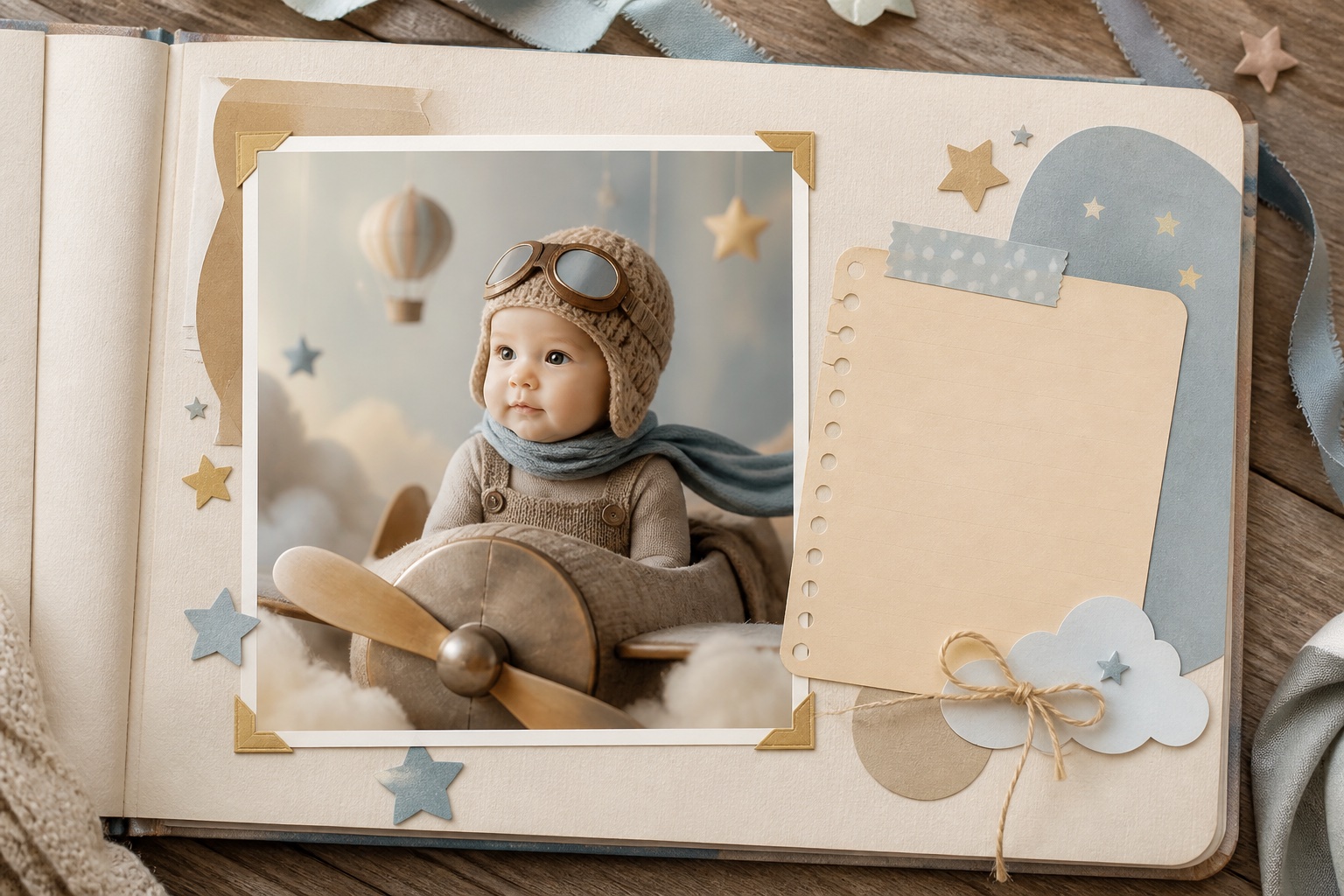
Future-baby concepts and age transformations are imaginative interpretations, not predictions. Do not claim genetic accuracy or use them to create pressure around pregnancy, appearance, or family planning. Memorial composites also require care because they may affect grieving relatives differently. Discuss the idea before producing or distributing it, use a respectful presentation, and state plainly that separate photographs or generated elements were combined.

Check for bias, stereotypes, and unequal defaults
Generated results can reflect narrow visual conventions. A professional prompt may repeatedly change hair texture, lighten skin, remove cultural clothing, alter body shape, or assign gendered styling that was never requested. Compare outputs across the people represented and ask which features the system treats as normal, attractive, authoritative, or desirable. Correct the prompt or reject the result when the transformation depends on a stereotype rather than the subject's stated preference.
Accessibility matters too. Include useful alt text that describes the visible content and identifies a composite or generated concept when relevant. Do not encode the only disclosure in color or tiny text. Choose readable contrast and avoid flashing presentation. Responsible distribution considers not only the people pictured but also the people trying to understand the image on different devices or with assistive technology.
Review every result before saving or publishing
Inspect the face, hands, text, logos, clothing, jewelry, background, and physical relationships. Look for merged fingers, duplicated objects, inconsistent reflections, invented symbols, changed uniforms, and accidental exposure of private details. Check whether the tool altered skin tone, age, body shape, assistive devices, or identifying marks without instruction. A fast thumbnail review is not enough when the image will represent a real person or organization.
Then review meaning rather than pixels. Could the image embarrass the subject, support a false claim, imply an endorsement, or be mistaken for an event? Is the audience appropriate? Does the caption disclose what changed? Ask another person to review high-impact public content because creators become accustomed to an image after repeated editing. If a concern cannot be resolved confidently, do not publish the result.
- Confirm permission, purpose, audience, and distribution before editing.
- Remove unnecessary personal information from the source and prompt.
- Compare identity, skin tone, body shape, and cultural details with the original.
- Label generated or composite scenes when context could be misunderstood.
- Reject any result that creates harm, deception, or unresolved uncertainty.
Build a repeatable responsible-use standard
Teams should turn these decisions into a short written process. Define acceptable sources, who can approve recognizable people, where files may be stored, which transformations require disclosure, and who reviews public outputs. Record the source, date, purpose, consent status, and final destination for important campaigns. A consistent process prevents standards from changing merely because a deadline is close or a new effect looks impressive.
Individual creators can use the same discipline on a smaller scale: permission, minimum data, focused transformation, full review, honest label, controlled sharing. The earlier AI family photo guide applies these principles to composite portraits and explains how to combine sources without sacrificing identity. Responsible use is not a limitation on creativity; it is the structure that makes creative work safer to trust and share.
People also ask
Frequently asked questions
Do I need permission to edit someone else's photo with AI?
For a recognizable person, obtain permission that covers the intended transformation and where the result will be shared. Commercial, public, sensitive, and child-related uses require particular care.
Should an AI-edited photo be labeled?
Label it when significant generation, compositing, or scene changes could cause a reasonable viewer to believe the image documents a real event or unedited appearance.
How can I protect privacy when using AI photo tools?
Crop unnecessary personal details, upload only the images required, avoid sensitive prompt information, understand retention settings, and keep downloads on controlled devices.
What changes are appropriate in a natural portrait retouch?
Exposure, color, temporary blemishes, lint, and minor distractions are generally safer than structural changes to identity, skin tone, age, body shape, or disability.