
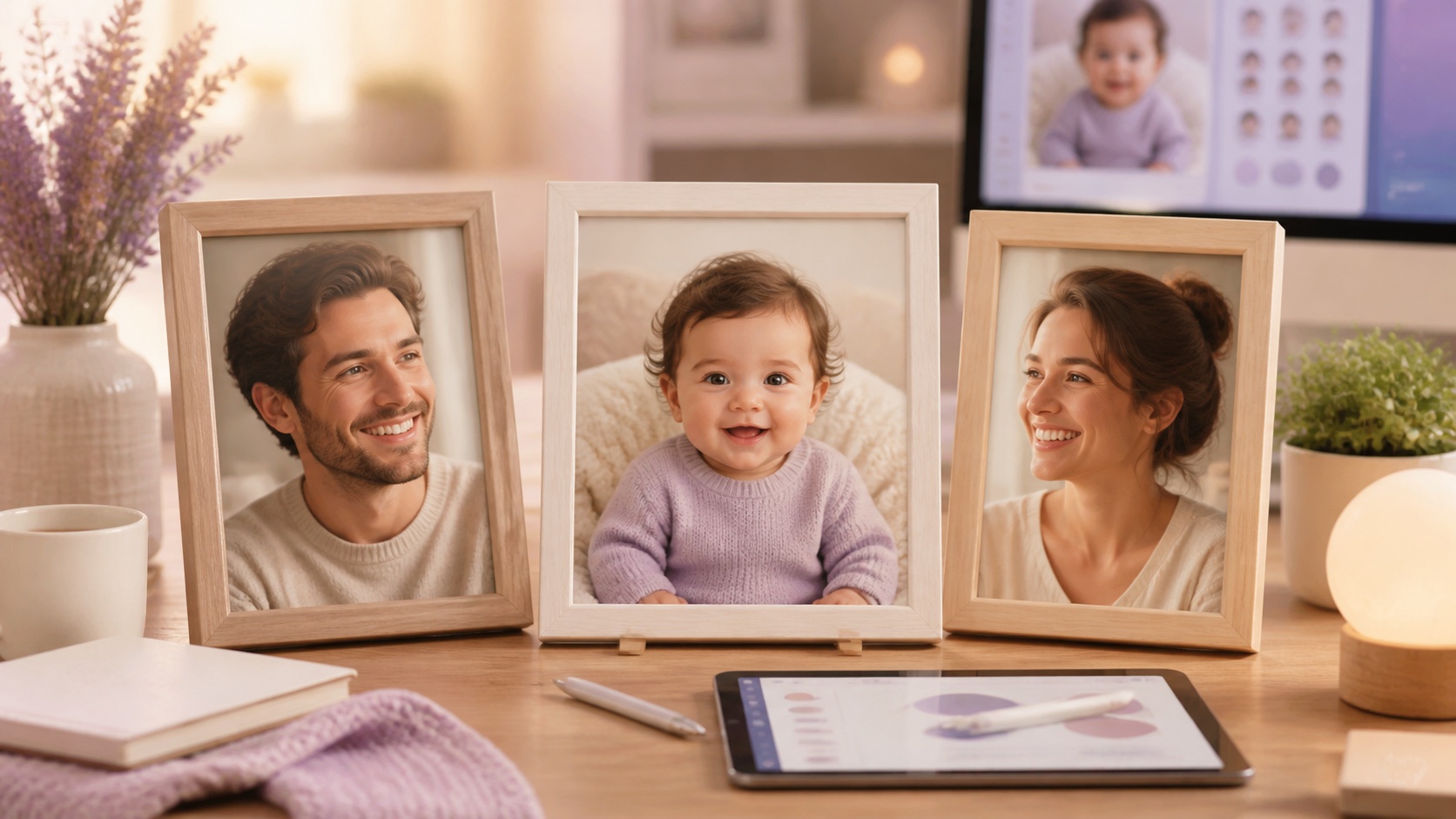
An AI baby generator creates an imaginative portrait by interpreting visible traits and photographic cues from two adult source images. It does not predict genetics, appearance, health, sex, or a real future child. For a natural-looking concept, use clear front-facing photos with similar lighting, neutral expressions, minimal filters, and permission from every person shown. Treat the output as creative entertainment, label it honestly, and avoid using it for medical or identity claims.
What an AI baby generator can realistically do
A baby generator can combine visual patterns from source portraits with learned features common to baby photography. It may reflect broad cues such as hair color, face shape, skin tone, or eye area, while also inventing many details. The result can feel emotionally resonant because the composition resembles a family photograph, but that feeling should not be confused with biological accuracy. Real inheritance is influenced by complex genetics and development that cannot be inferred from two pictures.
Use the tool as a creative portrait exercise: a possible-looking character inspired by two consenting adults. It is suitable for playful couple moments, fictional family mood boards, private keepsakes, and imaginative storytelling. It is not suitable for fertility decisions, ancestry conclusions, paternity claims, health information, or promises about a future child's appearance. To try the experience, visit the AI baby generator studio and open the dedicated future baby generator workflow.
Choose two source photos that belong together
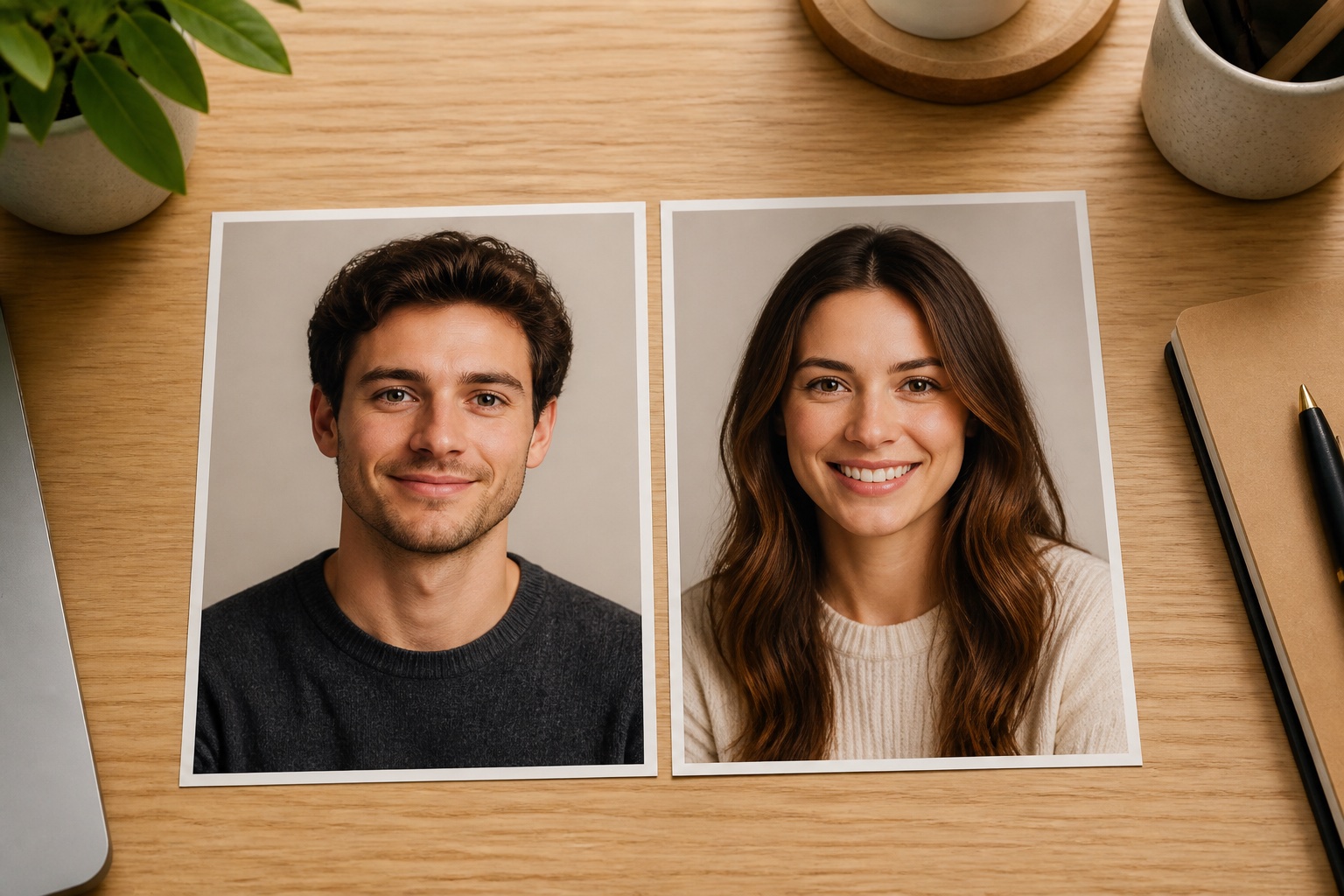
The model has an easier task when the source portraits share basic photographic conditions. Choose head-and-shoulder images where each face is large, in focus, and close to the camera. A front-facing or gentle three-quarter angle usually works better than a profile. Aim for similar eye level and focal length. Pairing a close phone selfie with a distant full-body photo can give one source far more influence simply because it contains more facial detail.
Lighting should reveal both sides of each face without deep shadow or blown highlights. The photos do not need the same background, but they should have a compatible color temperature. Avoid mixing an orange indoor photo with a cool blue outdoor photo if better choices exist. Use the original images instead of cropped screenshots so the generator receives clean detail around the eyes, hairline, jaw, and ears.
Remove filters and temporary visual noise
Beauty filters can enlarge eyes, narrow noses, reshape jaws, recolor skin, or add false lashes. When filtered photos become inputs, those alterations may be treated as real traits and amplified. Choose unfiltered portraits whenever possible. Also avoid sunglasses, hands covering the face, hats hiding the hairline, motion blur, masks, novelty lenses, and dramatic colored lighting. These elements either remove information or introduce cues that do not belong in the final portrait.
A neutral or gentle smile is usually the most useful expression. Extreme laughter compresses the eyes and changes the outline of the cheeks, while a tense expression can make the generated result feel less natural. This does not mean both adults must pose identically. It means the model should receive a clear, relaxed view of the stable features you hope it will interpret.
A step-by-step future-baby portrait workflow
First, confirm that both adults agree to the use of their images. Select the two strongest source photos and crop only enough to keep the faces prominent. Upload each portrait to the correct slot, verify that they are not reversed, and choose a straightforward style for the first generation. A natural studio or softly lit home portrait makes it easier to judge the face than a costume, fantasy scene, or complex family composition.
Generate more than one concept because variation is expected. Compare results for overall warmth, age consistency, realistic proportions, eye direction, ears, hands, and background artifacts. Do not select a result solely because it seems to resemble one person strongly. Choose the most coherent portrait, then make one targeted style change at a time. If the face looks uncanny, improve the source images rather than stacking more effects on the output.
- Confirm consent and choose clear original portraits.
- Match angle, scale, lighting, and expression as closely as practical.
- Start with a simple natural portrait style.
- Generate a small set and compare coherence, not genetic accuracy.
- Save the selected concept with an honest label and private source files.
How to make the result feel more natural
Natural baby portraits use soft light, simple clothing, realistic catchlights, and age-appropriate proportions. The eyes should be expressive without appearing oversized, and skin should retain gentle texture rather than looking like polished plastic. Hair density varies widely for real babies, so both fine hair and fuller hair can look credible. What matters is internal consistency: hair direction, eyebrow detail, ear shape, light source, and skin tone should belong to one photograph.
Keep the background quiet. A blanket, simple chair, or softly blurred room supports the face without competing with it. If you plan to place the result in a family layout later, choose a similar camera height and light direction to the other portraits. Consistent photographic language will make the creative concept feel more cohesive than an aggressive resemblance prompt.
Consent, privacy, and responsible sharing
A face photo is personal data. Obtain clear permission from both adults before upload, especially if the image came from social media, a family group, or a professional photographer. Do not use an ex-partner, celebrity, private individual, or child without appropriate permission. Keep the original photos in controlled storage and delete unnecessary copies from shared devices or team folders.
When you share the result, describe it as AI-generated or fictional. This prevents relatives, followers, or future viewers from mistaking it for a pregnancy announcement, ultrasound-related visualization, or real child. Consider keeping the image private if either person is uncomfortable with public discussion about fertility or family plans. Creative tools are most enjoyable when everyone involved understands the context and controls the audience.
Common AI baby generator mistakes
The most common input mistake is using photos with unequal quality. A sharp studio portrait paired with a tiny compressed selfie creates an imbalanced starting point. Other mistakes include heavy filters, mismatched ages in the generated portrait, dramatic prompts that obscure the face, and repeated generation from an already generated image. Each extra generation can amplify artifacts and move the result farther from the source portraits.
The most important interpretation mistake is treating resemblance as a forecast. People are skilled at seeing familiar patterns, even in invented faces. A convincing smile or eye shape may feel meaningful without being predictive. For broader guidance on combining separate portraits naturally, see the earlier family concept guide, which explains how lighting and composition help multiple images feel connected.
How to evaluate and save the final concept
Review the portrait at full size and as a small phone image. Check symmetry without demanding perfection, inspect pupils and catchlights, look for doubled teeth or jewelry, and confirm that hands or clothing do not merge into the background. Ask whether the image feels like one photograph rather than a collection of locally impressive details. Coherence is a better quality measure than maximum sharpness.
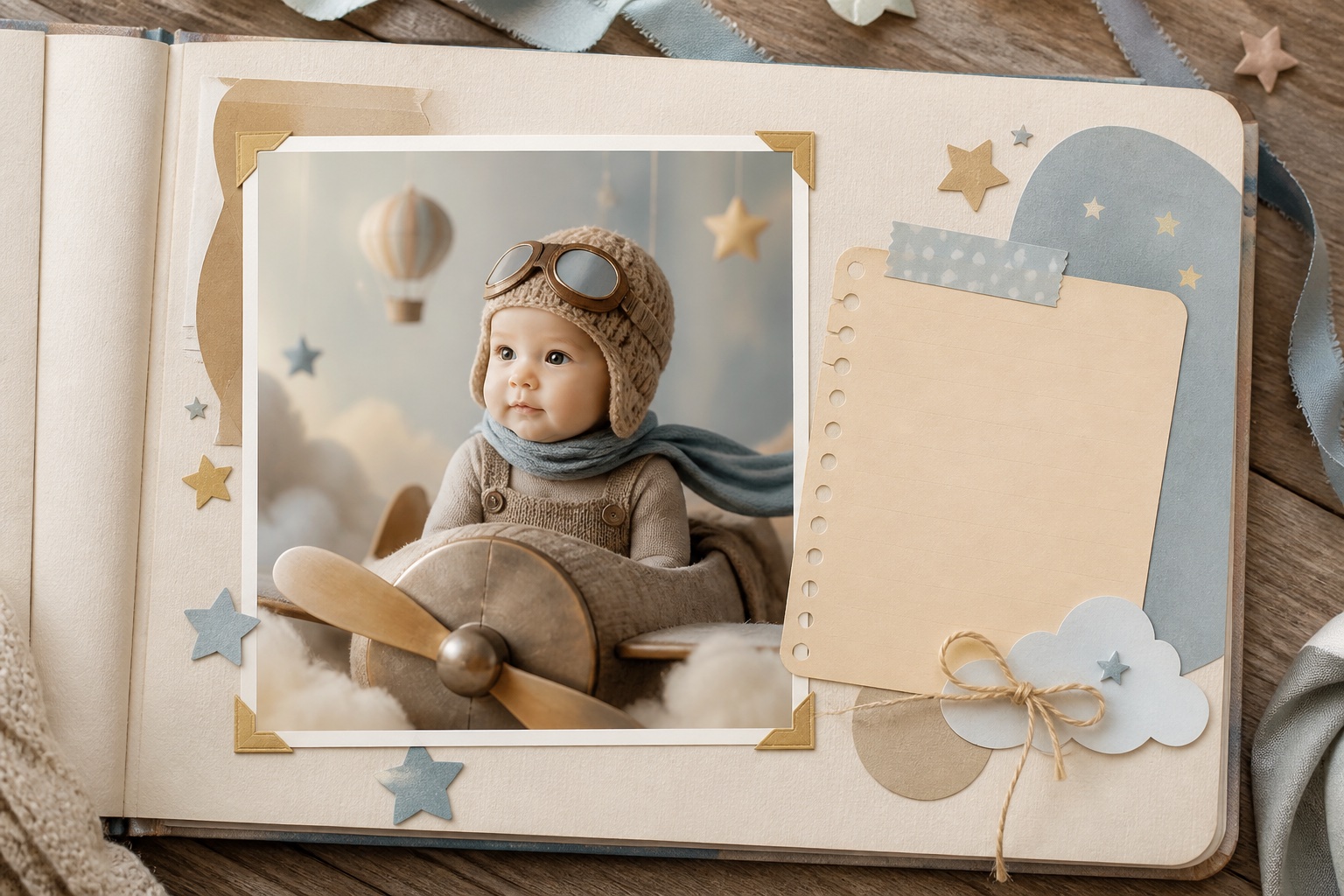
Save the original generated file and one delivery copy with a descriptive name such as fictional-baby-portrait-concept.png. Add a short AI-generated label when publishing. Do not embed names or private information in the filename. If the image will become part of an album, include the date and the fact that it was a creative concept so its meaning remains clear years later.
People also ask
Frequently asked questions
Can an AI baby generator predict what my baby will look like?
No. It creates a fictional portrait inspired by visible cues in source photos and learned image patterns. It cannot predict genetics, health, sex, or a real future child's appearance.
What photos work best for an AI baby generator?
Use sharp, recent adult headshots with similar angles, scale, lighting, and neutral expressions. Avoid filters, obstructions, screenshots, and dramatic colored light.
Do both people need to consent?
Yes. Get permission from every identifiable person whose portrait you upload or use, and explain how the output may be stored or shared.
Why does one parent seem to influence the result more?
Unequal photo quality, face size, angle, or lighting can make one source easier for the model to interpret. Choose more closely matched input portraits and generate a new concept.