Build a recognizable brand with AI, from researching your audience and designing a logo to creating marketing content in your own voice.
AI can help small businesses explore logo ideas, prepare marketing materials, and draft content without a large creative team. The process starts with understanding your customers and deciding how you want your business to look and sound.
This guide explains how to build a brand with AI, from a short brand brief to a visual identity and a marketing message ready for review.
Start with a Brand Personality, Not a Logo
Before opening AI branding tools, identify who you want to reach. Give ChatGPT or Claude your product, location, price range, and customer problem. Ask for two or three possible audience groups, their needs, and questions to test. Treat the answers as hypotheses.
Compare relevant searches in Google Trends for your region to gauge relative interest. Then read competitor reviews and talk to potential customers. Audience research tools can also help explore established competitors and spot underserved groups. Use what you learn to answer four questions:
- Who are your customers?
- Why would they choose your business?
- How should your brand make them feel?
- What would you say, and what language would you avoid?
Choose the audience whose needs your business can realistically meet. Consider what matters most to them, such as convenience, price, or personal service. Let those priorities guide your imagery, offers, and language, then write down how your brand should sound and which expressions to avoid.
Save your audience choice, main promise, and a few suitable phrases in a short brand brief. Reuse it when choosing visuals and prompting AI.
Turn Your Brand Vision into a Logo with AI
Your brand brief gives you a reference for evaluating logo ideas. Before generating designs, decide where the logo will appear and what customers should be able to recognize at a glance. A detailed design may look appealing in a large preview but lose clarity in a website header or social profile, so keep those uses in mind as you choose.
Creating a Logo with AI Design Tools
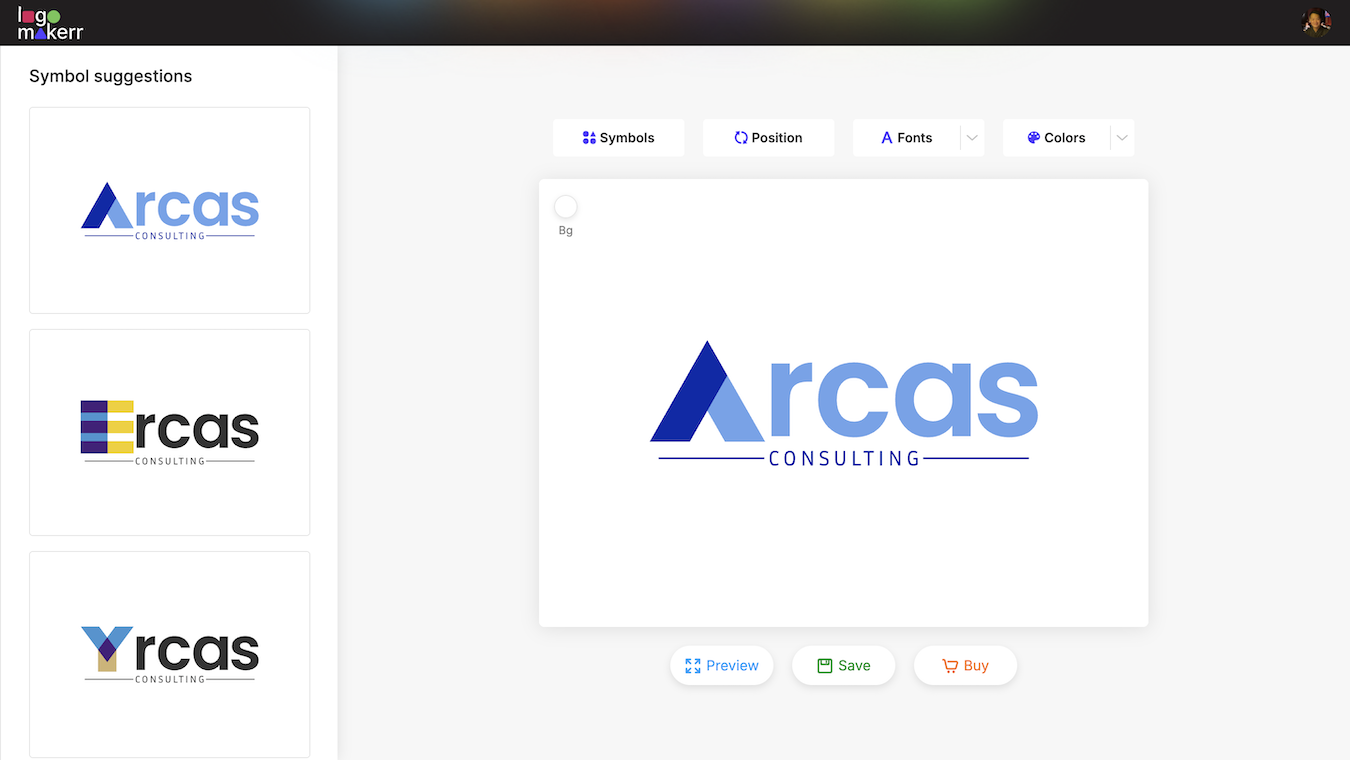
In Logomakerr, enter your business name, choose your industry, and select the design preferences offered. Generate a set of options and shortlist designs that suit your brief.
You don’t have to accept the first result. Compare several options, then click a promising logo to open the editor. This takes AI logo design from exploring ideas to refining your chosen direction.
Choosing Colors, Fonts, and Visual Elements
In the editor, use Symbols, Layout, Fonts, and Colors to adjust the design. Search for a relevant symbol, try a different arrangement, and compare the available palettes. Compare each change with your brief to make sure the result conveys the personality you chose.
Choose a readable font and keep decorative details simple. Preview the logo at a small size: can you still read the name and recognize the symbol? Adjust the spacing or simplify the design before saving.
Build a Consistent Brand Identity Across Channels
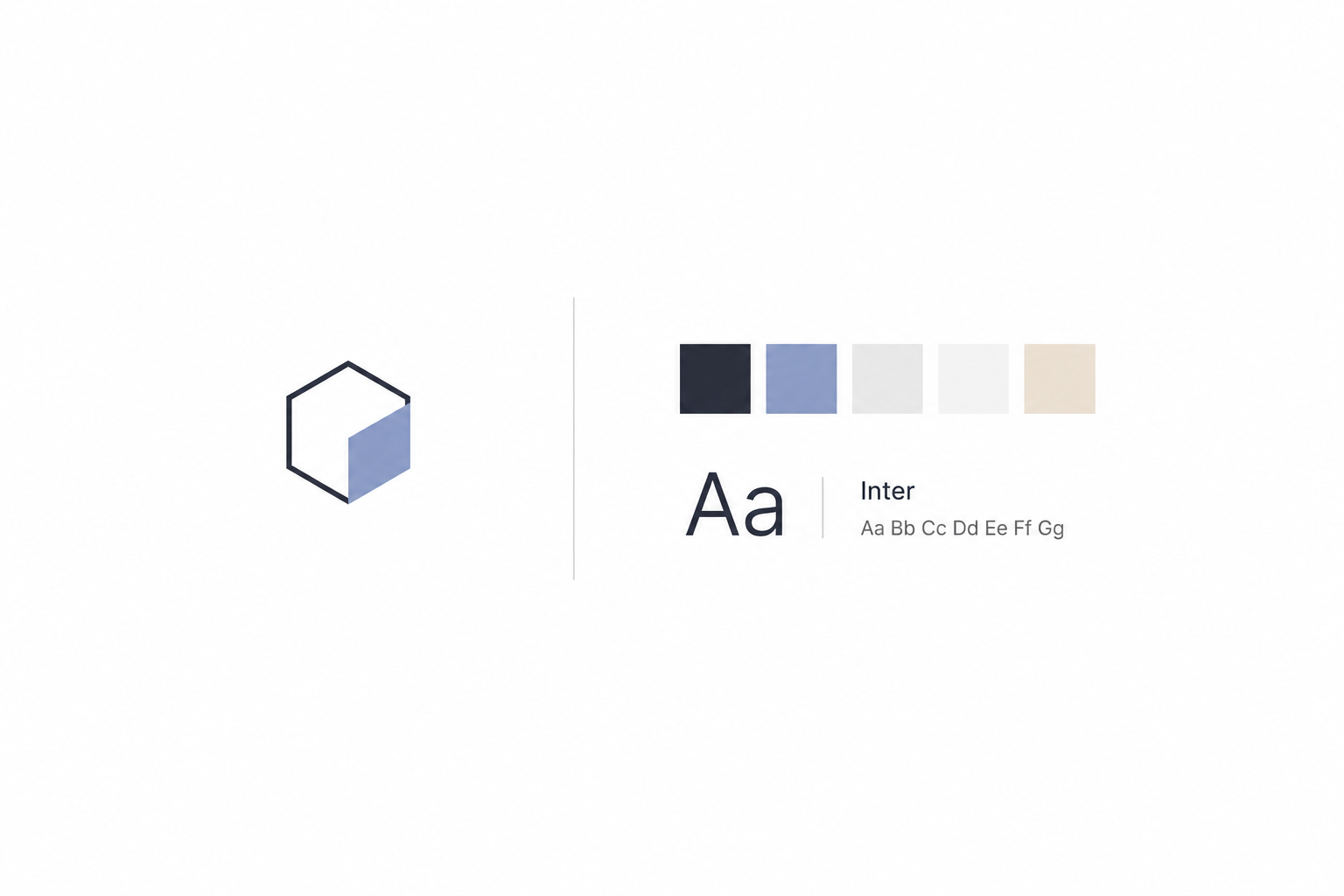
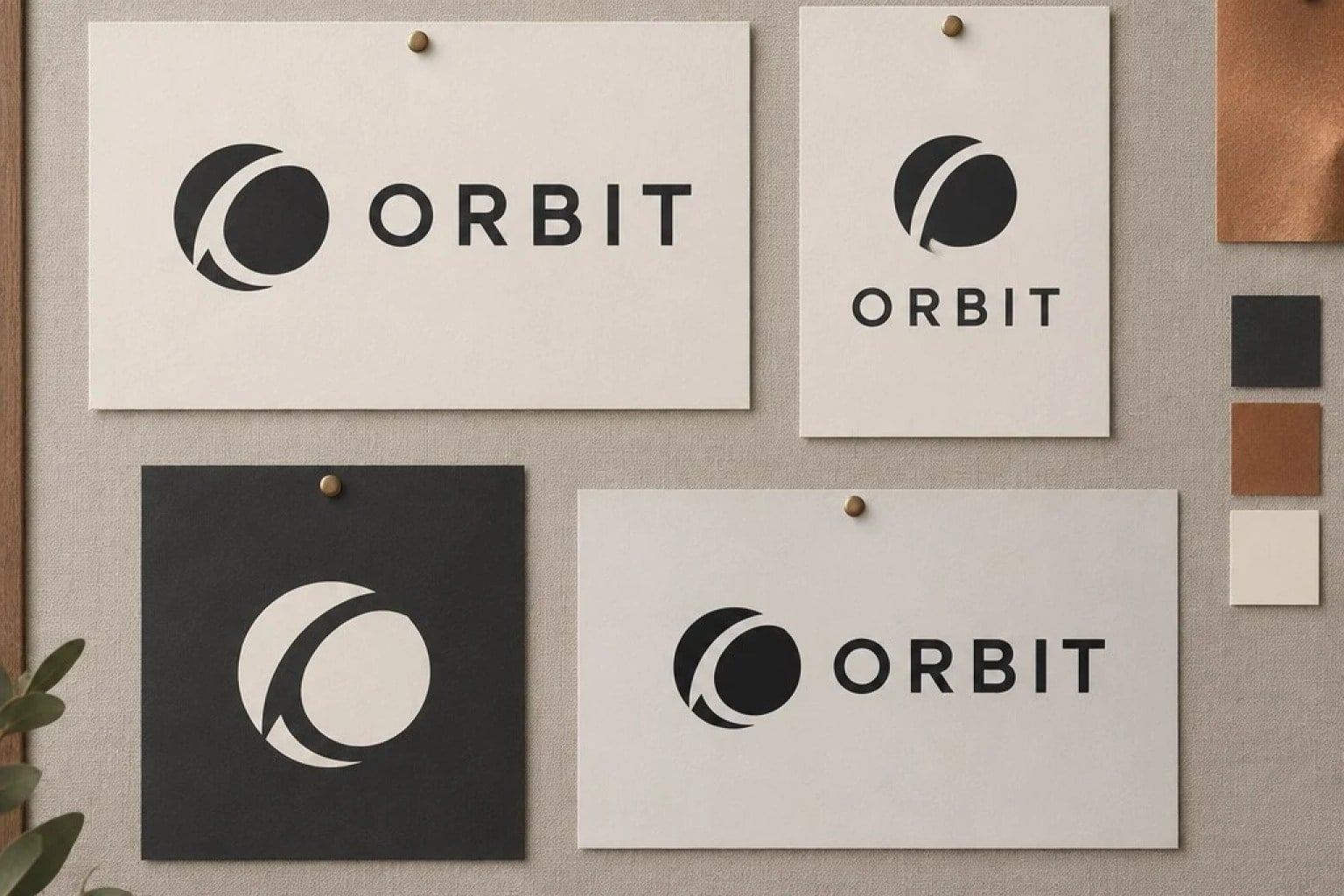
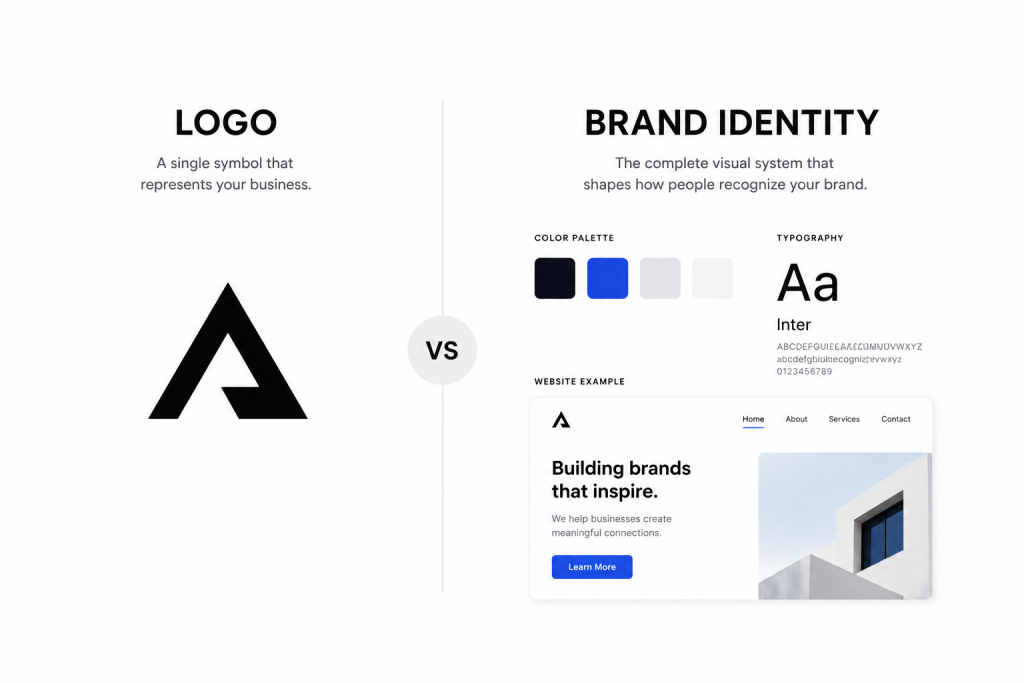
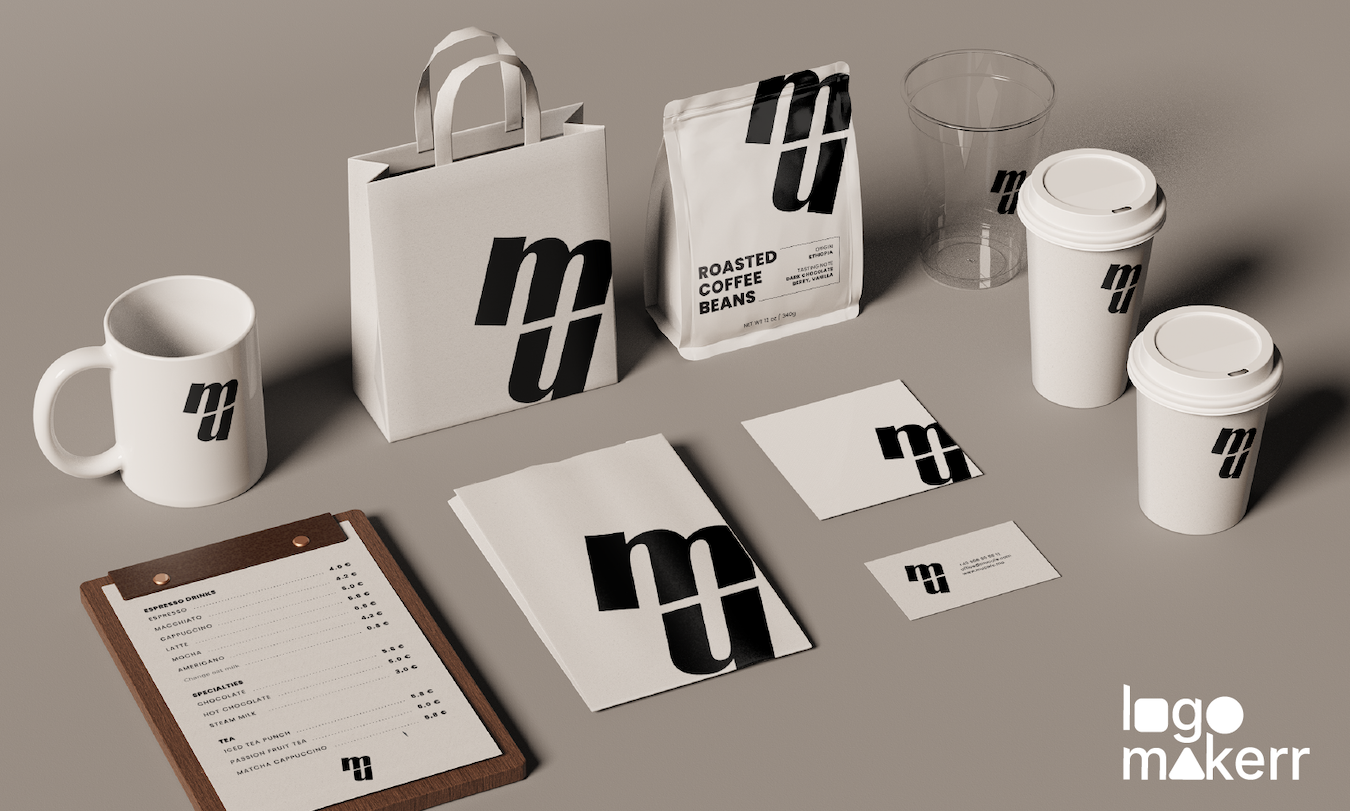
Collect the finished assets in a small brand kit: a full logo for headers and signs, a compact version for social profiles, color codes, fonts, and usage examples. These logo variations should retain the same identity while fitting different spaces.
Add a background pattern or graphic motif if useful for website banners or packaging. Choose materials for the channels you actually use: packaging for physical products, or digital templates for an online service. Keep approved files together so others can reuse them without rebuilding the design.
Apply the kit to your website, social posts, and emails. When using AI for layouts, supply the assets and check that it preserves them. Compare the results side by side, fix mismatches, and check readability on a phone.
Create Marketing Content with AI Without Losing Your Brand Voice
For AI content creation, provide your audience, product facts, tone, and the action readers should take. Include your brand brief and an example of suitable copy. A request to “write a promotional email” leaves too much for the tool to guess.
For a preorder campaign, try: “Write a short email inviting customers to preorder sourdough by Friday at noon for Saturday pickup. Use a warm, straightforward tone and avoid exaggerated claims.”
Place the edited copy in an email template with your logo and brand colors so the words and design feel connected.
Adapt AI content for marketing to each format: blog posts should answer customer questions, product descriptions need accurate features, and emails or social posts should focus on one action. Supply the facts and ask AI to flag missing information.
Expect a first draft that still needs editing. To check for patterns associated with AI writing, you can use an AI content detector before revising. Treat its estimate as a prompt for review, alongside your own reading, rather than a measure of writing quality.
Make AI-Generated Content Sound Like Your Brand
Even with a detailed prompt, a draft can sound stiff or generic. Read it aloud and mark phrases you wouldn’t use with a customer. Replace vague praise with useful details about the product, offer, or next step. Remove exaggerated promises and expressions that could fit almost any business.
If the whole draft needs work, you can humanize AI text with Clever AI Humanizer to rework repetitive phrasing and make sentences easier to read. Paste your draft, choose a writing style, and review the revised version alongside the original.
Check that the rewrite preserves the meaning, product details, and deadlines. Correct any changes that could confuse customers about what you offer or how to order. Compare the tone with your brief and correct anything that sounds unlike your business. You can repeat the detector check after editing, but a favorable score does not replace this review.
Put It All Together: A Practical AI Branding Workflow
Test the process with one product launch or weekend offer:
- Set the direction. Choose the audience, message, and desired action using your brand brief.
- Prepare the visuals. Apply your logo, colors, and fonts to the campaign’s main image, then adapt it for each channel.
- Draft and refine the copy. Give AI the confirmed details and tone examples, then edit the result for clarity and accuracy.
- Review before publishing. Check the finished design, facts, and tone together. If you repeat the detector check, use the result alongside your own judgment.
- Save what works. Keep approved designs and copy as templates, and use customer questions and responses to improve the next campaign.
Final Thoughts
AI can help you create designs and copy, while your knowledge of customers gives them direction. Start with one audience and one campaign, then use customer responses to improve.
Keep the approved assets and examples of effective copy together. With a clear brief and a final human review, each new piece of content can build on the same recognizable brand.