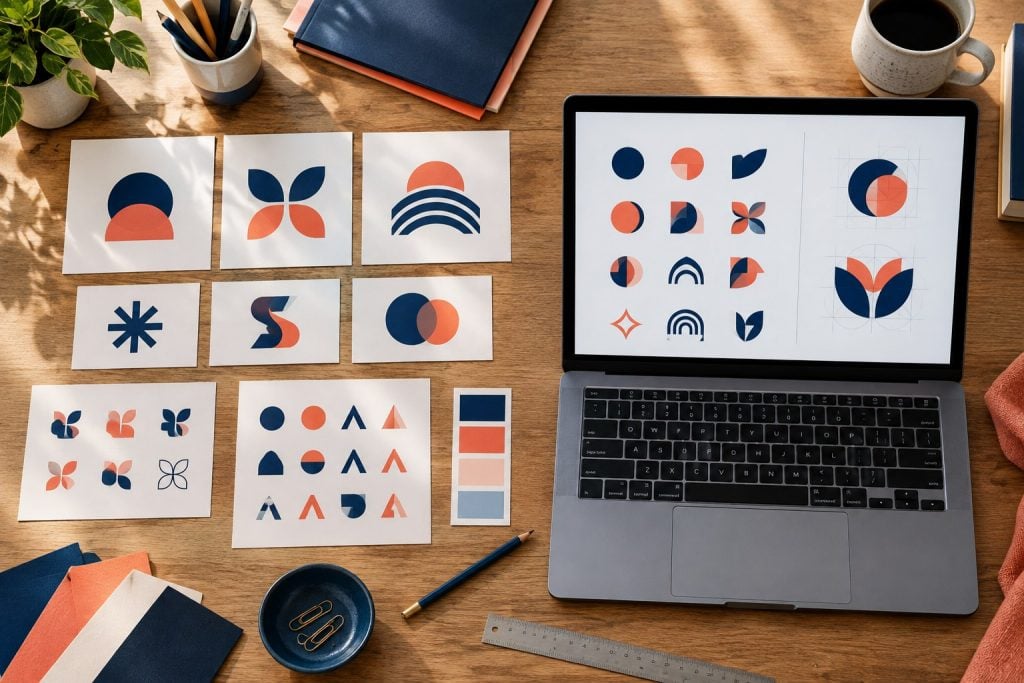
BrandCrowd and Logomakerr.ai both help a small business create a logo without beginning with a blank design file, but their workflows are not identical. BrandCrowd emphasizes a large library of designer-made logo ideas and template-led customization. Logomakerr.ai combines AI-assisted generation, an editable logo canvas, one-time download packages and an optional Designer Fix service when a user wants human refinement.
The right choice depends on how you prefer to reach a usable identity: browse many prepared directions, or describe the brand and iterate from generated concepts. Before paying, test both with the same brief and confirm the exact files, rights, revision terms and current price shown at checkout.
Quick answer
Choose BrandCrowd when you want to search and customize a broad catalogue of ready-made logo concepts and may also want its wider collection of branded design assets. Choose Logomakerr.ai when you prefer to generate and edit logo directions, purchase a download package without an ongoing subscription, and retain the option to request a paid human design correction.
An AI logo maker can accelerate exploration, but it cannot decide whether a symbol is distinctive in your market, reproduce cleanly at small sizes, or create a complete brand strategy. Treat every preview as a candidate. Approve the exported files only after practical testing.
Start with one neutral logo brief
A comparison becomes useful only when both tools receive the same job. Write down the business name, optional tagline, audience, industry, desired tone, two or three useful visual cues, prohibited imagery and the places where the logo will appear. Keep the brief factual. “Calm, modern accounting firm for owner-managed businesses” is easier to test than “make it amazing.”
Prepare three applications: a website header, a square social profile and a one-colour invoice or stamp. These reveal different weaknesses. A wide wordmark may suit the website but disappear in a small avatar. A detailed symbol may look attractive on a monitor yet become unreadable in black ink.
Use the same shortlist criteria in each product. Our logo testing checklist explains how to check recognition, legibility, reproduction and real-world fit before launch.
BrandCrowd: template-led exploration
BrandCrowd’s current official logo-maker pages describe a large library of customizable logo designs. Users can search ideas, change elements such as text, fonts and colours, and download common web and vector formats depending on the selected product or package. Its workflow is useful for someone who thinks by browsing visible examples and then narrowing a direction.
The strength of a catalogue is speed and range. It also creates a review responsibility: a design can feel polished before it has been tested for distinctiveness. Search similar keywords, inspect the symbol carefully, and check whether close variations appear throughout the same marketplace or elsewhere in your category.
Do not assume every result, asset or download has identical licensing or file terms. Review the live checkout and usage information for the exact design you choose. Product pages and promotions can change over time.
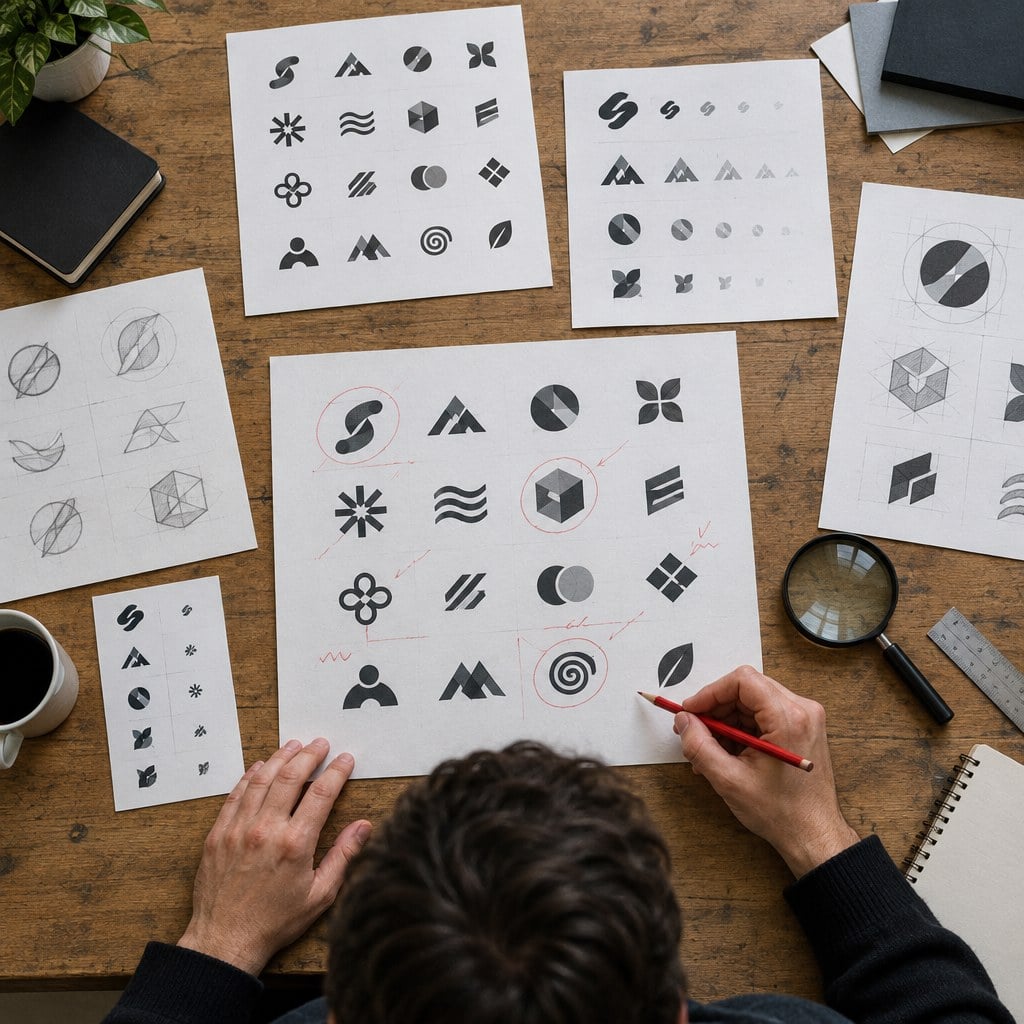
Logomakerr.ai: generation, editing and optional human help
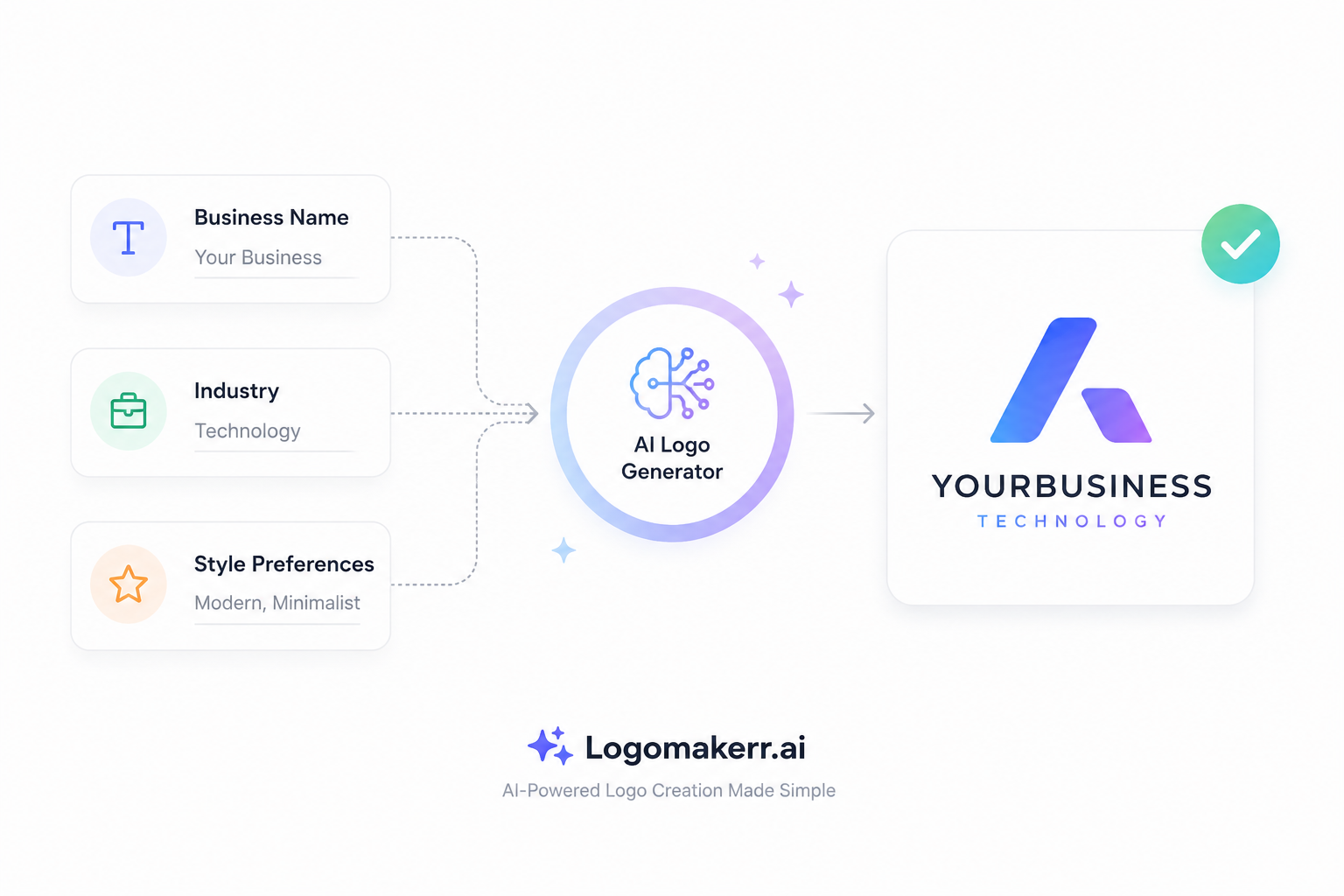
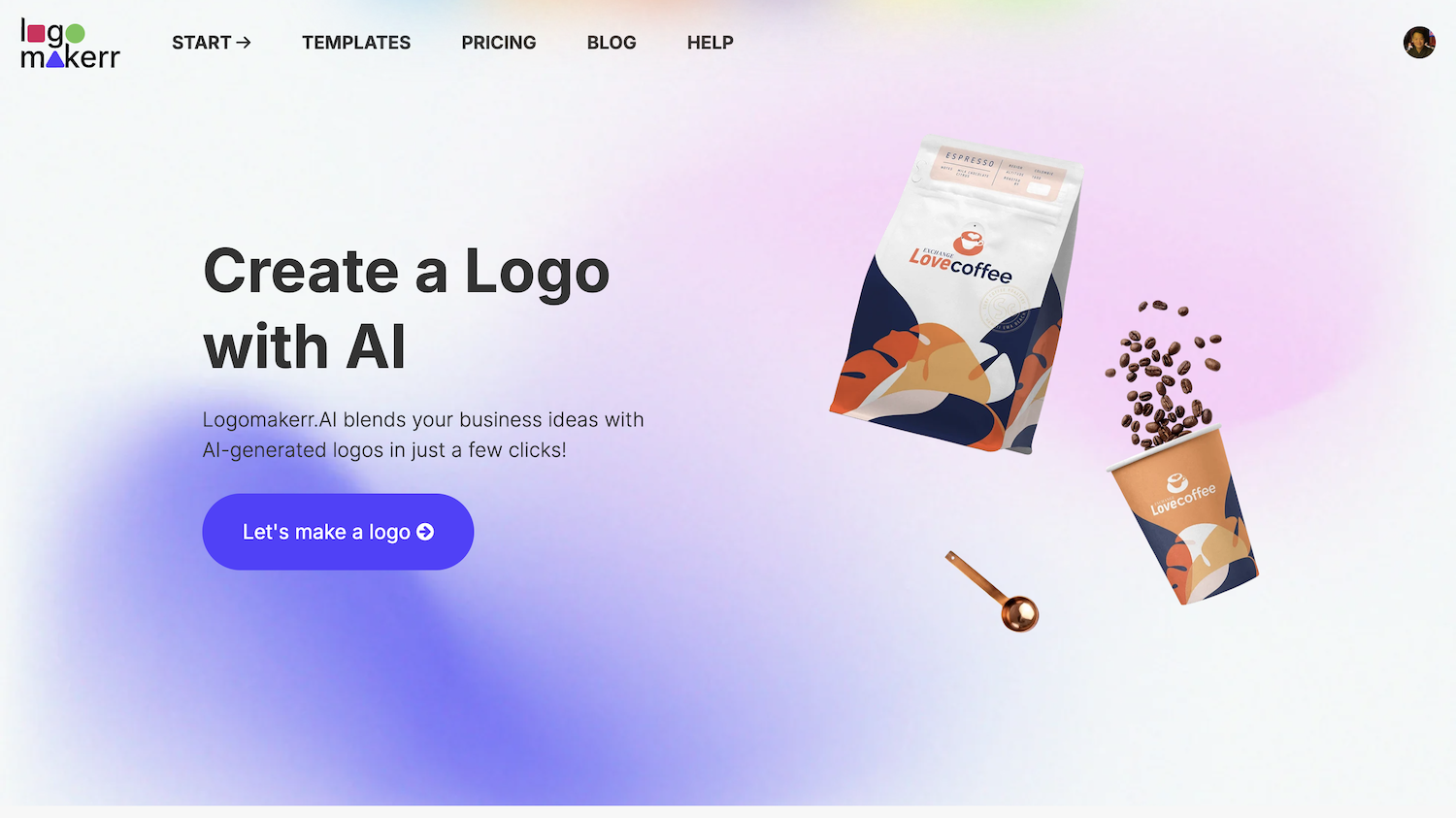
Logomakerr.ai begins with brand inputs and generates logo directions that can be edited in its customization interface. The current pricing page lists one-time Basic, Pro and Brand download packages rather than a subscription requirement. File formats vary by package: its published information currently lists JPG, PNG and PDF for Basic, with vector formats such as SVG and EPS in higher packages.
The workflow remains self-directed until a customer chooses additional help. The optional Designer Fix service is intended for users who have a promising concept but want a designer to adjust the result manually. That can be useful when spacing, balance or layout needs judgment beyond another automated variation.
Human help should still begin with a precise request. Mark the version being corrected, describe the problem, name protected elements, and specify the intended applications. “Improve it” is not a reliable handoff. “Increase the separation between the symbol and wordmark while preserving the typeface and dark-blue colour” is testable.
Compare customization by completing real edits
Do not score a tool only by counting controls. Complete four ordinary tasks: shorten a long business name, test a one-line and stacked lockup, create a one-colour version, and produce a square avatar. Record how long each takes and whether the exported result still matches the preview.
Inspect alignment at high zoom, then reduce the artwork to its smallest intended size. Check letter spacing, symbol-to-name balance, thin strokes, counters inside letters and any tiny decorative details. A logo editor can make changes easy, but it cannot tell you which details your production process will lose.
If a chosen font or symbol carries separate restrictions, read the applicable terms. Ownership of the combined logo does not automatically make every underlying typeface, stock symbol or graphic exclusive to one business.
File delivery matters more than the preview
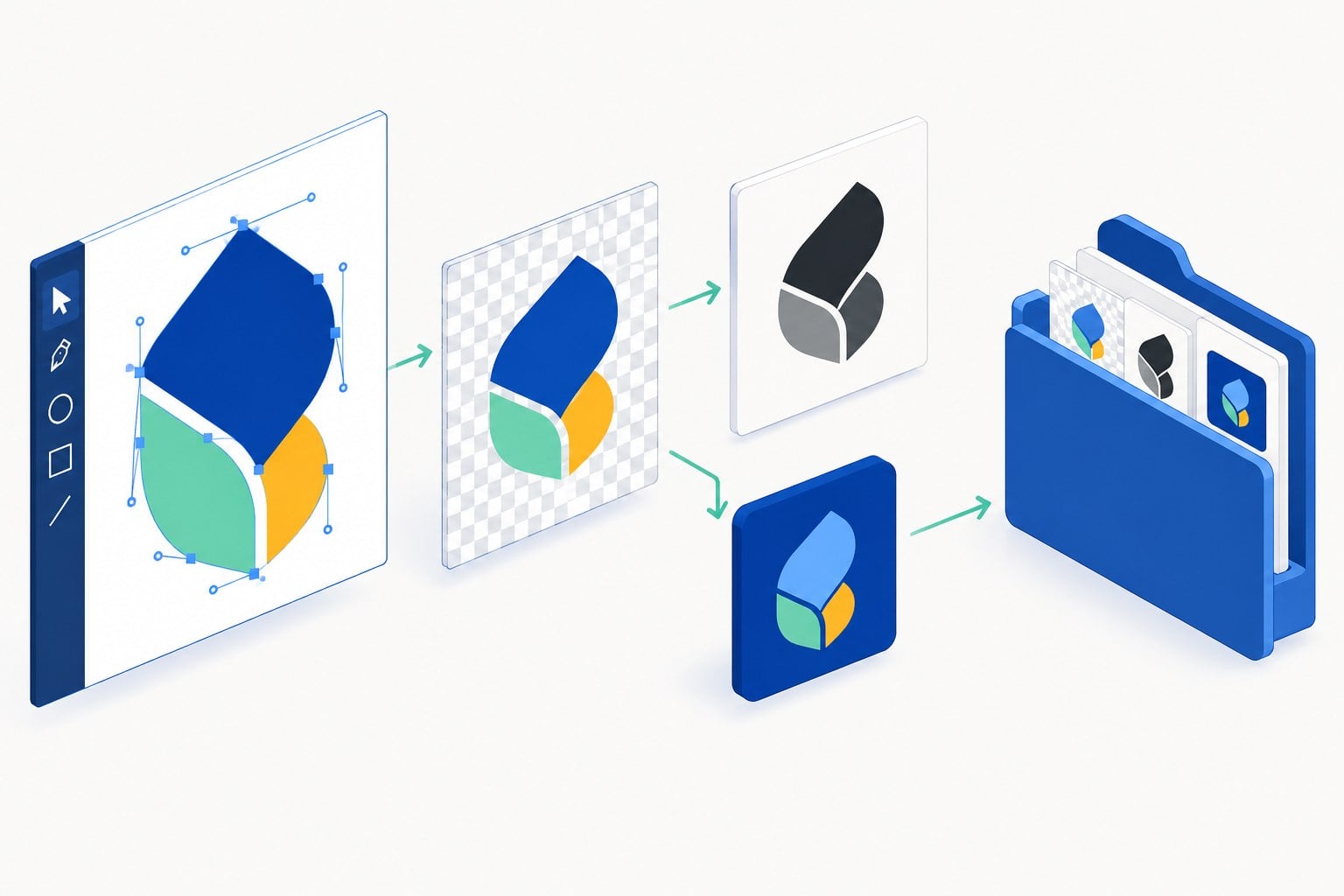
For everyday web use, a transparent PNG is useful. For resizing, signage, embroidery and professional print production, a vector file is usually the safer master. PDF can be useful for proofing or print, but confirm whether it contains editable vector artwork. Keep the original download archive unchanged.
Create a simple delivery folder with master vector files, transparent PNGs, light and dark versions, a one-colour version, a favicon or social avatar, and a short note listing colours and fonts. The guide to logo file naming and brand folders shows a practical structure.
Open every important file independently. Do not assume a download succeeded because the zip archive exists. Check transparency, dimensions, colour appearance, font conversion and whether the vector scales cleanly.
Compare cost as a maintained identity
BrandCrowd and Logomakerr.ai present different products and may change prices, promotions and inclusions. Compare the actual checkout for the logo and files you need. Include any ongoing subscription, bundled asset service, premium template, revision or human-assistance fee rather than relying on a search-result headline.
Also count internal time. Ten hours browsing attractive options can cost more than a clear two-hour shortlist. A cheap package is poor value if it omits the vector master needed for signage. A larger package is unnecessary when a business only needs a simple web identity and knows it will redesign soon.
Separate logo creation from later brand production. Social posts, presentations, invoices and packaging require rules and templates even after the logo is finished. Buy a broader toolkit only when someone will maintain and use it.
Use a decision scorecard
- Exploration style: Do you prefer browsing prepared concepts or generating directions from a brief?
- Editing: Can you complete the required lockups and one-colour version without workarounds?
- Files: Does the chosen package include the raster and vector formats your suppliers require?
- Support: Is self-service enough, or do you want an available human-refinement path?
- Commercial model: Is the current one-time or recurring cost appropriate for how long you will use the service?
- Handoff: Can another person understand and reuse the delivered assets?
Weight these criteria before testing. A local shop ordering exterior signage should give file production more weight than the number of social templates. A creator launching one online offer may prioritize speed and an effective avatar.
Final recommendation
Choose BrandCrowd when catalogue browsing, prepared concepts and access to a wider design ecosystem fit your working style. Choose Logomakerr.ai when AI-assisted concept generation, direct editing, one-time logo packages and the optional Designer Fix route match the job.
Whichever tool you select, keep the brief, shortlist and exported master files. Test the logo in black and white, at small size and inside one real application before announcing the brand. The best platform is the one that helps you produce a logo your business can use consistently—not merely the preview you liked fastest.
Frequently asked questions
Is BrandCrowd an AI logo maker?
BrandCrowd offers logo-generation and customization workflows, including an AI logo generator, alongside a large library of designer-made concepts. Check the current product page for the exact workflow and package.
Does Logomakerr.ai require a subscription?
Its current pricing page describes one-time Basic, Pro and Brand logo download packages and states that no subscription is required. Confirm the live checkout before purchase.
Which file should I keep as the master logo?
Keep an editable vector format such as SVG or EPS when your package provides it, plus transparent PNG exports for everyday use. Preserve the original download archive.
Can either tool guarantee a unique trademark?
No. A generated or template-based logo still needs independent clearance appropriate to the business and jurisdiction. Search relevant names and marks and obtain legal advice when the risk justifies it.