YOUR PHOTO. IN MOTION.ChatGPT Video Generator
Start with a photo or an idea. Describe your vision. Make it your own.
From your first idea to your next great creation
Create a fresh image, animate a favorite photo, or explore different video models. Bring your references and a few words—we’ll help you find the right direction.
MORE WAYS TO CREATEOne idea. A world of possibilities.
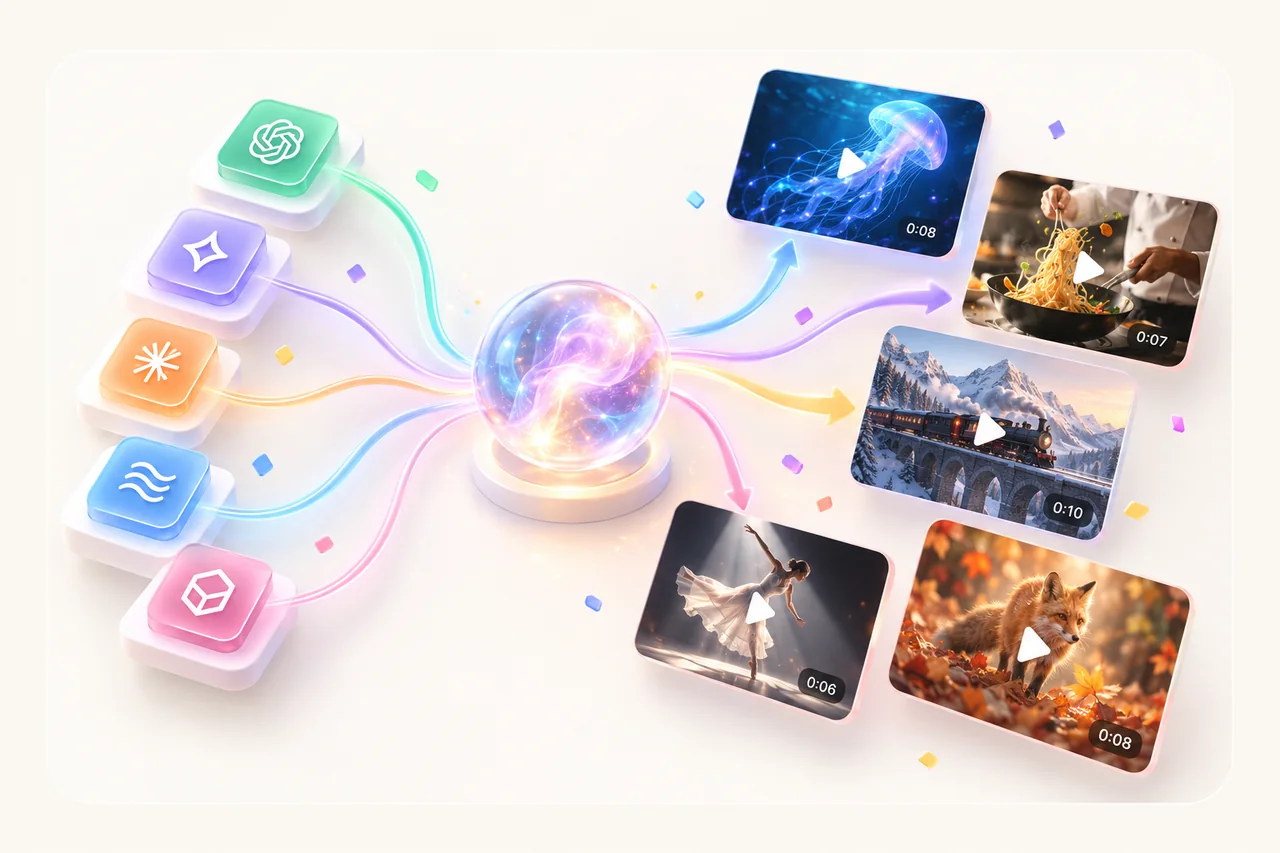
Build an image with ChatGPT or explore motion with Grok, Veo, Seedance and Kling. Choose Multi-Model to see how different video models interpret the same prompt, with the total credit cost shown before you generate.
START WITH SOMETHING YOURSGive your idea a visual starting point.
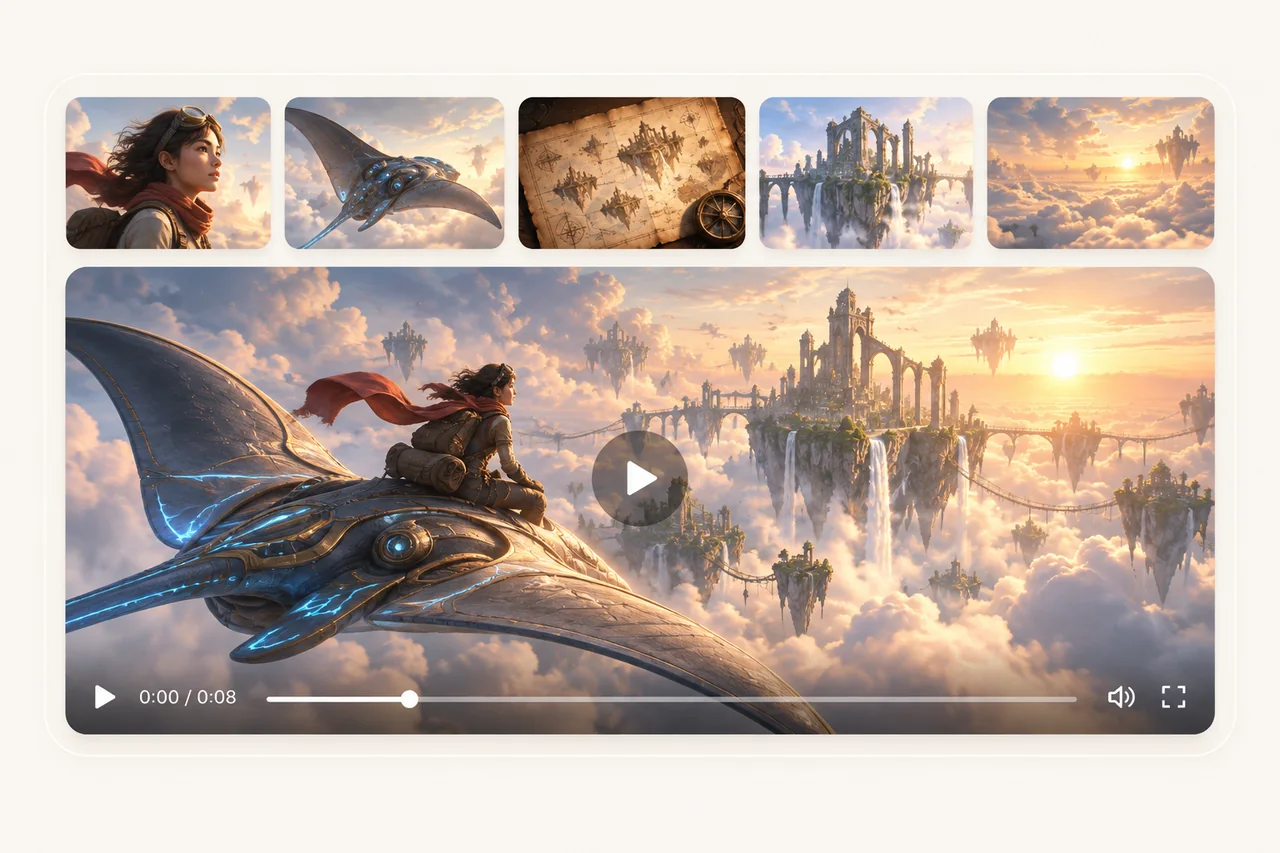
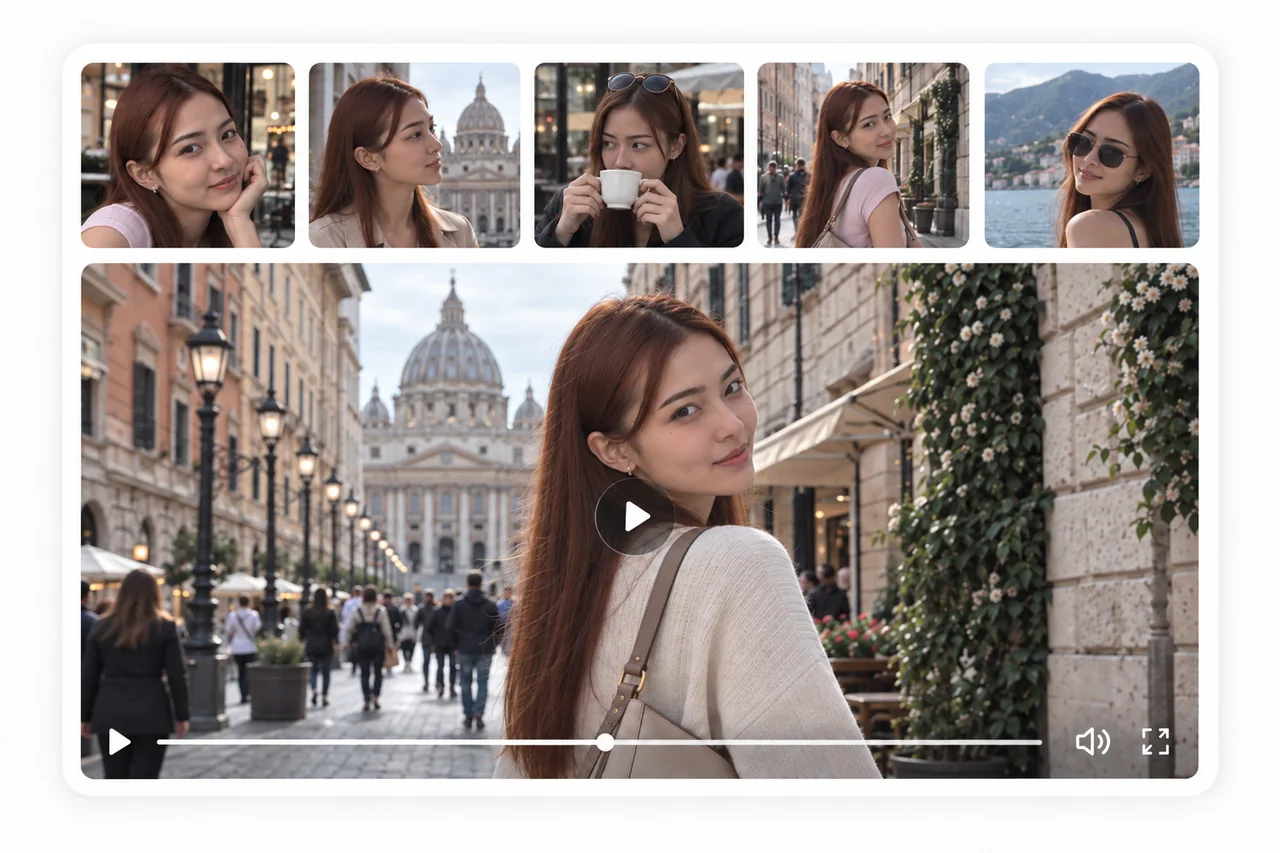
Add a product photo, a portrait or a scene to guide the look of your creation. Supported models accept a second reference or ending frame, giving you more control over the details and how your video unfolds.
MAKE IT MOVETurn a still moment into a story.
A gentle camera pan. A product turning in the light. A landscape coming to life. Describe the movement you have in mind, choose your clip length and format, and create a video you can save, download and share.
A FEW GOOD ANSWERSFrequently asked questions
Can I create images and videos here?+
Yes. Choose from Nano Banana, ChatGPT, Grok, Flux, Seedream, Wan and Qwen for images, or Grok, Veo, Seedance and Kling for videos. All run through Kie. Images cost 3–5 credits per model. Multi-Model creates one result per selected model. The total charge is shown before generation. Silent Seedance 1.5 Pro costs 10 credits for 5 seconds or 20 for 10 seconds. Failed results refund individually.
How do I add a second image?+
Add your main image to reveal the second upload slot. For an image, both references guide the composition. For Seedance 1.5 and Kling 3.0, use a starting image and optional ending frame. Grok, Veo and Seedance 2 use reference images. Kling 2.6 accepts one image. You can replace or remove either before generating.
Do I need to upload a photo?+
No. Both modes can start with a text prompt alone. For more control, add one or two JPG, PNG or WebP images, up to 10MB each.
What should I write in the prompt?+
For images, describe the subject, composition, colors and style. For videos, describe the action and camera movement. A few clear movements work best in a short clip.
Where do I find my results?+
Your finished result appears here with a download button. Saved images and videos are also available in your dashboard. Image and video jobs can be resumed from this page if you leave while they are running.
What happens if generation fails?+
A confirmed failed generation refunds its credits. If a status check temporarily fails, your existing job stays saved. Resume checking that job instead of paying for another generation.