FRAME
Choose a clean profile portrait
A centered subject, simple background, and visible face keep the loop readable at avatar size.
 Makerr Studio
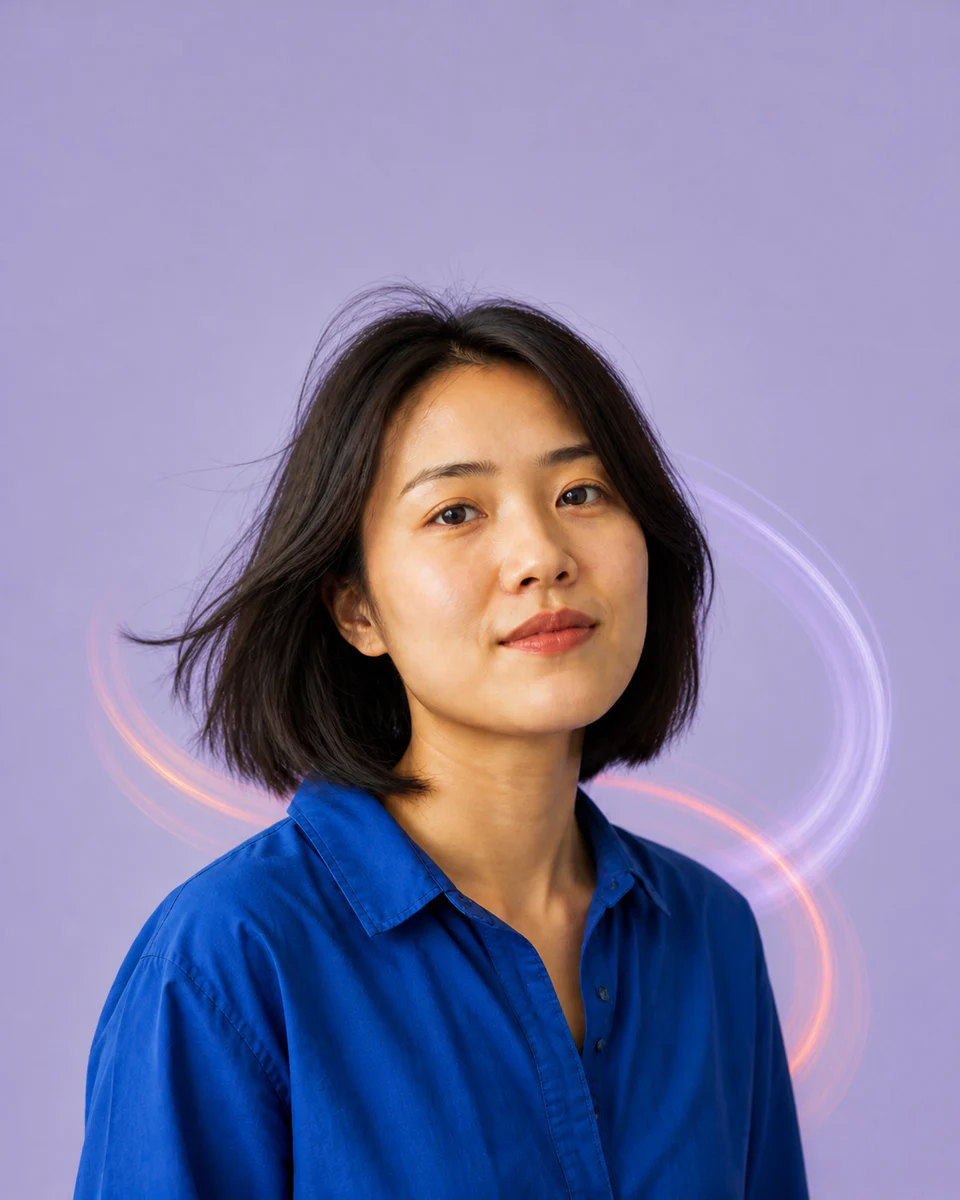
Turn a portrait into a subtle looping profile animation.
Create now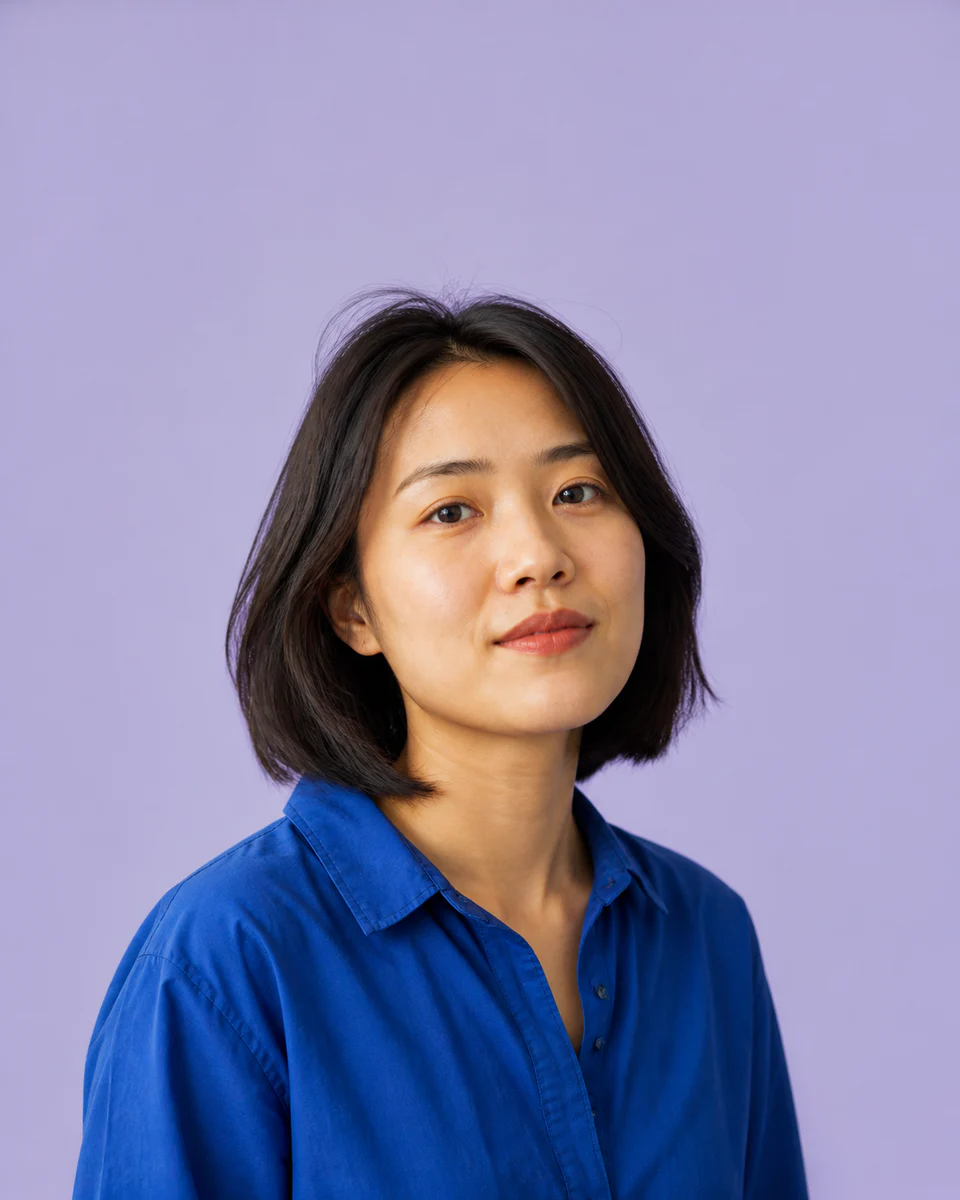
Use a clear, well-lit image for the most natural result. Your original stays untouched.
Photo privacy: previews stay in your browser until you press Generate. Source photos are then sent securely for your requested AI edit; Makerr Studio does not save them on its server.
Best results: front-facing subject, even light, and no heavy filters.
Small, controlled movement creates an expressive loop that feels polished instead of distracting.
A centered subject, simple background, and visible face keep the loop readable at avatar size.
A gentle expression, light shift, or camera-like motion is designed into a seamless short cycle.
Check the first-to-last-frame transition, then save the version that loops most naturally.
Each direction starts with a specific outcome, so you can choose a source image and result that fit the job.
01Add restrained movement to a creator portrait so it feels lively without becoming distracting.
Try this direction02Use a short loop to make a community avatar more recognizable in a busy member list.
Try this direction03Turn one campaign portrait into a lightweight motion asset for launches and social posts.
Try this directionBuilt for profile images and creator identities where a small movement makes a memorable difference.
The result is designed as a brief repeating loop suitable for profile and social placements.
Platform support varies. Check the destination’s current profile-image format and size rules.
Simple, stable backgrounds reduce visual artifacts during movement.